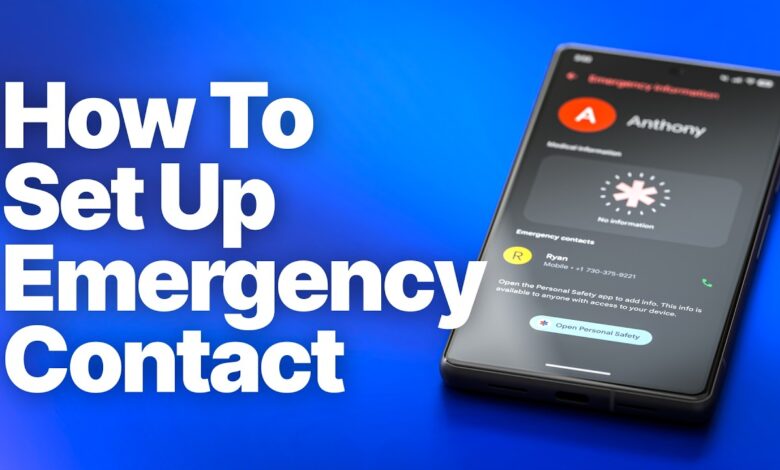
Android phones can do more than handle calls, messages, and apps. In a crisis, they can also become a safety tool that helps share location, alert trusted contacts, and speed up emergency response.
That value matters because emergencies rarely leave time for menus and manual steps. Android already includes several features designed for those moments, but many users never set them up before they need them most.
Start with the core safety app
The foundation is Personal Safety, also known as Safety. It is already installed on many phones running Android 12 or later, and it is also available for free on Google Play.
The app is not only for panic situations. It can also be used in advance to schedule a safety check-in when traveling to a risky place and to store important medical details such as allergies and blood type.
Trusted contacts can receive updates automatically
Personal Safety can be configured so emergency contacts get the user’s location and status when danger occurs. That makes it easier for trusted people to know what is happening without waiting for a manual update.
Some devices, including Google Pixel models, also support automatic car crash detection. Most of these functions depend on location being enabled, and car crash detection also requires an active SIM or eSIM.
Emergency SOS is built for speed
When a dangerous situation happens, speed matters more than navigation. Android’s Emergency SOS is meant to reduce the number of steps needed to trigger help.
The setting is available under Safety & emergency in the Settings app. From there, users can complete setup based on their needs, including the option to trigger it by pressing the power button several times quickly.
Video can also be part of the emergency response
One of the more complete Emergency SOS options is emergency video recording. The recording can be shared automatically with emergency contacts and backed up to cloud storage as long as an internet connection is available.
That feature should be used carefully. Recording other people without permission may violate privacy laws, so users should understand the legal implications before turning it on.
Alerts and location tools add another layer
Android also includes Crisis Alerts for dangerous situations near the user’s location. These alerts can cover natural disasters and extreme weather, and many Android phones have them enabled by default.
Google gathers the information from public sources such as government warnings and local news feeds, along with its own data collection efforts. When a notification is opened, it leads to Google Search results with situation details and guidance on safe action.
There is also Earthquake Alerts, which is focused specifically on earthquakes. Google combines data from ShakeAlert and the device’s rough location to detect current or incoming threats, then shows the estimated epicenter, magnitude, shaking intensity, and shelter guidance.
Help can also reach emergency responders faster
Another important feature is Emergency Location Service, or ELS. It helps first responders find the user’s location more quickly during an emergency call or text.
ELS is enabled through Location services inside the Location menu in Android settings. It works only when contacting an emergency number such as 911 in the United States or 112 in Europe, and it sends the current location through official channels to first responders.
Google does not receive location data from that process. The system may also send other relevant information, such as the language selected on the phone, to make communication on the scene easier.