


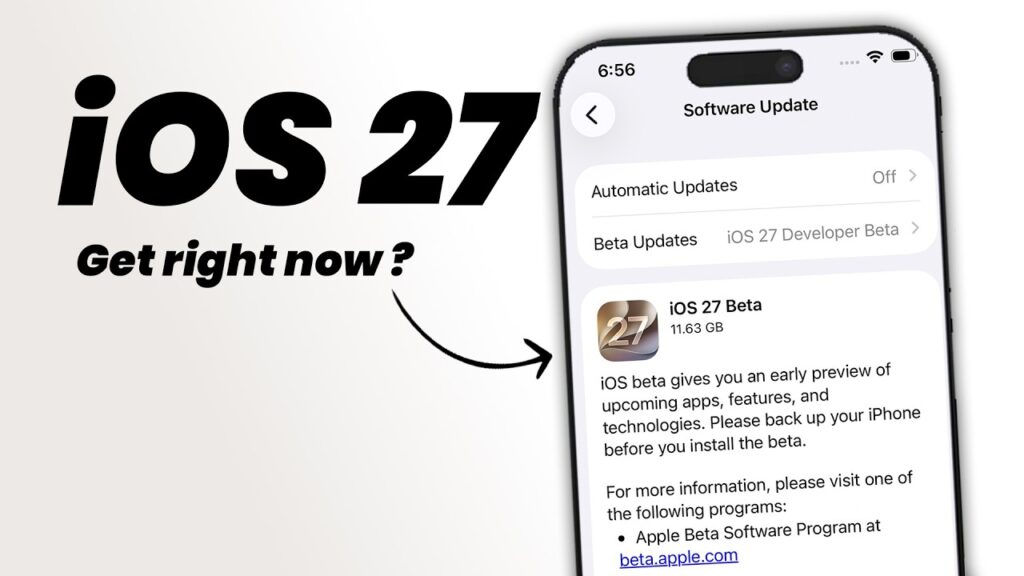
Apple’s iOS 27 is now in developer beta, and the biggest headline for iPhone users is not a new design tweak or feature list. It is the fact that support still reaches as far back as the iPhone 11, while the early release also brings the usual beta trade-offs that can affect stability, battery life, and even data safety.
That wide compatibility gives older iPhone owners a reason to pay attention. At the same time, the update is still being tested in pre-release form, which means it is better suited for users who are comfortable handling bugs and possible performance issues.
Which iPhones can run it
Apple has kept the compatibility list for iOS 27 aligned with the previous major update. In practical terms, that means the iPhone 11 lineup remains supported, along with newer models and two generations of iPhone SE.
The full supported range includes the iPhone 16 series, iPhone 15 series, iPhone 14 series, iPhone 13 series, iPhone 12 series, and iPhone 11 series. Apple also supports the iPhone SE (2022) and iPhone SE (2020), so users do not need to guess whether an older device is still eligible.
What comes with the update
iOS 27 is not just a compatibility announcement. Apple is also bringing refinements to Liquid Glass, along with updates to Photos and Mail, plus improved child safety features.
Another notable addition is a smarter Siri, which had already been promised earlier and is now being introduced alongside iOS 27. The update may feel familiar in terms of device support, but its feature set still includes several changes intended to make the system feel more capable.
Not every feature will reach every device
Even though many iPhones can install iOS 27, the same level of access does not apply to every feature. Apple Intelligence is limited to the iPhone 15 Pro and later devices.
Some other improvements are also expected to remain exclusive to the iPhone 17 Pro. That means a supported iPhone does not automatically guarantee the full experience, especially for users on older hardware within the compatibility list.
Why the beta needs caution
The current release is iOS 27 Developer Beta 1, not the public version. Apple plans to release the public build later this year, although no exact date has been announced.
That timing matters because developer betas are meant for testing, not for users who need maximum reliability. Apple advises backing up data before installing, since pre-release software can introduce bugs, slower performance, shorter battery life, and in some cases data loss.
How to get the developer beta
Installing the beta requires an Apple Developer account. The process starts at beta.apple.com, where users need to choose Signup, sign in with an Apple ID, read the terms, and accept them if they agree.
After that, the same Apple account must be used on the iPhone. From there, the beta can be enabled through Settings, then General, then Software Update, followed by Beta Updates and the Developer Beta option.
Once that setting is active and the update is available, iOS 27 should appear in Software Update like a normal iPhone update. The Developer Beta setting can also be turned off later from the same menu if the user no longer wants beta versions.
For users who want the safest route, waiting for the public release remains the more stable choice. For those willing to test an early build, the updated design, app changes, child safety improvements, and smarter Siri are already within reach on supported devices.