


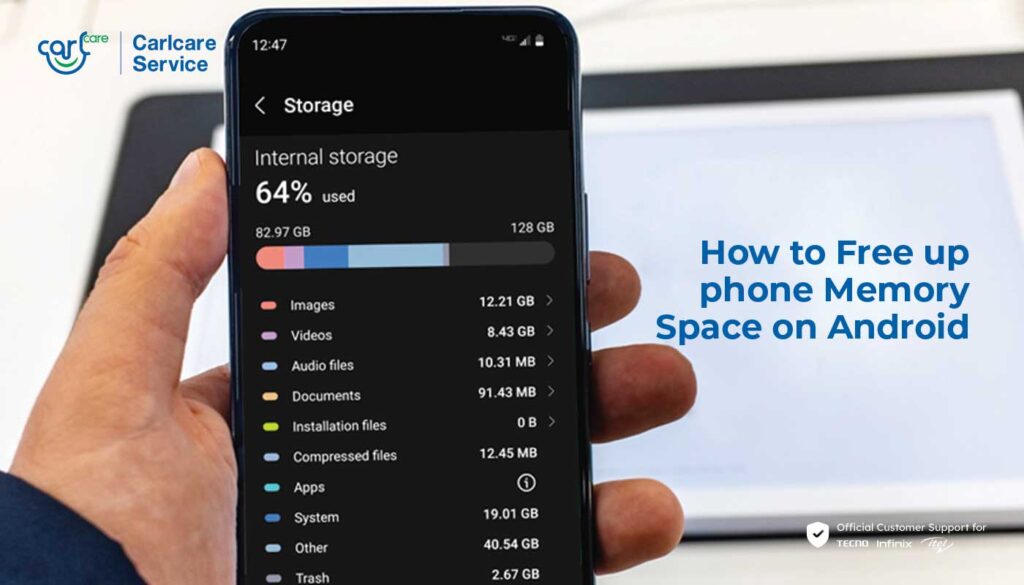
Phone storage often feels full long before users expect it to be. The problem is not always large photos or videos, because certain apps can keep taking up space in the background without delivering much value.
That is why a closer look at installed apps can make a real difference. Removing the right ones can free storage, reduce system load, and help the phone feel more responsive.
1. Preinstalled apps that are never used
Many smartphones come with built-in apps that are installed from the start. These are often referred to as bloatware, and not all of them are actually useful for every owner.
Some of these apps do serve a function, but many stay untouched for months or even longer. If an app can be uninstalled, removing it may help save storage and reduce unnecessary system burden.
There are also preinstalled apps that cannot be removed because they are locked by the system. In that case, users can still review which built-in apps are safe to delete and clear out the ones that are no longer needed.
2. Performance-boosting apps that promise more than they deliver
Another group worth reconsidering is third-party apps that claim to improve performance. Battery saver tools, RAM cleaners, and game boosters are common examples of this category.
On many modern smartphones, built-in optimization features already run automatically. When extra apps like these are added, they can increase RAM use, storage consumption, and background activity instead of improving efficiency.
If an app does not create any noticeable benefit, uninstalling it can be a simple way to keep storage space under control.
3. Multiple apps with the same function
Users also tend to install more than one app for the same task. This often happens with web browsers, photo editors, or video players.
Keeping several apps that do the same job can quickly waste storage without adding much practical advantage. Choosing one preferred app and removing the rest is a straightforward way to make better use of available space.
Other steps that help keep storage open
Deleting unnecessary apps is only one part of the solution. Clearing junk files, removing accumulated cache, and moving photos and videos to cloud storage or an external device can also help keep storage from filling up too quickly.
These habits do more than create extra room. They also help keep the device running more smoothly, especially when storage is already starting to run low.
Checking the app list regularly is a practical step whenever a phone begins to feel cramped. In many cases, the apps taking up space are the ones that have not been used in a long time.