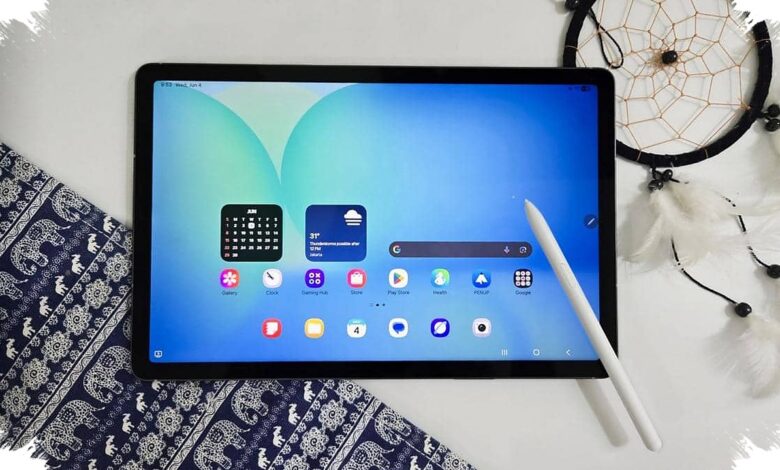
Premium tablets with local AI can reduce the time spent on administrative work by up to 50 percent. The gain comes from handling recurring tasks such as meeting notes, document reviews, message drafting, and visual editing more efficiently.
New-generation processors, including Apple M5 and MediaTek Dimensity 9400+, provide the processing foundation for these functions. Apple Intelligence and Galaxy AI are among the ecosystems designed to bring AI assistance into daily tablet workflows.
| No. | AI Tool | Main Use |
|---|---|---|
| 1 | Multi-speaker transcription | Turns meeting recordings into notes and action items |
| 2 | Document summaries | Extracts key points from PDFs and long web pages |
| 3 | Writing assistance | Builds email and proposal drafts from brief prompts |
| 4 | Photo Assist | Edits images through text instructions |
| 5 | Real-time translation | Shows translations during video calls |
| 6 | AI Super Resolution | Improves low-resolution images and documents |
| 7 | Smart multitasking | Manages memory allocation across applications |
A global NPU performance review highlighted by techno.viva.co.id identified local AI integration as a major contributor to faster work on premium tablets. The approach can also process sensitive data directly through the device’s encryption chip rather than relying solely on cloud processing.
1. Multi-Speaker Transcription and Automated Notes AI transcription can convert a meeting recording involving several speakers into text in real time. It can distinguish speakers, improve grammar, and prepare a summary with follow-up actions after the meeting.
2. Long Document Summaries Document summarization extracts the main information from lengthy PDF files and web pages. An OLED display supports extended reading by presenting text, charts, and summary results with sharp visuals.
3. Contextual Writing Assistance Users can turn scattered points into a professional email or proposal draft. The writing tone can be adjusted from formal to casual, while the user can review and edit the result before sending it.
4. Text-Based Image Generation and Editing Photo Assist simplifies image editing through text instructions, including removing background objects or adding studio lighting effects. OLED colour accuracy helps creators and designers assess the edited visual more precisely on the tablet.
5. Real-Time Language Translation Real-time translation can display translated text during a video call with clients in other countries. A stable 5G connection supports smoother communication and translation processing without requiring a separate translation application.
6. AI Super Resolution for Documents and Photos AI Super Resolution improves sharpness and detail in low-resolution images or presentation materials. The upscaling process is handled locally by using the NPU capabilities found in high-end tablets.
7. Smart Multitasking and Automatic Memory Allocation Systems such as iPadOS 26 can predict which application a user may open next and adjust RAM allocation dynamically. This is intended to keep transitions between demanding applications smooth, including on models with up to 16GB of RAM.
Low latency from 5G can support large-data processing both locally and through cloud-based services with less noticeable lag. These tools are intended to shorten repetitive work while leaving users in control of reviewing the final output.