Working from home (WFH) continues to shape the modern professional landscape, making the choice of a reliable laptop essential to maintain productivity. Selecting the right laptop goes beyond budget or appearance; it impacts comfort and work efficiency over time.
Choosing a laptop that suits your specific WFH tasks can prevent future regrets and technical hiccups. Here are seven essential tips to help you pick a laptop that boosts your productivity while working remotely.
1. Identify Your Core Work Needs
Start by understanding the main tasks you perform daily. For activities like typing, emailing, and attending virtual meetings, a mid-range processor such as Intel Core i3 or AMD Ryzen 3 paired with at least 8GB of RAM suffices. Professionals handling graphic design, video editing, or programming should aim for more powerful specs, like an Intel Core i7 or Ryzen 7 with 16GB RAM and a dedicated NVIDIA or AMD graphics card.

2. Prioritize a Minimum of 8GB RAM
RAM acts as your laptop’s workspace, enabling multiple applications to run smoothly at once. When WFH requires multitasking—opening many browser tabs, Zoom calls, and productivity tools—8GB RAM is the minimum standard to avoid system lag. If the budget allows, upgrading to 16GB RAM offers enhanced performance and future-proofs your device.
3. Choose SSD Storage Over HDD
Solid State Drives (SSD) outperform Hard Disk Drives (HDD) in speed and responsiveness. Laptops equipped with SSD boot up faster and load applications quicker, drastically improving work efficiency. A minimum 256GB SSD typically meets storage needs; additional space can be supplemented via external drives or cloud services.
4. Match Portability to Your Work Style
Consider how often you move your laptop around. If you mostly work at a fixed home desk, a 15-inch screen with a moderate weight is acceptable. However, if you prefer mobility, opt for a lighter 13-14 inch laptop with a battery life of at least seven hours to maintain flexibility without tethering to power outlets.
5. Check for Comfortable Keyboard Features
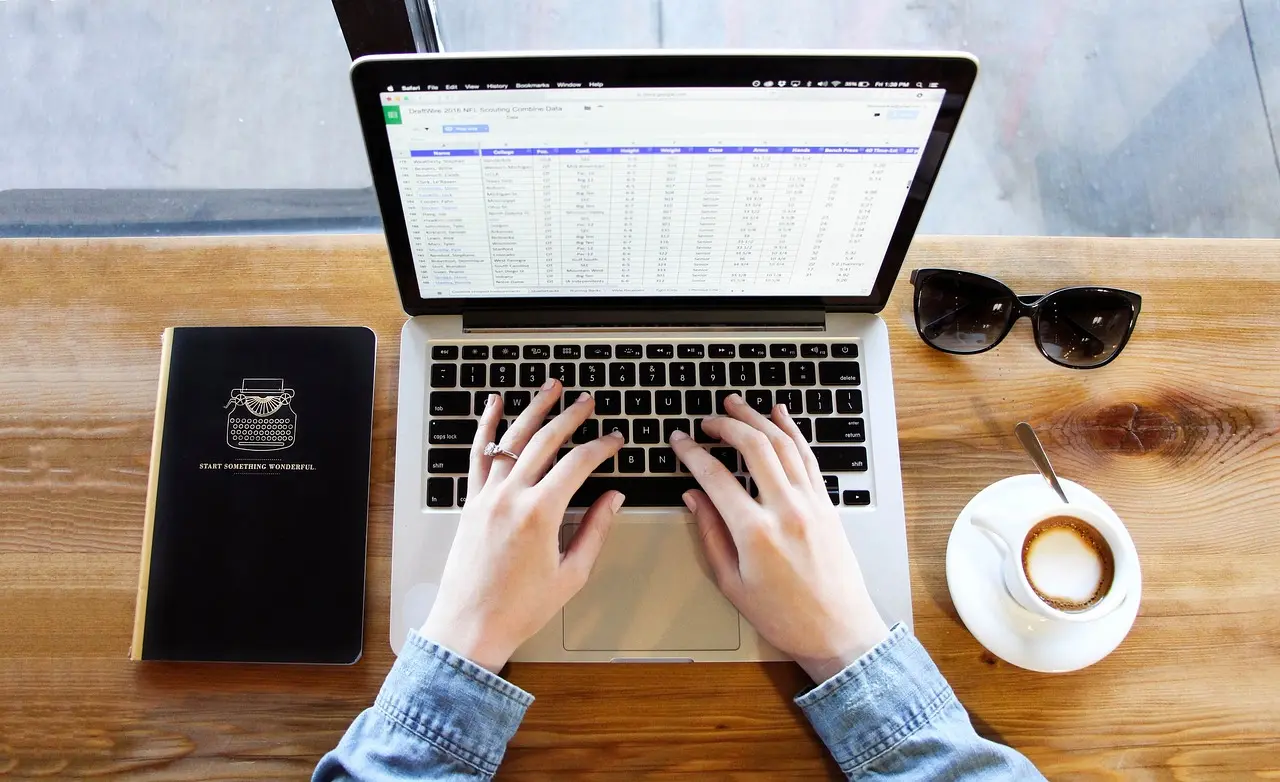
Since typing dominates many WFH routines, keyboard comfort is vital. Ensure keys have sufficient travel distance to minimize finger fatigue during long sessions. A backlit keyboard is also beneficial, facilitating efficient work in low-light environments without straining your eyes.
6. Focus on Webcam and Microphone Quality
Virtual meetings are integral to remote work communication. Select laptops with at least a 720p HD webcam for clear video during calls. An internal microphone featuring noise-cancellation helps reduce background noise, ensuring you remain audible and distractions to others are minimized.
7. Ensure Adequate Port Availability
Sleek and slim laptop designs may limit available ports, but connectivity shouldn’t be compromised. Look for at least two USB ports (preferably including USB-C or Thunderbolt) and one HDMI port to connect peripherals like mouse, flash drives, or external monitors. This avoids hassle from needing extra adapters or docks.
Investing thoughtfully in a laptop that fits your WFH demands safeguards your productivity and comfort. Prioritize a balanced configuration of processor power, RAM, SSD storage, comfortable input devices, and communication features. Following these guidelines ensures your new laptop can serve as a reliable partner, helping you stay efficient and avoid technical frustrations down the line.