


Android smartphones can double as travel routers, providing a practical solution for travelers facing Wi-Fi connection limits in hotels, cruise ships, or airplanes. This hidden Wi-Fi sharing feature allows one device to connect to a public Wi-Fi network and share that internet access with other devices through a hotspot.
Many public Wi-Fi providers restrict the number of devices that can connect simultaneously, often limiting free access to one or two devices. Additional devices usually incur extra charges, which can be inconvenient and costly for travelers carrying laptops, tablets, and multiple phones.
Using an Android phone as a travel router enables multiple gadgets to connect to a single Wi-Fi login. Instead of each device having to authenticate separately via a captive portal, only the Android phone needs to log in once, simplifying access for other devices. This feature differs from typical tethering, which shares mobile data rather than Wi-Fi.
However, this capability depends on the Android phone’s hardware, specifically its Wi-Fi chipset supporting simultaneous access point (AP) and station modes. This means the phone must be able to receive a Wi-Fi signal and broadcast its own hotspot at the same time.
Tests on flagship models like the OnePlus 13, Xiaomi 15 Ultra, and Pixel 9 Pro XL show successful implementation of this feature. In contrast, Apple devices such as iPhones and iPads cannot perform Wi-Fi sharing while connected to Wi-Fi; activating a hotspot on iOS disables Wi-Fi connectivity.
How to Set Up Your Android Phone as a Travel Router
- Connect your Android phone to the public Wi-Fi network and complete any required login steps on the captive portal.
- Go to your phone’s settings, usually under Settings > Network & Internet > Hotspot & Tethering > Wi-Fi Hotspot.
- Enable the Wi-Fi hotspot. If supported, the hotspot option remains active even when the phone is connected to Wi-Fi; otherwise, it may be disabled or greyed out.
- Connect your secondary devices—laptops, tablets, or other phones—to the hotspot broadcasted by your primary phone.
It is advisable to disable mobile data on the host phone to prevent accidental use of cellular data if the Wi-Fi disconnects, which could cause unexpected charges.
Advantages and Limitations Compared to Dedicated Travel Routers
Using an Android phone saves costs and simplifies the login process to public Wi-Fi networks for casual travelers. It also allows devices on the secondary hotspot to discover each other locally, which is useful for connecting shared printers or networked storage devices.
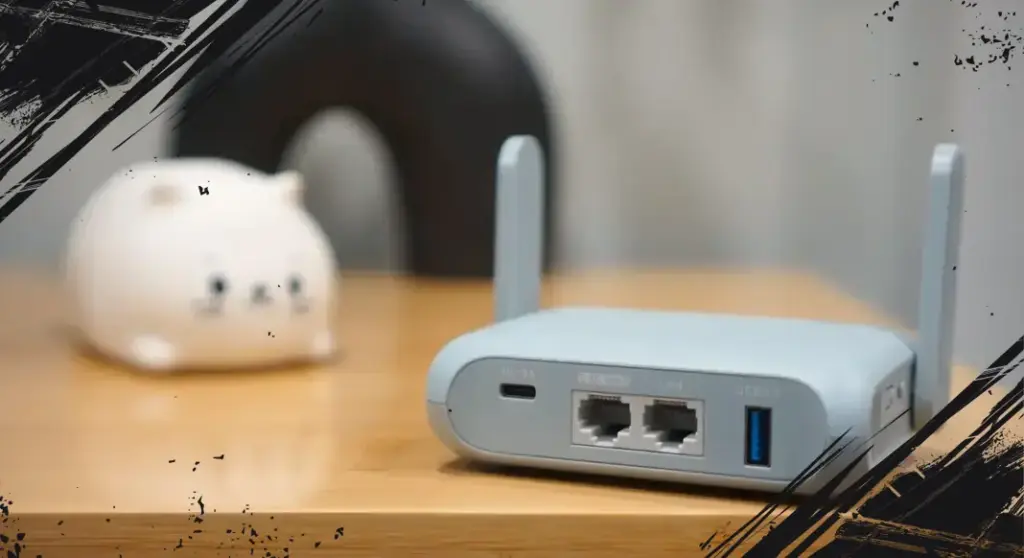
On the other hand, dedicated travel routers, such as the GL.iNet Beryl AX, offer advanced functionalities. These include built-in VPN capabilities that protect every connected device, easier network management, and wired Ethernet ports allowing for faster, more stable connections if an Ethernet jack is available in the room.
Choosing between a dedicated travel router and leveraging your Android phone depends on your travel style and technical needs. For most everyday travelers, Android’s Wi-Fi sharing offers a convenient, cost-effective way to keep multiple devices online without extra fees.
Smartphones increasingly integrate multiple roles, transforming into all-in-one devices that reduce the need to carry additional gadgets. As connectivity technology evolves, mobile devices are expected to offer even more flexible network sharing options, enhancing convenience for users on the move.