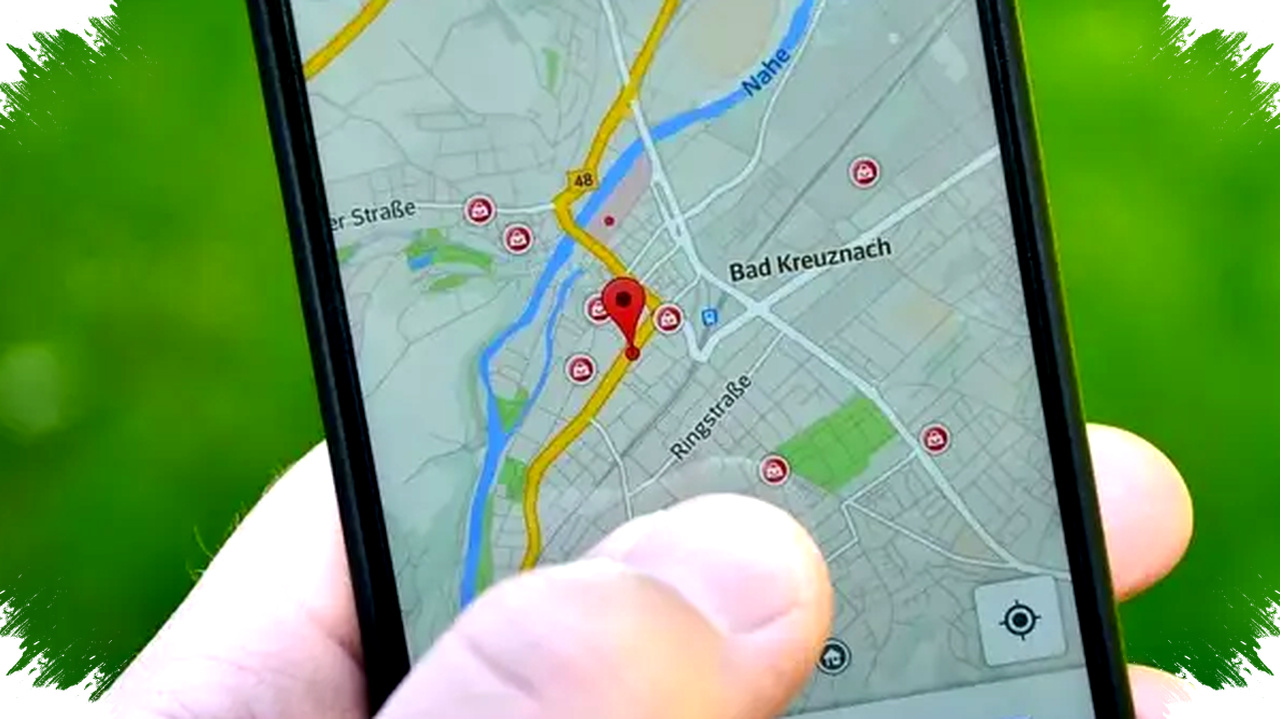
Tracking a partner’s location in real-time is now straightforward with the latest Google Maps features available on smartphones in 2026. This functionality is useful for ensuring safety during travel, coordinating meetups, or simply providing peace of mind in a relationship. However, sharing locations should always be done with mutual consent to maintain trust and avoid discomfort.
To begin tracking, the first critical step is to have location services enabled on your partner’s phone. Both Android and iPhone users can activate this by going to the Settings menu, selecting Location, and turning on location access. Without this enabled, Google Maps cannot detect device positions accurately, making location sharing impossible.
Enabling Location Sharing in Google Maps


Once location services are active, your partner needs to share their location. This process requires no extra app installation. Open Google Maps on the partner’s device, tap the profile icon at the top, and select ‘Location Sharing.’ Here, your partner can set the sharing duration, ranging from a few minutes to indefinitely. Location sharing can be sent directly to Google contacts or through a link over messaging apps like WhatsApp. Sharing via a link is ideal if the recipient is not saved in Google contacts. When active, the recipient sees current location, movement updates on the map, and the partner’s device battery status in real-time.
Monitoring Your Partner’s Real-Time Location
After your partner enables sharing, you can monitor their location using your own phone. Open Google Maps, navigate to the location sharing menu, and choose their name. The app displays a moving dot representing their exact position. You also get useful details such as estimated distance and direction from your location. This helps estimate arrival times without needing constant messaging.
Setting Up Automatic Location Notifications
A handy but less known function is automatic location notifications. This feature allows you to receive alerts when your partner enters or leaves a specific place like home or work. To activate this, open the location sharing menu, select your partner’s contact, and enable notifications for chosen locations. This automation eliminates the need to regularly check the map, as the app will notify you instantly about arrival or departures.
Steps to Stop Sharing Your Location
If sharing is no longer needed, your partner can stop it easily. They just return to Google Maps’ location sharing section, select your contact, and tap ‘Stop Sharing.’ After this, you will no longer have access to their real-time position. This function guarantees privacy control remains with the location sharer.
Important Considerations and Responsible Use
While this technology offers convenience and enhanced safety, it should not be used for excessive monitoring or control. Healthy relationships rely on mutual trust, transparency, and good communication. Using Google Maps location sharing as a security tool rather than a surveillance method preserves respect and harmony between partners.
Summary of Key Steps for Tracking a Partner with Google Maps in 2026:
- Activate phone location services: Ensure location is enabled on your partner’s phone.
- Turn on location sharing: Open Google Maps, select your partner’s profile, choose ‘Location Sharing,’ and pick sharing duration.
- Share location link/contact: Send the location either directly through Google contacts or via messaging app link.
- View live location: Use your Google Maps app to monitor your partner’s movements in real-time.
- Enable location notifications: Set alerts for arrivals and departures at specific places.
- Stop sharing when desired: Your partner can easily stop sharing anytime to end location tracking.
Using the latest 2026 Google Maps interface streamlines this whole process with responsive and intuitive controls covering iPhone 17 and Android phones alike. Fast internet connectivity ensures smooth real-time updates, so you can track safely and efficiently wherever you are.
By following these steps, couples can harness modern technology for safety and reassurance while respecting privacy boundaries. Google Maps becomes not just a navigation aid but a trusted companion in everyday life, supporting connectedness and mutual care.