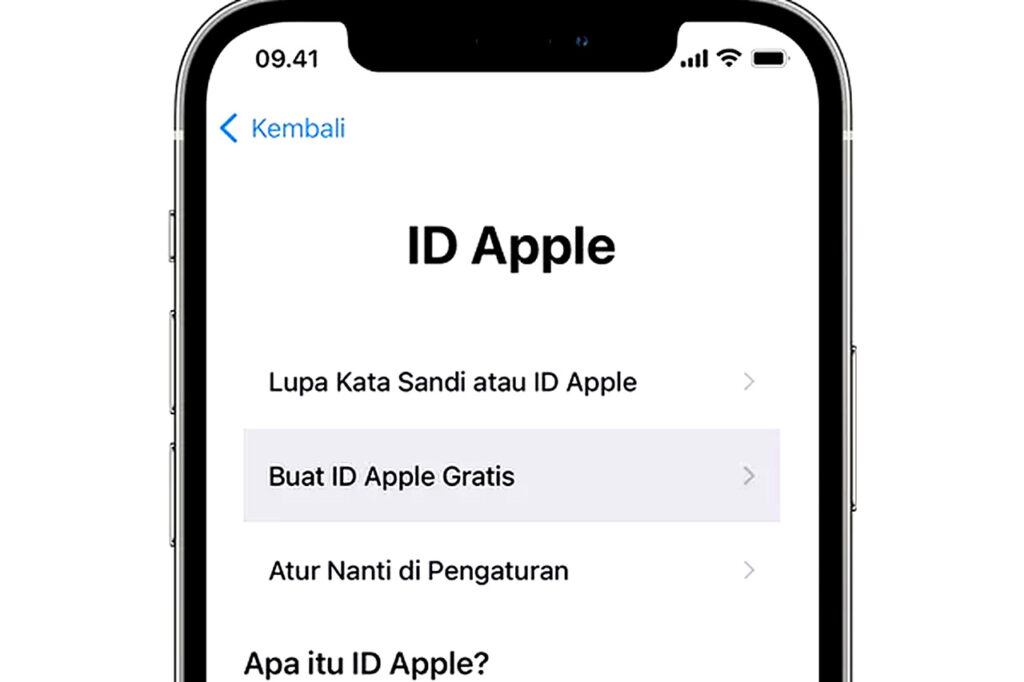
In 2026, iCloud remains one of the most valuable accounts on an iPhone and a Mac because it stores photos, messages, backups, contacts, and device settings in one place. That convenience also makes it a high-value target for attackers who rely on stolen passwords, phishing links, and weak device security to break in.
Apple’s own support pages consistently stress that account protection starts with strong authentication, trusted devices, and careful review of login activity. Security researchers also warn that account takeovers often begin with simple mistakes, such as reusing passwords or approving a suspicious verification prompt.
Why iCloud security matters more now
iCloud is no longer just cloud storage. It now functions as the control center for personal data across Apple devices, which means an attacker who gains access can potentially preview photos, restore backups, or intercept sensitive information synced through Apple services.
That risk grows when users sign in on multiple devices, leave old sessions active, or respond too quickly to fake login alerts. In practice, the strongest defense is not one single setting, but a layered routine that combines account controls, device hardening, and phishing awareness.
1. Turn on Two-Factor Authentication without delay
Two-Factor Authentication, or 2FA, is the most important layer for any Apple ID. It forces a second verification step when you sign in on a new device, usually by sending a code to a trusted iPhone, iPad, or Mac.
This matters because a stolen password alone is no longer enough to open the account. Apple has long recommended 2FA as a core protection for Apple ID, and that guidance remains valid in 2026.
2. Use a unique password that is long and hard to guess
A strong password still matters, even with 2FA enabled. Use at least 12 characters, and mix upper-case letters, lower-case letters, numbers, and symbols to make guessing and automated attacks harder.
Do not reuse the same password on email, social media, and Apple ID. Credential stuffing attacks often succeed because one leaked password opens several accounts at once.
3. Secure the iPhone and Mac with passcode, Face ID, or Touch ID
iCloud protection is only as strong as the devices attached to it. If someone can unlock your iPhone or Mac, they may be able to approve authentication prompts, view saved data, or change account settings.
Use a strong device passcode and keep biometric login active where available. On Mac, add a login password, enable Touch ID if supported, and avoid leaving the computer unlocked in public or shared spaces.
4. Keep iOS and macOS updated regularly
Security fixes often arrive through routine software updates, not major new features. Apple uses iOS and macOS updates to close vulnerabilities that attackers could exploit to steal data or hijack sessions.
The safest habit is simple: install updates soon after they are released. Delaying updates gives attackers more time to target known weaknesses that have already been patched elsewhere.
5. Review all devices linked to your Apple ID
Older devices often become the weakest link in an Apple account. A forgotten iPad, an old MacBook, or a borrowed device that still has access can expose your iCloud data long after you stop using it.
Check the list of devices connected to your Apple ID from time to time, and remove anything unfamiliar or no longer used. This takes only a few minutes, but it can stop unauthorized access before it becomes a larger problem.
6. Limit sign-ins from browsers and public machines
iCloud can be opened through a web browser, but browser access also raises risk when you use shared or untrusted devices. Public computers, hotel desktops, and other temporary machines can store session data or expose you to keyloggers and fake login pages.
Use browser-based iCloud access only when necessary, and always sign out after you finish. If you are on a device that is not yours, avoid saving passwords and avoid approving any unfamiliar verification request.
7. Watch carefully for phishing messages and fake alerts
Phishing remains one of the most common ways attackers steal Apple credentials. Fraudsters often send emails or text messages that look like Apple notifications and then push users to enter a password, one-time code, or recovery information.
A legitimate Apple security prompt should be treated with caution when it appears unexpectedly. If a message asks you to “verify now,” “confirm your account,” or “reset access” through a link, pause and check the sender, the URL, and your account directly through Apple’s official settings.
Quick checklist for safer iCloud use in 2026
- Enable 2FA on your Apple ID.
- Use a unique password for Apple services.
- Protect every trusted device with passcode or biometrics.
- Install iOS and macOS updates quickly.
- Remove old or unknown devices from the account.
- Avoid logging in on public or shared browsers.
- Ignore suspicious links, pop-ups, and verification requests.
Extra habits that reduce risk further
Apple users who want stronger protection can also review account recovery settings and ensure trusted contact information is current. That way, if something goes wrong, account recovery does not depend on outdated phone numbers or email addresses that no longer belong to you.
It also helps to treat email as part of iCloud security, because many attacks begin with a compromised inbox. If someone controls your email account, they may be able to trigger password resets or intercept account alerts before you notice anything unusual.
Security teams frequently note that the best defense is consistency, not panic. Small routines, such as checking login alerts, using unique passwords, and rejecting suspicious links, can sharply reduce the chance of account compromise.
For users who depend on iPhone and Mac every day, iCloud protection should be part of the normal digital routine, just like locking a door or backing up important files. A few disciplined steps now can prevent a much larger privacy problem later, especially as phishing attacks continue to evolve in 2026.