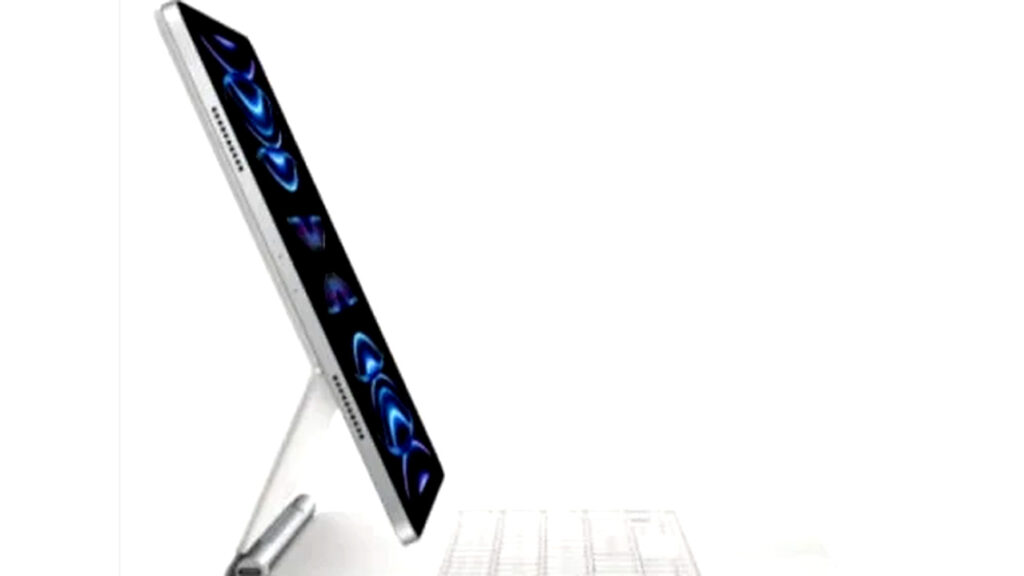
In 2026, the iPad Pro has become one of the most practical tools for presentations, especially for professionals who move between offices, client meetings, classrooms, and event venues. Its appeal comes from a simple formula: it is lighter than most laptops, starts faster, and handles common presentation tasks without the complexity of a full desktop-style setup.
That shift matters because hybrid work has changed what people expect from a work device. Many users now want one screen that can show slides, open notes, run video, and stay ready in seconds, and the iPad Pro fits that need better than many traditional laptops.
Why the iPad Pro fits presentation work
The strongest reason people choose the iPad Pro for presentations is mobility. Apple’s latest iPad Pro models use the M4 chip, giving the tablet enough power to run demanding apps, handle multitasking, and support professional visuals without slowing down.
That performance is useful in real meetings, where a presenter often needs to switch between slides, reference documents, and notes quickly. With iPadOS becoming more polished, the device now feels less like a secondary gadget and more like a serious work machine for presentation-heavy jobs.
A more flexible setup than a laptop
A laptop still has strengths, especially for heavy typing and complex workflows. But for presentation use, the iPad Pro often feels simpler because it does not require as much preparation before a meeting.
Users can open a slide deck, connect accessories, and start presenting with less friction. Apple also supports tools such as Apple Pencil Pro and Magic Keyboard, which help the device shift between note-taking, editing, and presenting without forcing the user into one fixed working style.
What makes it attractive in 2026
The iPad Pro’s Ultra Retina XDR OLED display is one of its biggest advantages for presentations. The screen produces sharper detail, better contrast, and more accurate visuals, which helps when showing charts, product photos, or branded slides to clients.
That screen quality also matters for people who present creative materials. Designers, marketers, and educators often need visual clarity, and the iPad Pro gives them a display that is strong enough to make content look polished even in direct meeting-room use.
Key features that support presentation tasks
- Fast startup and easy portability for mobile meetings.
- M4 chip performance for multitasking and professional apps.
- OLED Ultra Retina XDR display for sharper presentation visuals.
- Stage Manager support for arranging multiple apps during work.
- Apple Pencil Pro and Magic Keyboard for editing and interaction.
These features reduce the number of steps between preparing a presentation and actually delivering it. That shortens setup time and keeps attention on the content rather than the device.
Where the iPad Pro works better than a laptop
For many presentation scenarios, the iPad Pro is more practical because it is easier to carry and faster to deploy. A sales meeting, classroom session, or client pitch often benefits more from a compact device that opens instantly than from a heavier laptop with more cables and accessories.
This advantage is especially clear in high-mobility jobs. Marketers, consultants, educators, and startup founders often move fast between locations, and the iPad Pro helps them stay ready without bringing a full laptop bag.
Who benefits most from this device
The iPad Pro is not a universal replacement for every laptop user, but it fits several professional groups very well. Its presentation strengths are strongest for people whose work depends on clear visuals and frequent movement.
The device is especially relevant for:
- Sales and marketing teams who present products to clients.
- Consultants who need quick, polished pitching tools.
- Teachers and lecturers who use visual materials in class.
- Content creators and designers who show portfolios or drafts.
- Startup founders who pitch ideas to investors.
Each of these roles depends on speed, clarity, and portability. The iPad Pro supports all three with fewer barriers than many laptop setups.
How iPadOS improves the experience
Apple’s software developments matter as much as the hardware. Stage Manager gives users a more organized way to handle windows and apps, which makes it easier to keep slides, references, and messaging tools open at the same time.
That improvement helps when a presenter must respond to questions while keeping the deck visible. It also reduces the common problem of switching screens too often, which can interrupt the flow of a meeting or class.
The role of apps in professional presentations
Apple has long positioned the iPad Pro as a serious productivity device, and its support for apps like Keynote, Microsoft PowerPoint, and creative tools strengthens that position. For many teams, this means they can use the same core software they already know, but in a more portable format.
That compatibility matters in corporate settings where presentation files need to move across platforms. A user can prepare on a laptop, refine on the iPad Pro, and present directly from the tablet without changing the workflow too much.
Why it feels more practical than a laptop for some users
The iPad Pro is not always the most powerful computer in raw desktop terms, but presentations do not always require maximum complexity. In many cases, the best device is the one that is easiest to carry, fastest to open, and smoothest to use in front of an audience.
That is why the iPad Pro stands out in 2026. It combines premium display quality, advanced chip performance, and a tablet form factor that fits modern work habits, especially for people who value flexibility over a traditional laptop experience.