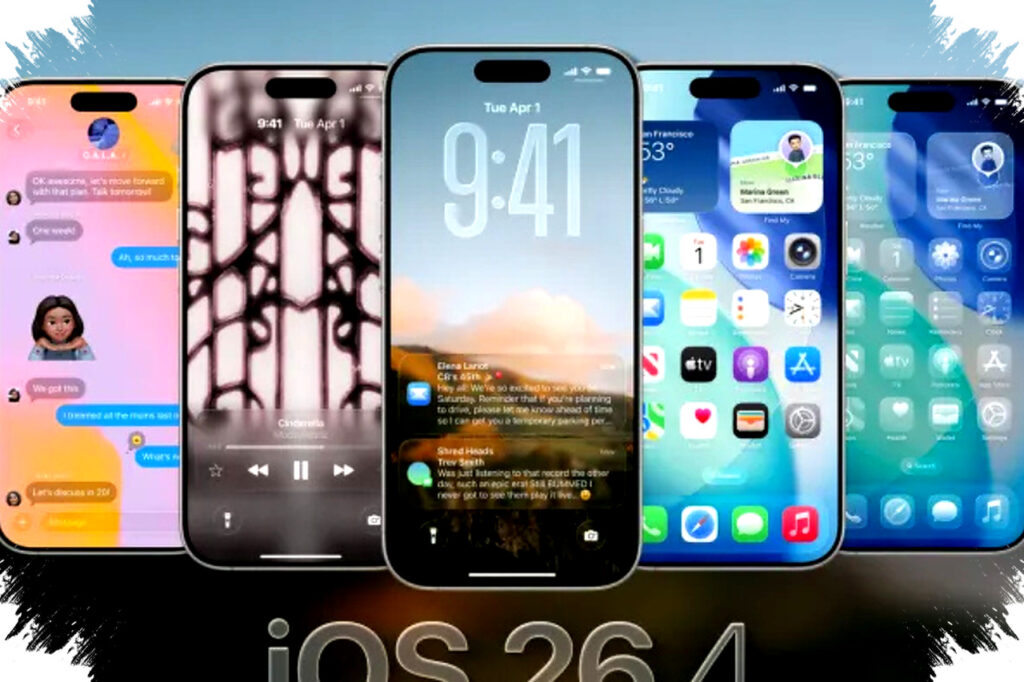
Apple has officially released iOS 26.4 on March 25, 2026, and the update is drawing attention for two reasons that matter most to iPhone users: eight new emojis and a major AI-driven music feature inside Apple Music. The release is not just a routine system refresh, because it combines visual expression upgrades with a more personalized audio experience.
For many users, the update arrives at a time when mobile communication and entertainment are increasingly shaped by personalization. Apple’s latest software package reflects that shift by adding new symbols for everyday expression while also using on-device intelligence to make music playback feel more adaptive and context-aware.
Eight new emojis expand digital expression
Apple says iOS 26.4 includes eight emojis based on the latest Unicode standard, giving users more options for visual communication. The set adds human expressions, nature-related symbols, and practical objects that can be used across chats, social posts, and creative messaging.
Here are the eight new emojis included in iOS 26.4:
- Tired face with bags under the eyes
- Fingerprint
- Leafless tree
- Root vegetable, represented by a radish
- Harp
- Shovel
- Splatter
- Sark flag
The tired face emoji is expected to become one of the most widely used additions, especially among users who often describe their workdays, study routines, or screen fatigue through emoji. That fits a broader digital trend, where visual shorthand helps people communicate emotion faster than text alone.
The fingerprint emoji also stands out because it connects to privacy and digital identity, two topics that remain highly relevant as mobile devices store more personal data. Meanwhile, the Sark flag shows how Unicode additions can expand representation for regional identities that are often missing from mainstream emoji sets.
What each new emoji is likely to be used for
The new emoji pack is small, but it covers a wide range of use cases. The list below shows how each symbol may fit into everyday conversations.
| Emoji | Likely use |
|---|---|
| Tired face with bags under the eyes | Fatigue, stress, lack of sleep |
| Fingerprint | Privacy, identity, security |
| Leafless tree | Winter, drought, environmental themes |
| Root vegetable | Food, farming, healthy eating |
| Harp | Music, performance, art |
| Shovel | Gardening, labor, outdoor work |
| Splatter | Mess, art, abstract expression |
| Sark flag | Regional identity, geography |
These additions may look simple, but they matter because emojis now function as a common language layer across messaging apps. Small changes in Unicode support can quickly shape how millions of users express tone and context in digital conversation.
Apple Music gets a more adaptive AI layer
The bigger functional shift in iOS 26.4 is the new AI music feature built into Apple Music. According to the reference material, Apple designed the system to create smoother transitions between songs through smart crossfade, using beat matching and song mood as its guide.
That means the transition from one track to the next should feel more natural, instead of sounding abrupt. For listeners who play playlists for workouts, relaxation, or long commutes, the update aims to make music flow more like a continuous set rather than a sequence of disconnected tracks.
The feature also goes beyond playback smoothing. Apple’s AI can generate playlists in real time by reading activity signals from the iPhone and Apple Watch, then adjusting the music selection to match the user’s current movement or routine.
If the device detects that a user is running, for example, the system can automatically surface tracks with a higher BPM, or beats per minute. That creates a more active playlist without requiring manual searches or hand-built workout lists.
Why this matters for Apple’s software strategy
iOS 26.4 shows that Apple is pushing two themes at the same time: personal expression and practical intelligence. The emoji update improves how users communicate emotion, while the AI music feature changes how content responds to physical behavior and listening habits.
This approach fits Apple’s broader long-term direction, where on-device intelligence plays a larger role without making the experience feel overly technical. Users do not need to interact with a complex menu to benefit from the update, because the system is designed to work quietly in the background.
Industry observers often watch Apple updates for signs of how the company balances privacy, design, and machine learning. In this case, the use of motion sensors and Apple Watch data suggests a deeper integration between hardware and software, but Apple still appears to keep the experience centered on convenience rather than visible AI complexity.
How to download iOS 26.4
Apple says the update is available through the standard software update path on compatible iPhones. Users can install it by going to Settings, then General, then Software Update.
Before installing, Apple recommends backing up the device through iCloud. That advice is especially relevant here because the update file is reportedly about 1.2 GB, in part because of the local AI model integration.
For users who manage limited storage, checking available space before downloading may help avoid failed installations. A stable Wi-Fi connection also matters, since large updates can take longer and may interrupt normal phone use during the process.
Device support and possible feature limits
The reference material says iOS 26.4 is available for iPhone 14 series devices and later models released in 2026. That means older phones may not receive the full set of AI-driven tools.
Some features could be limited depending on the device’s Neural Engine capability. In Apple’s recent software releases, this kind of hardware-based difference has become more common, especially when advanced machine learning tasks need stronger processing on the device itself.
That creates a clear divide between core software updates and premium AI experiences. Users on newer iPhones are more likely to get the full feature set, while older supported models may still receive the emoji additions and standard stability improvements.
What users are likely to notice first
For most people, the first visible change will probably be the new emoji set. Messaging apps often surface these additions quickly, and users usually start sharing them soon after installation.
The AI music feature may take longer to become noticeable, especially because it works in response to user habits rather than appearing as a standalone interface. Still, once it learns how someone listens during exercise, commuting, or downtime, the effect may feel more personal than earlier playlist tools.
Apple’s release also arrives at a moment when users are paying more attention to whether AI actually improves daily tasks. If the music system works as promised, it could become one of the more practical examples of consumer AI inside a mainstream phone update.
In the end, iOS 26.4 combines small cultural details with a larger technological shift, bringing fresh emoji options for everyday conversation and a more intelligent Apple Music experience that reacts to rhythm, mood, and movement in real time.