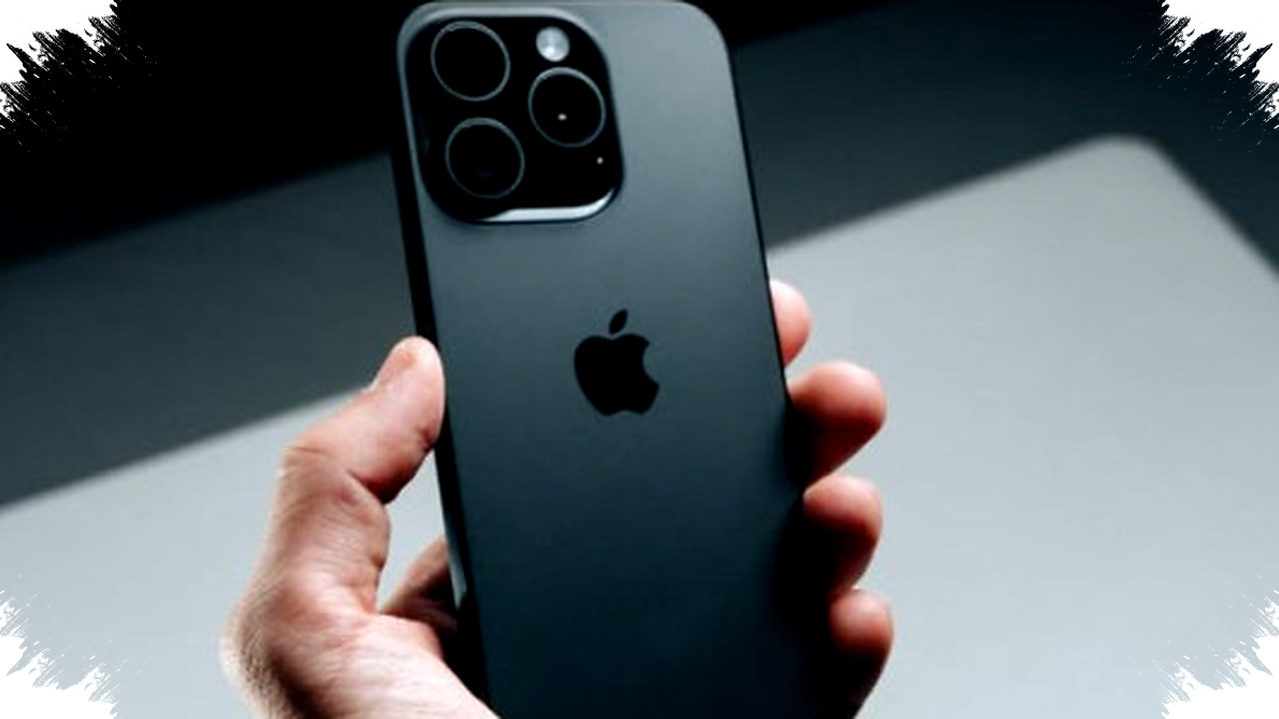
For sellers, the iPhone 15 can be a practical tool to make product photos look cleaner, sharper, and more persuasive without carrying a full camera setup. Apple’s 48MP main camera, launched globally in September 2023, gives users a stronger base for daily content, from marketplace listings to short-form social videos.
The biggest advantage is not only higher resolution, but also how Apple combines hardware and software to help users get usable results quickly. Features such as Photonic Engine, Smart HDR, sensor-shift stabilization, and Night Mode can reduce blur, improve detail, and keep product colors closer to what buyers expect to see.
Why iPhone 15 matters for online selling


In e-commerce, images often decide whether someone clicks, compares, or buys. A sharp product photo can make a simple item look more trustworthy, while a blurry shot can reduce confidence even if the product itself is good.
The iPhone 15 helps sellers who need fast work and consistent results. Its default 24MP output gives a balance between detail and file size, which is useful when uploading multiple product photos to Instagram, TikTok Shop, or marketplace pages.
Apple also expanded advanced camera tools beyond its Pro line by bringing a 48MP main sensor to the standard iPhone 15. That shift matters for small business owners because it lowers the barrier to producing cleaner visuals without using separate cameras or complex manual settings.
What makes the camera easier to use
The rear camera uses a 48MP main sensor with an f/1.6 aperture. It also includes sensor-shift stabilization, which helps reduce shake when the hand is not perfectly steady.
Apple’s computational photography system also plays a major role. Photonic Engine and Smart HDR work in the background to improve texture, exposure, and color balance, especially when sellers shoot indoors or near windows with mixed lighting.
For many users, this means the phone can handle product photos, quick reels, and short review clips with less editing. The camera system is designed to deliver cleaner results straight from capture, which is important for creators who need speed.
Setting iPhone 15 for sharper sales photos
The easiest way to improve selling photos is to adjust a few core settings before shooting. These small changes can make a big difference when the goal is to turn a blurred image into something clear enough for online listings.
- Turn on the Grid to keep products aligned in the frame.
- Use the default 24MP photo mode for sharp results without oversized files.
- Tap to focus on the product before shooting, especially for small items.
- Use 2x zoom crop when you want a tighter frame without moving too close.
- Keep HDR on so highlights and shadows stay balanced across the image.
- Let Night Mode activate automatically when shooting in low light.
These settings are simple, but they help maintain consistency. A neat layout, stable focus, and balanced lighting usually matter more for sales photos than heavy editing afterward.
How to make blurry photos look clear in one tap
When a photo looks soft or slightly out of focus, the fix often starts before editing, not after. The iPhone 15’s stabilization and autofocus can help a lot, but sellers still need to hold the phone steady and avoid rushing the shot.
If the subject is still blurred, retake the image using better light and a cleaner background. The camera’s computational processing works best when the object is well lit, centered, and separated from distracting elements.
For quick cleanup, the simplest one-click approach is to rely on the camera’s built-in processing and shoot again with the right setting combination. Using the 24MP default mode, active HDR, and proper focus often gives clearer output immediately, without needing third-party apps or deep manual editing.
Video settings that help sales content
Many sellers now need more than photos because short video can increase trust and engagement. The iPhone 15 supports Cinematic Mode up to 4K and Action Mode for smoother footage, which makes it useful for product demos, unboxing clips, and behind-the-scenes content.
Cinematic Mode helps create a more polished look by adding background separation. That style can make a product stand out in a crowded feed, especially when the seller wants to highlight details like texture, packaging, or size.
Action Mode is useful when filming while walking or moving the phone. It reduces shake and makes clips look more stable, which is important for marketplace product videos and quick social content.
Practical setup for sellers
A few shooting habits can improve results even more than camera settings alone. Natural light often works better than harsh indoor lamps, and a plain background helps buyers focus on the item rather than distractions around it.
| Goal | Best iPhone 15 setting | Why it helps |
|---|---|---|
| Product listing photo | 24MP default mode | Sharp image with manageable file size |
| Close-up detail | 2x zoom crop | Keeps detail without extra lens gear |
| Indoor shooting | HDR on | Balances bright and dark areas |
| Low-light content | Night Mode | Improves clarity in dim conditions |
| Product video | Cinematic Mode 4K | Adds polish and subject separation |
| Moving shots | Action Mode | Reduces shake and motion blur |
This kind of setup is useful for sellers who want repeatable results. Once the settings are saved and the routine becomes familiar, photo and video production usually becomes faster.
Why this matters for creators and UMKM
For small businesses and new creators in Indonesia, the iPhone 15 can reduce the need for expensive equipment. It supports faster content production, better product presentation, and more professional-looking visuals from a device that many users already understand.
That advantage can matter in crowded digital platforms where first impressions happen in seconds. A cleaner image, a steadier video, and more accurate color can influence whether a buyer stops scrolling and opens the product page.
The camera system also supports creators who need to post frequently. By combining high-resolution capture with efficient file sizes, Apple makes it easier to manage content workflows without slowing down uploads or filling storage too quickly.
For sellers who want clearer product photos, the iPhone 15 works best when its default 24MP capture, HDR, focus tools, and stabilization features are used together. When those settings are applied correctly, a blurred shot can often be replaced by a much sharper image in a single retake, which is exactly what busy online sellers need.