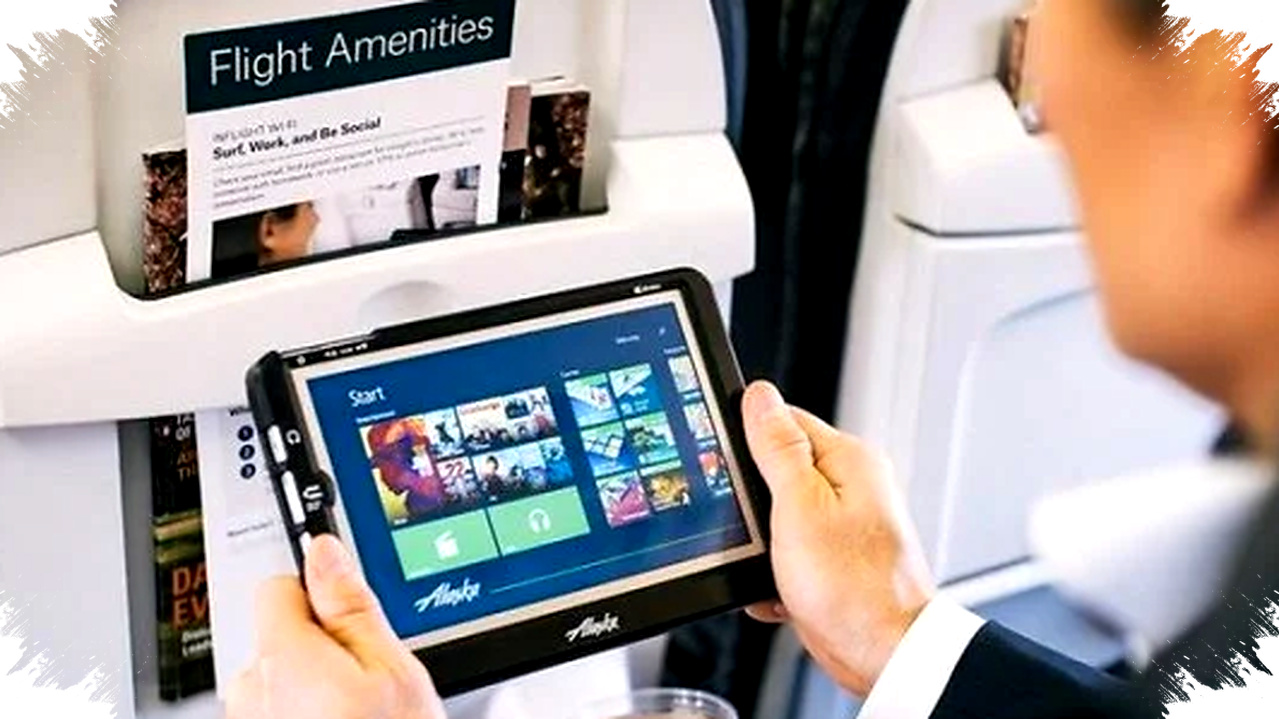
Many budget tablets in 2026 now offer enough power to handle daily work, from document editing and video meetings to note-taking and light multitasking. For buyers who want a device under $150 to $180, the market has become a real alternative to entry-level laptops.
That shift matters because work habits have changed fast. Cloud apps, browser-based tools, and mobile office suites now do a lot of the heavy lifting, while tablet makers have improved displays, batteries, and accessory support to make compact devices more practical for productivity.
Why a cheap tablet can now stand in for a laptop

The strongest argument for a budget tablet is portability. It is easier to carry, boots faster, and usually lasts longer on a single charge than many low-cost laptops in the same price range.
A modern tablet also covers the most common office tasks. You can write documents, join Zoom or Google Meet calls, manage email, review spreadsheets, and sign files without switching to a larger machine.
That said, a tablet does not replace every laptop use case. Heavy video editing, programming, complex accounting software, and large multitasking workloads still favor a traditional notebook with a real keyboard and more storage.
What to look for in a work-ready tablet
Before buying, users should focus on a few specs that directly affect productivity. Screen size, battery life, chipset efficiency, RAM, and accessory support matter more than marketing terms.
- A display of at least 10 inches helps with split-screen work and reading long documents.
- RAM of 4 GB is the minimum, while 6 GB feels better for multitasking.
- Storage of 128 GB is safer if you install many work apps and keep files offline.
- A battery around 7,000 mAh or higher is ideal for a full workday.
- Stylus support and keyboard compatibility improve typing and note-taking.
Redmi Pad 2: the balanced option for most users
The Redmi Pad 2 stands out because it combines a larger screen, solid battery life, and useful productivity features at a low price. It uses an 11-inch IPS display with 2.5K resolution, a 90 Hz refresh rate, and 600 nits of brightness, which makes text and spreadsheets easier to read.
Inside, the tablet runs on the MediaTek Helio G100 Ultra built on a 6nm process, paired with 4 GB of RAM and 128 GB of storage. That setup is not made for heavy desktop workloads, but it handles browsing, office apps, online classes, and messaging with enough stability for daily work.
Its 9,000 mAh battery is another major advantage. With 18W fast charging, the tablet can last through long meetings, travel days, or a full work session away from power outlets, and its four Dolby Atmos speakers make calls and media clearer than most budget laptops in this class.
Huawei MatePad SE 11: strong for meetings and document work
Huawei positions the MatePad SE 11 as a practical choice for users who spend a lot of time in online meetings and document editing. It has an 11-inch Full HD Plus display with 100% sRGB color coverage, which gives it a sharp and comfortable viewing experience for reading and working.
The tablet is powered by Snapdragon 680, with options up to 6 GB of RAM and 128 GB of storage. Its Easy Multitasking feature lets users open two apps at once on the same screen, which is useful for copying notes while reading a file or comparing a presentation with an email.
Battery life is also competitive, with a 7,700 mAh cell and 22.5W fast charging. The pricing starts around $138 for the 4/128 GB version and roughly $167 for the 6/128 GB model, making it one of the more affordable productivity tablets in this group.
Samsung Galaxy Tab A11: compact and reliable for lighter workloads
The Samsung Galaxy Tab A11 targets users who want a smaller, more premium-feeling device. Its 8.7-inch TFT LCD panel with a 90 Hz refresh rate offers smooth scrolling, and the compact size makes it easier to hold during commuting or quick meetings.
Performance comes from the Helio G99 chipset, which is known for stable entry-level productivity use. Samsung pairs it with 4 GB of RAM and 64 GB of storage, enough for basic office activity, web browsing, and communication apps, though users who store many large files may feel limited.
A 5,100 mAh battery with 15W charging keeps the device light and portable rather than built for maximum endurance. The 4G version starts at about $142, so the Tab A11 makes more sense for users who want a small Android tablet over a laptop replacement with deeper multitasking demands.
Quick comparison of the three tablets
| Model | Screen | Chipset | RAM / Storage | Battery | Starting price |
|---|---|---|---|---|---|
| Redmi Pad 2 | 11-inch 2.5K, 90 Hz | Helio G100 Ultra | 4 GB / 128 GB | 9,000 mAh | about $134 |
| Huawei MatePad SE 11 | 11-inch FHD Plus | Snapdragon 680 | up to 6 GB / 128 GB | 7,700 mAh | about $138 |
| Samsung Galaxy Tab A11 | 8.7-inch, 90 Hz | Helio G99 | 4 GB / 64 GB | 5,100 mAh | about $142 |
Who should pick a tablet instead of a laptop
Users who work mostly in the browser will benefit the most from a budget tablet. That includes students, field workers, sales staff, content reviewers, and remote employees who rely on cloud-based tools more than specialized software.
A tablet is also a good match for people who type with an external keyboard and use cloud storage. Once paired with the right accessories, a tablet can become a compact office setup that handles emails, reports, and presentations without the weight of a laptop.
Still, buyers should be realistic about limits. If daily work demands many browser tabs, large Excel files, or desktop-only applications, a budget laptop may still be the safer choice despite the larger size.
Why 2026 makes this category more interesting
The affordable tablet segment has improved because hardware limits are no longer as severe as before. Even at this price, buyers can now get 90 Hz displays, large batteries, and multitasking features that used to appear only on midrange devices.
That is why tablets around $130 to $170 are gaining attention as work tools. They do not fully replace a laptop for every profession, but they now cover enough of the daily workload to make the trade-off convincing for many users.
For anyone shopping in 2026, the decision comes down to how much computing power is really needed. If your work revolves around documents, calls, notes, and cloud apps, these cheap tablets can be a practical and budget-friendly substitute for a laptop.