


Cheap tablets in 2026 are no longer limited to basic entertainment. Many models now offer enough speed, battery life, and display quality to handle study work, office tasks, video calls, note-taking, and light creative editing in one compact device.
That shift matters for buyers who want a practical multitasking device without paying laptop prices. Based on the reference article and current tablet trends, here are four affordable options that stand out for different needs, from light daily work to more demanding productivity.
Why affordable tablets now make sense for multitasking
Tablet makers have improved low- and mid-range models with better chipsets, larger batteries, and software tools for split-screen use. That means a budget tablet can now handle more than one app at a time, which is important for students, hybrid workers, and casual creators.
The American market also keeps pushing demand for smaller productivity devices, especially as remote work and mobile learning remain common. In practice, buyers now want a tablet that can browse, stream, write documents, join meetings, and manage messages without lag.
1. Samsung Galaxy Tab A9
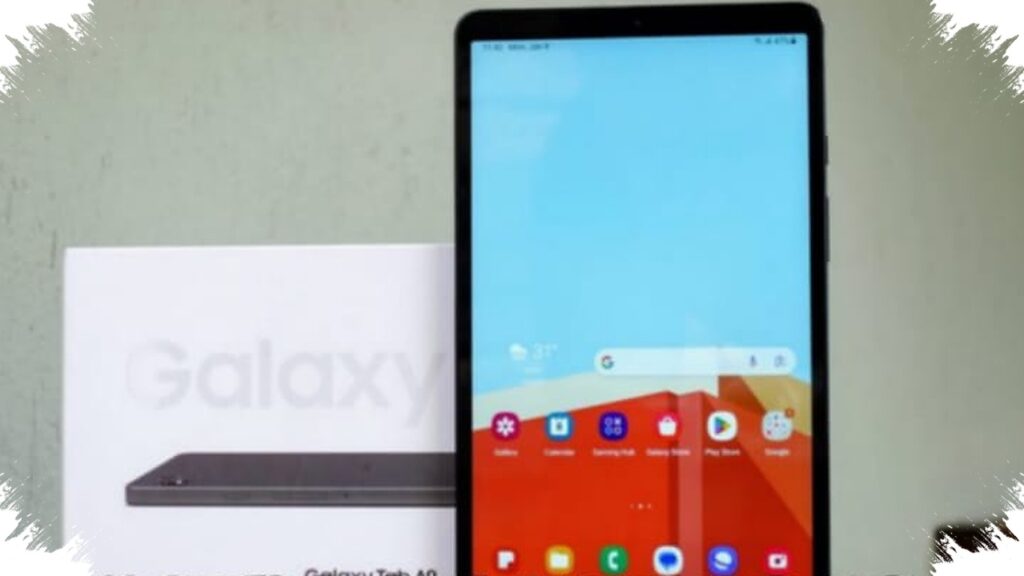
Samsung Galaxy Tab A9 is one of the most balanced low-cost choices for everyday multitasking. The reference article places its price at around $124, with a MediaTek Helio G99 processor, 4GB of RAM, and 64GB of internal storage.
Those specifications are modest, but they are enough for video meetings, web browsing, document work, and note-taking. Samsung also gives it Split Screen support, which lets users open multiple apps at once and keep work moving without constant app switching.
For buyers who need a simple tablet for school assignments or light office use, the Tab A9 offers one of the safest entries in the budget segment. It is not built for heavy editing, but it is strong enough for daily productivity tasks.
2. Xiaomi Pad 7
Xiaomi Pad 7 sits in a higher budget bracket, but it still qualifies as accessible compared with premium tablets. The reference material lists its price at about $325, and it comes with an 11-inch display and a high refresh rate that makes scrolling and app switching feel smoother.
The faster chipset gives it more headroom for heavier tasks such as gaming, editing, and more demanding multitasking. That makes it a better choice for users who want a tablet that can stretch beyond basic browsing and document work.
For content creators and power users, the Pad 7 is the most capable option in this list. It offers a more future-ready experience for people who routinely keep several apps open while working.
3. Lenovo Tab P11 5G
Lenovo Tab P11 5G is aimed at productivity users who want a tablet that feels close to a lightweight laptop. The reference article puts its price at around $187, and it highlights support for keyboard and stylus accessories on certain variants.
That accessory support changes how the device can be used, especially for typing long documents, handling spreadsheets, making presentations, or taking handwritten notes. For students and hybrid workers, those features matter as much as raw performance.
The system is also described as light and comfortable for daily use. That helps the Tab P11 5G stand out for people who want a balanced work device without moving into a much more expensive category.
4. Realme Pad Mini
Realme Pad Mini targets entry-level users, but it remains competitive because of its portability and useful battery life. The article lists its price at around $92, which makes it one of the most affordable options for light multitasking.
It offers responsive performance for browsing, streaming, routine apps, and simple work tasks. Its compact body and lightweight design also make it easy to carry, which is useful for students or commuters who want a small tablet for everyday use.
The larger screen and long battery life make it practical for all-day use in basic scenarios. It is not the best choice for heavy work, but it can cover the essentials very well at a low price.
Quick comparison of the 4 tablets
| Tablet | Approx. price | Best for | Key strength |
|---|---|---|---|
| Realme Pad Mini | $92 | Light use, travel, basic tasks | Very affordable and portable |
| Samsung Galaxy Tab A9 | $124 | Study, office basics, daily multitasking | Split Screen and balanced performance |
| Lenovo Tab P11 5G | $187 | Productivity, notes, documents | Keyboard and stylus support |
| Xiaomi Pad 7 | $325 | Heavy multitasking, editing, gaming | Fast performance and smooth display |
How to choose the right tablet for multitasking
The best choice depends on how intensely the tablet will be used. If the goal is only to check email, attend online classes, or write documents, the Realme Pad Mini or Samsung Galaxy Tab A9 can be enough.
If the buyer needs a tablet for repeated document work, note-taking, or accessory-based productivity, the Lenovo Tab P11 5G is more practical. If performance matters most and budget is less tight, the Xiaomi Pad 7 offers the strongest overall headroom.
What matters most before buying
RAM matters because multitasking needs memory to keep apps open smoothly. Storage also matters because documents, downloaded files, and apps can fill a small drive quickly, especially if the tablet does not support convenient expansion.
Display size and software features also matter. A larger screen helps with split-screen workflows, while multitasking tools from brands like Samsung and Xiaomi can make a budget tablet feel much more capable in daily use.
For 2026 buyers, the main trend is clear: affordable tablets are becoming serious productivity tools. That is why models in the $90 to $325 range can now serve students, office users, and casual creators who want mobility without giving up too much performance.