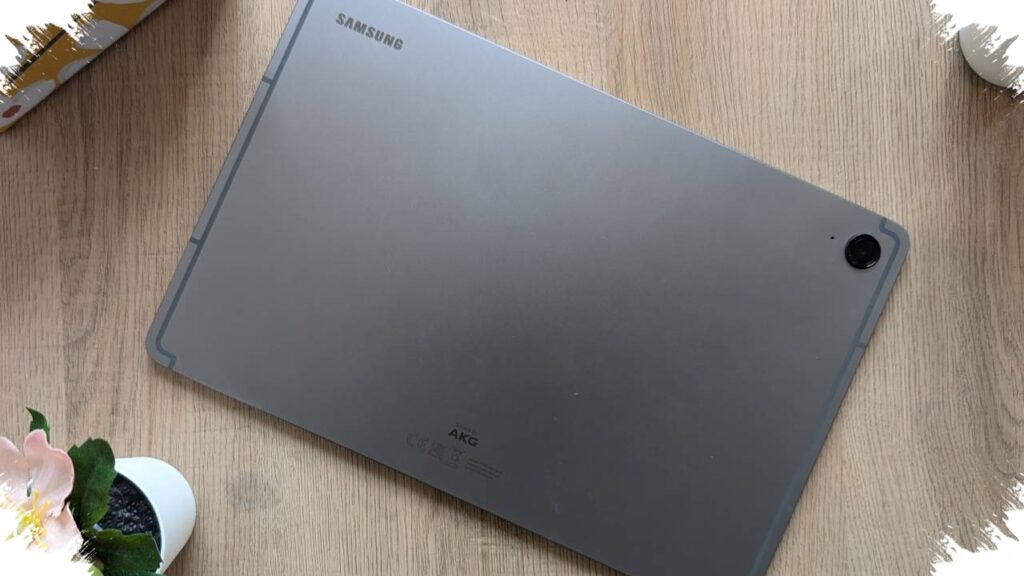
For many illustrators, the most practical work setup is no longer a laptop-first desk. A stylus tablet can now handle sketching, editing, and file delivery in a single workflow, and Samsung Tab S9 FE fits neatly into that shift with its included S Pen, 10.9-inch 90Hz display, and Exynos 1380 chipset.
The appeal is not only in drawing comfort, but also in the way it supports fast client handoffs. Large design files, including exports around 500MB, can be sent directly from the tablet through fast WiFi and cloud services such as Google Drive or WeTransfer, removing the need to move everything to a laptop first.
Why stylus tablets are becoming the main tool
Stylus tablets are no longer treated as secondary devices. For many illustrators, they have become the main production tool because they are lighter to carry, quicker to open, and still compatible with the design apps commonly used in creative work.
This workflow matters most for freelancers who move between locations. A tablet makes it possible to start with a rough sketch, continue with detailed editing, and finish with delivery from one device, which reduces friction in daily production.
What makes Samsung Tab S9 FE stand out
Samsung Tab S9 FE is attractive because the S Pen is already included in the package. That matters for illustration work that depends on pressure sensitivity, palm rejection, and a stylus response that feels comfortable when drawing lines, adding detail, and coloring digitally.
The 10.9-inch display with a 90Hz refresh rate also helps create a smoother drawing experience as the stylus moves across the screen. Meanwhile, the Exynos 1380 is described as stable enough for light to medium creative tasks without major slowdown.
Sending large files without a laptop
Another important part of an illustrator’s routine is delivering large files to clients. With a fast WiFi connection, a PSD file or a high-resolution illustration can be uploaded and shared in around 3 to 5 minutes, based on the reference data.
That speed is useful when revisions come in suddenly or when a client asks for a final preview on short notice. The file transfer can be done directly from the tablet using Google Drive or WeTransfer, so there is no need to first move the project to a laptop.
A simple workflow from creation to delivery
The usual process is straightforward and keeps the work moving quickly. It also shows why a tablet can function as a true all-in-one device for illustrators.
- Open a design or illustration app on the tablet.
- Create or edit the artwork with the S Pen.
- Save the work in PSD, PNG, or PDF format.
- Upload the file to Google Drive or WeTransfer.
- Send the download link to the client through chat or email.
This sequence cuts down extra steps and makes delivery much faster. For creatives who often work outside a studio, the ability to finish the entire process from one device is a practical advantage.
Price position in the tablet stylus segment
Samsung Tab S9 FE sits in the mid-range category at around Rp6–8 million. The larger Samsung Galaxy Tab S9 FE+ is listed in the Rp8–10 million range, while Xiaomi Pad 8 Pro is around Rp11 million and ADVAN Sketsa 3 is in the Rp2–3 million range.
| Device | Display | Stylus | Price |
|---|---|---|---|
| Samsung Galaxy Tab S9 FE | 10.9-inch 90Hz | S Pen included | around Rp6–8 million |
| Samsung Galaxy Tab S9 FE+ | Larger, Dolby Atmos | S Pen | around Rp8–10 million |
| Xiaomi Pad 8 Pro | High-performance class | Optional | around Rp11 million |
| ADVAN Sketsa 3 | – | 4096 pressure level | around Rp2–3 million |
The comparison shows that Samsung Tab S9 FE remains competitive for beginner to intermediate illustrators who want an all-in-one device. With included stylus support, cloud storage, and a fast internet connection, it offers a practical way to create and send large files without relying on a laptop.