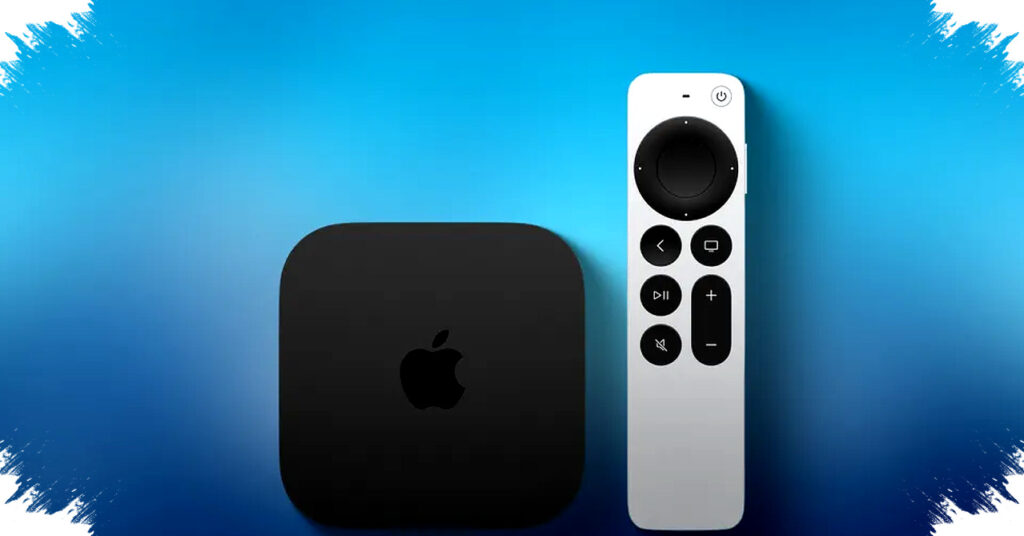
Apple has released tvOS 26.4 for Apple TV 4K and Apple TV HD, and one of the most notable changes is a fix for an audio problem that could appear when playback switched between different formats. The update also adds new features, including a “Genius Browse” tool in the Apple TV app, but the audio correction is likely to matter most for users who have noticed sound glitches during everyday viewing.
The issue addressed by Apple can show up when programs move between formats such as Dolby Atmos and stereo. According to Apple’s release notes, “This update fixes an issue with audio playback on Apple TV 4K that can occur when sound transitions between programs with different formats, like Dolby Atmos and stereo.”
What the update changes
tvOS 26.4 is available through the Apple TV settings menu and can be installed by going to Settings, then System, then Software Updates. Apple says the update includes several additions, but the audio fix stands out because it targets a problem tied to format switching rather than a single app or streaming service.
For many households, that kind of issue can be easy to miss at first and then become increasingly distracting over time. Viewers may hear brief pops, dropouts, or other irregular behavior when content changes from one audio type to another, especially across apps or episodes with different sound mixes.
How the audio fix matters in daily use
The new release is relevant for users who rely on Apple TV 4K with soundbars, AV receivers, or home theater setups. Those systems often handle advanced formats like Dolby Atmos, and they can expose issues when playback moves back and forth between surround sound and standard stereo content.
Apple’s fix is designed to reduce those interruptions and improve continuity during normal viewing. If the patch works as intended, users should see smoother transitions when switching between shows, trailers, live content, or older titles that do not use the same audio format.
Optional setting may help remaining cases
Apple also added an optional “Continuous Audio Connection” setting in tvOS 26.4, which may help users who still notice audio problems. The setting is located in Settings, then Video and Audio, then Audio Format, then HDMI Output.
That option gives users another troubleshooting step if their setup still produces sound inconsistencies after updating. It may be especially useful in home theater environments where HDMI handshakes, receiver behavior, or mixed-format playback can add complexity.
tvOS 26.4 highlights at a glance
| Item | Details |
|---|---|
| Device support | Apple TV 4K and Apple TV HD |
| Main audio change | Fix for playback issues when switching between formats such as Dolby Atmos and stereo |
| Extra feature | “Genius Browse” in the Apple TV app |
| Optional setting | Continuous Audio Connection |
| Menu path | Settings > Video and Audio > Audio Format > HDMI Output |
Apple’s update arrives as part of a broader push to improve the Apple TV experience with both new features and reliability fixes. For users who have been dealing with intermittent sound problems, tvOS 26.4 offers a targeted correction that may make everyday viewing more stable across different apps and content types.