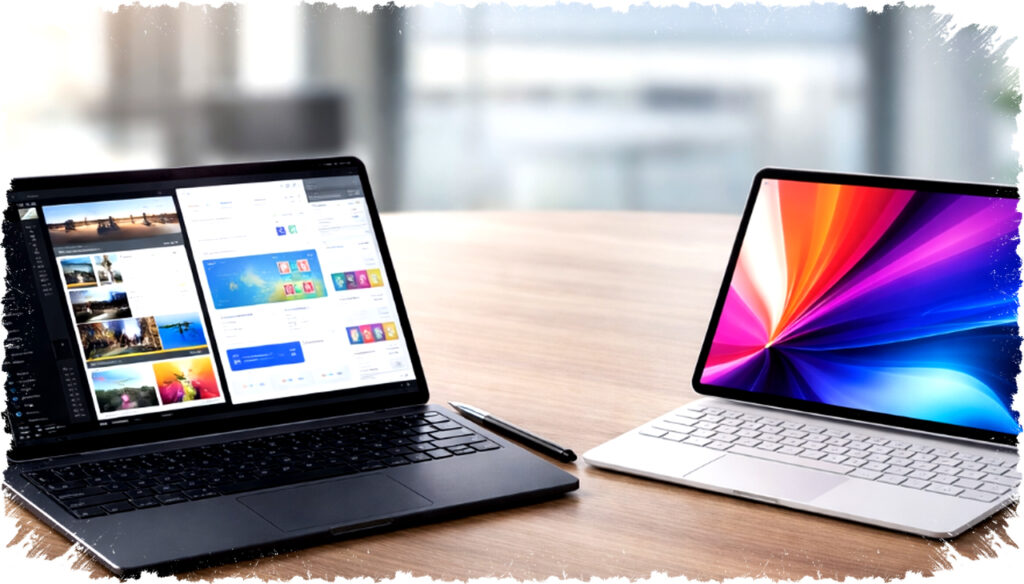
The rapid advancements in technology have transformed tablets into powerful devices capable of replacing traditional laptops. In 2026, tablets now come equipped with features such as detachable keyboards, stylus support, desktop modes, and flagship-level chipsets. These enhancements offer users a compact, flexible alternative to bulky laptops without compromising on performance.
For those seeking a portable yet high-performing device, several tablets stand out as the best laptop replacements this year. These tablets deliver PC-equivalent power while maintaining the convenience of a touchscreen interface and lightweight design.
1. Samsung Galaxy Tab S11 Ultra
Samsung’s Galaxy Tab S11 Ultra sets a new standard with its expansive 14.6-inch Dynamic AMOLED 2X display featuring a 120Hz refresh rate. This large, high-resolution screen enables efficient multitasking, document management, and video editing. Equipped with Samsung DeX, the tablet transforms into a desktop-like interface, allowing connection to external monitors and use with a keyboard and mouse for a conventional PC experience.
The device is powered by a top-tier chipset paired with up to 16GB of RAM and 1TB of internal storage, providing sufficient muscle for demanding applications. Its substantial battery life supports prolonged mobile work sessions, making it ideal for professionals who require a powerful yet portable workstation.
2. Apple iPad Pro
Apple’s latest iPad Pro features the advanced M5 chip, integrating a 10-core GPU and Neural Engine optimized for AI tasks. This combination ensures exceptional speed and smooth handling of complex workloads like 3D rendering and 4K video editing. iPadOS now offers a user experience closer to macOS, with compatibility for professional-grade software such as Final Cut Pro.
Coupled with the Magic Keyboard and Apple Pencil, the iPad Pro offers versatility for creatives and business users alike. Its ultra-thin OLED screen provides sharp visuals and energy efficiency. This tablet excels for content creators and professionals who demand high performance in a compact device.
3. HONOR MagicPad 4
The HONOR MagicPad 4 emerges as a competitive choice with a sleek design and strong multimedia capabilities. It supports a detachable keyboard accessory and stylus input, enhancing productivity and creativity. Powered by a latest-generation processor, it offers responsiveness suitable for office applications and entertainment.
This tablet balances performance and affordability, catering to users needing a versatile device for both work and leisure. Its display quality and battery endurance make it practical for extended use away from traditional workstations.
4. Microsoft Surface Pro 9
Microsoft’s Surface Pro 9 blends tablet portability with laptop functionality through its detachable keyboard and support for the Surface Pen. Powered by the latest Intel processors, it delivers robust performance for professional software, including Microsoft Office suite and creative applications. The device runs on Windows, providing familiarity and broad application compatibility.
Its 13-inch PixelSense touchscreen supports multitouch and pen input, enhancing productivity and note-taking. Surface Pro 9 is favored by professionals requiring a full Windows desktop experience in a mobile form factor.
5. Lenovo Tab P13 Pro
Lenovo’s Tab P13 Pro offers a premium AMOLED display with HDR support, ideal for multimedia consumption and creative tasks. It operates on a high-performance Snapdragon chipset paired with ample RAM and storage options. The device supports a keyboard and stylus, making it a solid contender for everyday work and entertainment.
Lenovo’s tablet is praised for its balanced package of speed, screen quality, and user-friendly features that help bridge the gap between tablets and laptops. Its seamless transition between tablet and PC modes addresses various user needs in one compact device.
Key Considerations for Choosing a Tablet as a Laptop Replacement
When selecting a tablet to substitute a laptop, several factors should be considered:
- Performance: Look for flagship-level processors with sufficient RAM to handle multitasking and demanding applications.
- Display Quality: A high-resolution screen with good color accuracy improves productivity and media consumption.
- Input Options: Keyboard and stylus support enhance typing efficiency and creative work.
- Operating System: Compatibility with the software needed for professional tasks is crucial.
- Battery Life: A long-lasting battery ensures uninterrupted work during mobile use.
- Connectivity: The ability to connect to external displays, mice, and storage devices increases versatility.
These tablets represent the cutting edge of technology, combining power, portability, and flexibility. Their capability to replicate or even surpass the functions of traditional laptops makes them attractive for various user groups, from business professionals to creative artists.
Ongoing innovations in chipset design, software optimization, and accessory integration suggest that the trend of tablets replacing laptops will continue to grow. Users can expect increasingly capable devices that offer desktop-level performance in sleek, adaptable packages, perfectly suited to the demands of modern work and lifestyle environments.