


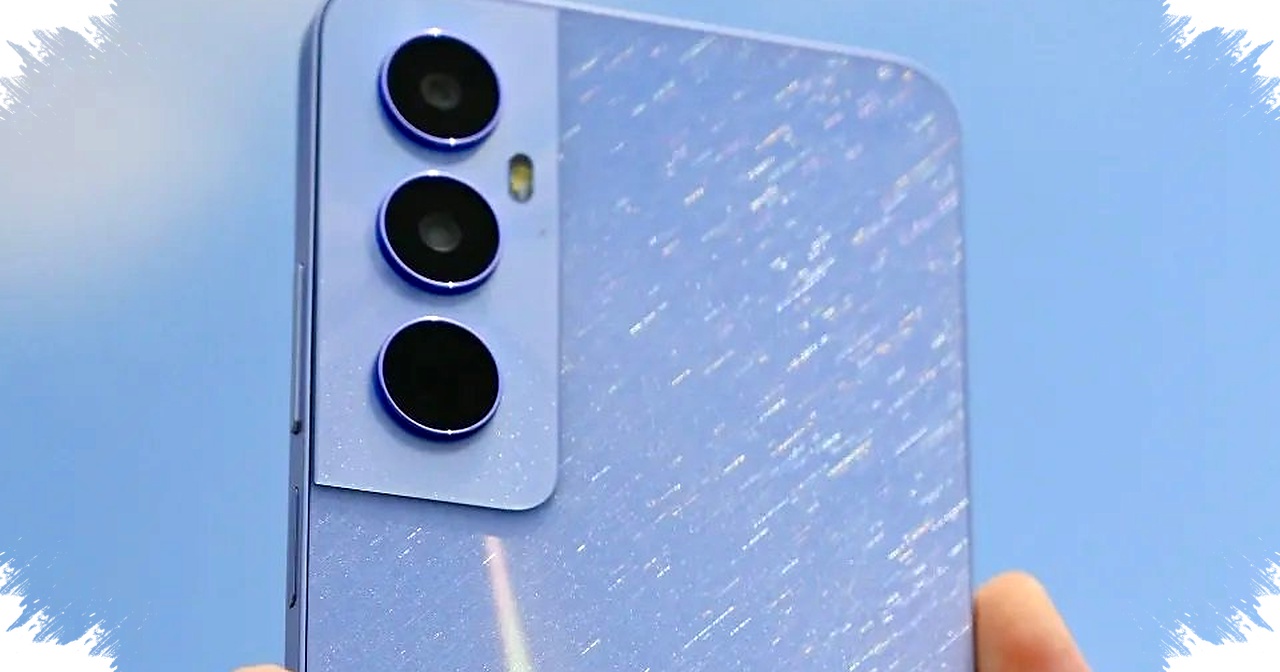
Realme phones can show ads for several reasons, and most of them are tied to the Android app ecosystem rather than the hardware itself. These ads usually appear as system recommendations, promotional notifications, or banners inside preinstalled and third-party apps.
The good news is that most of them can be reduced or removed through the right settings. Users who understand where the ads come from can usually clean up the experience without sacrificing core phone functions.
Why ads appear on Realme phones
Realme uses Realme UI, a customized Android interface that includes built-in services, content recommendations, and app suggestions. In some cases, these features are linked to promotional banners or notifications designed to keep users engaged with apps, themes, or online content.
This model is common across Android. Free apps often rely on advertising revenue, and system-level recommendations can also generate promotional alerts when they are enabled by default.
A number of preinstalled apps can also be responsible. File Manager, Theme Store, Music, and Security may display content suggestions or promotional prompts unless those features are turned off.
Main sources of ads on the device
Here is a simple breakdown of where ads typically come from on a Realme phone:
| Source | How it appears | Typical control option |
|---|---|---|
| System recommendations | Promotional notifications or content tips | Notification settings |
| Preinstalled apps | Ads inside File Manager, Theme Store, Music, or Security | App settings |
| Third-party apps | Banner ads, pop-ups, or full-screen promotions | Remove app or switch version |
| Adware | Aggressive ads, often appearing unexpectedly | Security scan and uninstall |
Ads are not always a sign of a problem. Many appear because the phone is designed to support free services and app monetization, but aggressive pop-ups can point to a problematic app or even adware.
How to remove or reduce ads on Realme
The first step is to check notification controls in the system settings. Realme’s own documentation says some recommendation notifications can be managed from the system menu, which means users can reduce promotional alerts without changing the entire phone setup.
Follow these steps:
- Open Settings.
- Go to Notifications & Status Bar.
- Look for options related to recommendations, promotions, or suggested content.
- Turn off the relevant toggles.
This can help stop system-level promotions from appearing in the notification shade. On many devices, this is the fastest way to cut down visible ad clutter.
Disable recommendations inside built-in apps
Many Realme applications include their own content recommendation features. These often appear under labels such as “Recommendations,” “Online Content,” or similar wording inside the app menu.
To reduce them, open the app concerned and check its settings. File Manager and Music are common examples, and Theme Store can also send promotional suggestions if content discovery remains active.
When such an option exists, disabling it usually removes a major source of in-app advertising. This is useful because the ads are often drawn from online content services rather than the phone’s core functions.
Remove apps that produce too many ads
Third-party applications are another major source of advertising. Free apps on Google Play commonly use ads to support development, and some can become intrusive if the app is poorly designed.
If an app shows full-screen pop-ups, frequent banners, or repeated video ads, uninstalling it is often the cleanest fix. A paid version may also offer an ad-free experience if the app is still useful.
A practical checklist can help identify the problem app:
- Notice which app opens when the ad appears.
- Check whether the ad started after a recent install.
- Review app permissions and background activity.
- Uninstall suspicious or unnecessary apps.
- Replace them with trusted alternatives from official sources.
Watch for adware and suspicious behavior
Some ads are more than a nuisance. Sudden pop-ups that appear outside normal app use can indicate adware, a type of software built to display excessive advertisements.
Adware can arrive through unofficial downloads, bundled installers, or deceptive apps that look harmless at first. It may also redirect users to unknown pages, which increases the risk of phishing or unwanted downloads.
Google’s Android safety guidance advises users to download apps only from official sources and avoid interacting with suspicious ads. That advice remains relevant because unsafe ad links can expose the device to malicious content.
Use Realme’s security tools
Realme phones usually include built-in security tools that can help scan for problematic apps. Running a security check can identify suspicious behavior, especially when the ads appear abruptly and do not match normal app usage.
If the scan detects questionable software, removing it should be the next step. In many cases, the issue is not the phone itself but one recently installed app that starts pushing aggressive promotions in the background.
Why ad control also matters for performance
Ads do more than interrupt the screen. They can also use mobile data, background processing, and battery power when they load online content or run ad scripts.
On entry-level phones, this effect may be more noticeable because CPU and RAM resources are limited. Reducing ads can improve responsiveness, lower data usage, and make battery life more stable during daily use.
That is one reason many Android users prefer to disable recommendation services even when the ads are not malicious. Less advertising usually means a cleaner interface and fewer background distractions.
Settings to check first
If the goal is to clean up a Realme phone quickly, the most useful areas to review are straightforward. The following table shows the best places to start:
| Area to check | What to look for |
|---|---|
| Settings > Notifications & Status Bar | Promotional or recommendation alerts |
| File Manager settings | Online content or suggestions |
| Music settings | Content recommendations |
| Theme Store settings | Promotions and featured content |
| Installed apps | Unused apps with heavy ad behavior |
| Security scan | Suspicious or harmful software |
This approach works because Realme gives users basic control over notifications and privacy, even though some features remain enabled by default.
What users should expect after changes
Not every ad will disappear instantly, because some apps and online services still rely on advertising. However, turning off system recommendations, disabling in-app suggestions, and removing aggressive third-party apps can significantly reduce interruptions.
Users who still see repeated pop-ups after these steps should suspect an installed app rather than the operating system. In that case, a security scan and a careful review of recent installs usually reveal the source.
Realme phones can offer a cleaner experience when the built-in recommendation features are managed properly and only trusted apps are kept on the device. With the right adjustments, most ads become far less disruptive, while the phone stays secure and easier to use every day.