Finding a capable laptop in the $250–$350 range is still possible in the entry-level market, especially for students and light multitasking users. The best options usually prioritize 8 GB RAM, SSD storage, and a 14-inch display, because those specs help everyday tasks feel noticeably smoother than older budget models.
For college work, a laptop in this price class should handle note-taking, web browsing, video calls, office documents, and multiple tabs without constant lag. It should also stay portable, since many students carry a laptop between classes, libraries, and dorms.
What matters most in a budget laptop
The processor is important, but it should not be the only focus. A responsive SSD and enough memory often make a bigger daily difference than a slightly faster chip paired with slow storage.
For this budget, 8 GB of RAM is the safest target for light multitasking. In the reference data, several models already use 8 GB, while some others still come with 4 GB, which can feel tight if many browser tabs open at once.
1. Axioo Hype 3 Gen 11
This model stands out for its Intel Core i3-1125G4, which is a 4-core chip and more capable than many low-end Celeron options. It also comes with 8 GB DDR4 RAM, a 256 GB SSD, and a 14-inch FHD display, which makes it a more balanced pick for students who need better responsiveness.
The reference also notes that the Core i3 Gen 11 is “responsive for smoother multitasking.” That makes it a practical option for document editing, online classes, and several browser tabs at once.
2. ADVAN Laptop WorkMate AMD Ryzen 5 3500U
This laptop uses an AMD Ryzen 5 3500U with 4 cores and Radeon RX Vega 8 Graphics. It pairs that with 8 GB RAM, a 256 GB SSD, and a 14-inch FHD+ screen, so the overall package feels stronger than many basic student laptops.
Its key appeal is the combination of a Ryzen 5 chip and a higher-resolution display. For users who spend long hours on spreadsheets, presentations, and streaming lecture videos, that extra screen space can improve comfort.
3. Zyrex D-Tech 1
Zyrex D-Tech 1 is notable because it pushes the memory up to 16 GB DDR5, which is rare in this budget segment. It also uses a Ryzen 5 3500U, a 256 GB SSD, and a 14-inch FHD panel, while adding features like a backlit keyboard and a camera cover.
Those extras matter for students who join classes at night or care about privacy. The larger memory capacity also helps if many apps stay open during a study session.
4. ASUS Vivobook Go 12 E210KA
This is the most compact model in the list, with an 11.6-inch HD display and an Intel Celeron N4500 processor. It still includes 8 GB RAM and 128 GB eMMC storage, so it can work for very basic mobility-focused use.
The reference description calls it a super-light laptop for working anywhere. That makes it suitable for users who value portability above everything else, although the smaller screen and eMMC storage are less ideal for heavier multitasking.
5. Advan Laptop 2-in-1 360 Go
This model brings flexibility through a 2-in-1 design and a touchscreen. It uses an AMD Ryzen 3 3200U, 4 GB RAM, a 256 GB SSD, and a 14-inch FHD display, which makes it appealing for users who want a convertible form factor.
The touchscreen can help with light note-taking, reading, and media use. However, the 4 GB RAM limit means it fits lighter workloads better than many-tab browsing or heavier campus productivity tasks.
6. Axioo Hype 10
Axioo Hype 10 is aimed squarely at students who need a light laptop for daily use. It uses an Intel Celeron N4020 processor, 8 GB RAM, and a 256 GB SSD, with a 14.1-inch HD screen.
The inclusion of 8 GB RAM makes it more usable than many Celeron laptops with only 4 GB. Even so, the HD resolution means it is better for basic office work than for users who demand a sharper display.
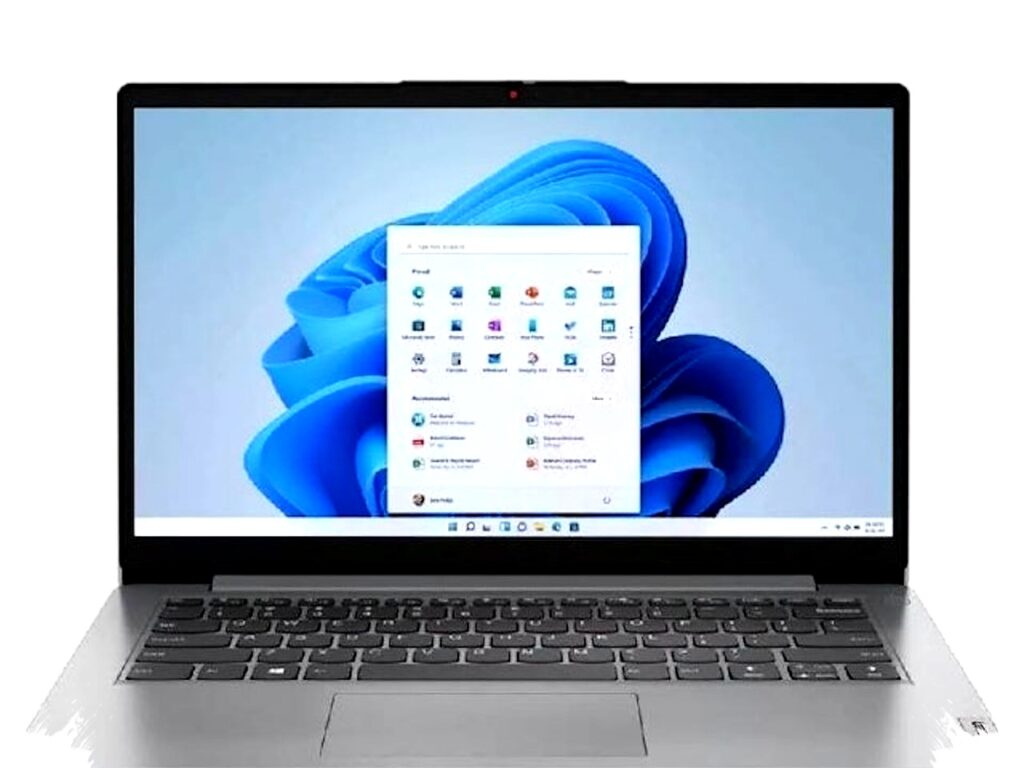
7. Lenovo Ideapad Slim 1 14
Lenovo positions this model as a sleek laptop with a large-enough capacity for freer multitasking. It uses an Intel Celeron N4500, 8 GB RAM, and 256 GB storage through SSD and eMMC, combined with a 14-inch HD panel.
The strength here is the balance between portability and memory. It is a sensible choice for students who need a familiar brand, simple design, and light everyday performance.
8. Supertone SPC Style 3
This model uses an AMD Ryzen 3 3200U, 8 GB RAM, and a 256 GB SSD, along with a 14-inch FHD screen. The reference highlights better battery life and lower heat thanks to its low TDP.
That combination makes it attractive for users who attend long classes or work in cafés and libraries. The FHD panel also gives it an edge over many cheap HD-only models.
9. HP 15 Intel N200
The HP 15 uses a 4-core Intel N200, 4 GB RAM, a 256 GB SSD, and a 15.6-inch HD display. Its bigger screen can help with split-screen work and reading documents, especially for those who prefer a larger chassis.
The trade-off is memory. It is acceptable for basic tasks, but the 4 GB configuration is less future-proof for multitasking than 8 GB setups.
10. HP 14 Intel Processor N150
This model comes with an Intel Processor N150, 4 GB RAM, a 256 GB SSD, and a 14-inch HD display. The reference describes it as offering stable performance with high-speed data access, which suggests a focus on everyday responsiveness.
It is best for light office work, browsing, and online learning. Like the HP 15, its 4 GB RAM means it works better as an entry-level machine than as a heavy multitasking device.
Quick comparison of the most useful picks
| Model | CPU | RAM | Storage | Screen | Best for |
|---|---|---|---|---|---|
| Axioo Hype 3 Gen 11 | Core i3-1125G4 | 8 GB | 256 GB SSD | 14" FHD | Balanced student use |
| ADVAN WorkMate | Ryzen 5 3500U | 8 GB | 256 GB SSD | 14" FHD+ | Work and study |
| Zyrex D-Tech 1 | Ryzen 5 3500U | 16 GB | 256 GB SSD | 14" FHD | Heavier multitasking |
| ASUS Vivobook Go 12 | Celeron N4500 | 8 GB | 128 GB eMMC | 11.6" HD | Portability first |
| Supertone SPC Style 3 | Ryzen 3 3200U | 8 GB | 256 GB SSD | 14" FHD | Battery and comfort |
For a laptop near the $250–$350 range, the safest priority order remains clear: SSD first, RAM second, then processor and display. Models with 8 GB RAM and a 256 GB SSD usually deliver the smoothest experience for students who want to open documents, join classes, and keep several apps running without feeling that the laptop slows down too early.