


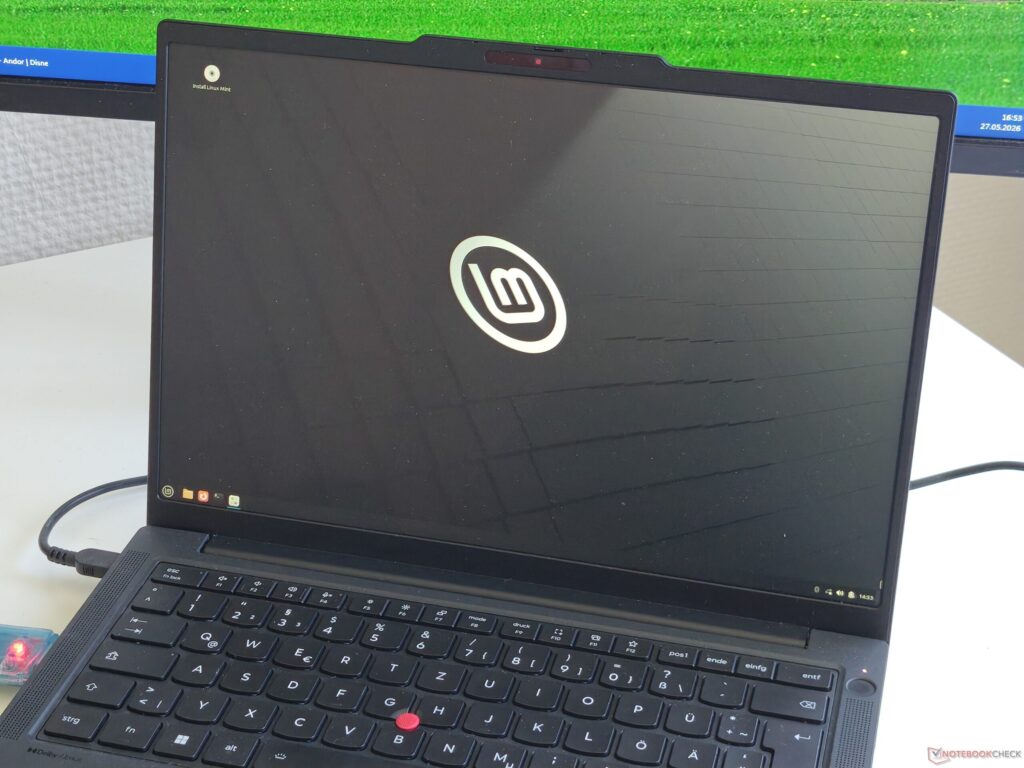
A ThinkPad that is often associated with Linux-friendly business use did not deliver a fully smooth experience in this latest test. Lenovo’s ThinkPad T14 Gen 7 managed to get through the early stages cleanly, but several core features still fell short once the system was up and running.
The machine was tested with Linux Mint 22.3 Cinnamon 64-bit and kernel 6.14.0.37. After 3rd Party CAs were enabled, the system booted without issues, which made the initial setup and login process look promising.
What worked right away
Some of the most important basics were available from the start. The RJ45 Ethernet port worked, giving the laptop a usable internet connection even before wireless networking was functional.
Input devices also performed well. The touchpad and TrackPoint worked normally, so day-to-day navigation remained comfortable in Linux. The fingerprint reader and webcam were also detected and worked, adding useful features for users who want to begin working without major adjustments.
Where the limitations appeared
Wireless connectivity was the first major problem. Wi-Fi and Bluetooth did not work at the start of testing, which leaves the wireless experience far from what many buyers would expect from a business laptop in this class.
Audio support was also incomplete. The stereo speakers were not recognized by the system, and the microphone did not work either. That creates an obvious obstacle for video calls, playback, and other routine tasks that depend on sound input and output.
Function keys still need attention
The issues were not limited to networking and audio. Function keys for F4 through F7 and F10 through F12 also did not work as expected. On a Lenovo ThinkPad, those keys are often important for quick hardware and system controls, so their absence matters in everyday use.
Even with those gaps, the T14 Gen 7 still shows signs of being usable for basic Linux work. Ethernet, touch input, the TrackPoint, webcam, and fingerprint reader give it a practical foundation, especially for users who do not rely heavily on every built-in feature.
That said, the remaining problems are significant enough that this model cannot yet be described as fully ready for everyone. Users with experience may be able to work around missing Wi-Fi, Bluetooth, audio, and function-key support, but anyone expecting a laptop to work out of the box will want to keep those limits in mind.
Lenovo’s ThinkPad line has long carried a reputation for Linux compatibility, and its popularity in the Linux community has helped reinforce that image. This test suggests that the reputation still has some basis, but the final experience depends heavily on which hardware components are checked and how well the chosen Linux distribution supports them.
Source: www.notebookcheck.net