


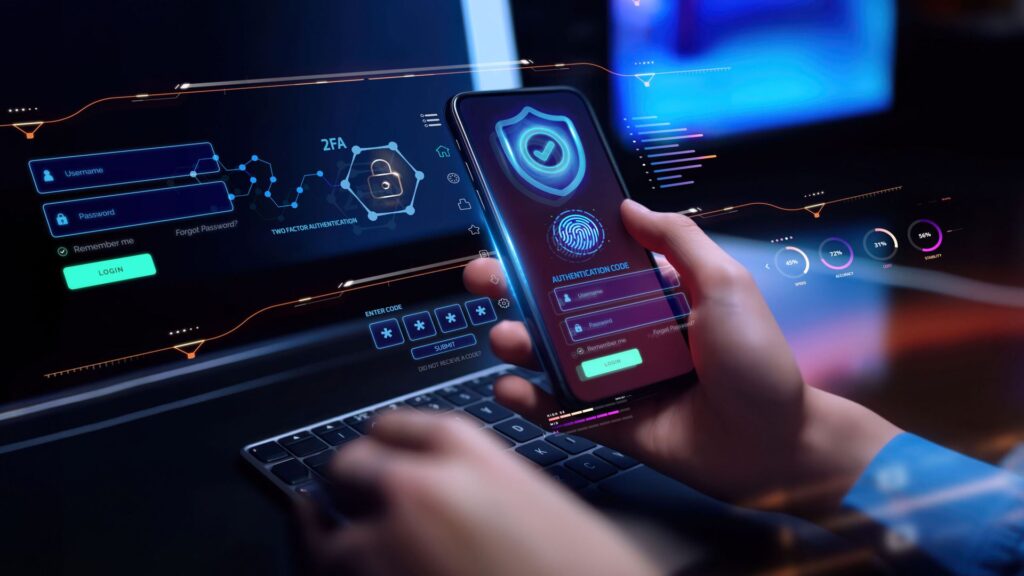
A phone can expose far more than contacts and messages when basic security is left weak. Banking accounts, personal documents, social media profiles, and everyday communication tools all sit in the same device, which makes a small gap in protection enough to create a much larger problem.
That risk is not limited to losing access to one account. Stolen personal data can be used for identity theft, online fraud, and other misuse once attackers get hold of information stored on the phone.
How attackers usually get in
One common target is personal data itself. When criminals obtain identity numbers, bank details, or social media account information, they can reuse that data to commit fraud while posing as the real owner.
Online scams also keep changing shape. Phishing often arrives through fake websites or emails, smishing uses text messages, and vishing comes through phone calls that pretend to be from an official institution such as a bank.
Malware remains another serious threat. It is designed to spy on users, steal information, or damage the phone system, and it often enters through suspicious links, harmful files, or unsafe apps.
Stronger habits that close the gap
The first defense starts with the lock screen. A pattern or PIN that is easy to guess, such as a birth date, should be avoided, and a fingerprint or face scan works better when paired with a PIN of at least 6 digits.
Security updates also matter. Operating system and app updates do more than add new features because they patch weaknesses that cybercriminals may try to exploit.
Password hygiene is another weak point for many users. Reusing the same password across multiple accounts can turn one leak into a wider breach, while a strong password should contain at least 12 characters with letters, numbers, and special symbols.
Extra layers that reduce damage
Two-step verification adds another barrier when a password is exposed. With this feature turned on for important accounts, a login still needs a second check through SMS or an authentication app before access is granted.
Public Wi-Fi should also be used carefully, especially for banking or email accounts that contain sensitive information. Shared networks increase the chance of data interception, and a trusted VPN can help reduce that risk if public access cannot be avoided.
Links deserve closer attention as well. Messages, emails, and other unfamiliar sources can hide phishing pages, malware, or attempts to steal credentials, so access should come only from official and trusted sources.
A few routine checks that matter
Regular backups to a secure cloud service can limit the damage when a device fails or data is attacked. It does not stop every threat, but it helps keep important information from disappearing with the phone.
App permissions should also be reviewed from time to time. The fewer unnecessary permissions an app receives, the lower the chance that personal data will be misused through the phone.