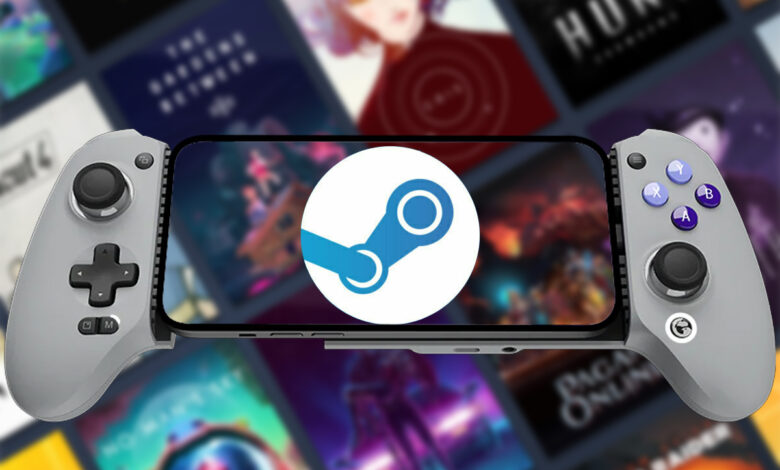
GameHub’s latest 6.0.6 update brings an unusual combination of changes: the app is smaller, but its feature set is much broader. GameSir says the release cuts the app’s size by nearly 50% while expanding support for Steam and EA.
That mix makes the update one of the most significant in GameHub’s history. The Android gaming app is designed to bring a high-quality PC gaming experience to mobile devices, and this release pushes that goal further with deeper platform integration and more flexible controls.
Steam gets a much deeper layer of support
The biggest changes center on Steam. GameHub now supports Steam Friends and Achievements, including chat, achievement notifications, game invites, and the ability to join parties.
Steam Overlay is also available in GameHub, which matters for players who want social and informational functions without leaving a game. Support for Steam Workshop and DLC management adds another layer of control over community content and paid add-ons.
More control options and broader compatibility
GameHub 6.0.6 also adds support for EA games, widening the range of titles and services available inside the app. For users who prefer physical controls, new gamepad-to-keyboard and gamepad-to-mouse mapping options offer more flexibility across games that do not fully fit standard controller input.
The app has also reworked the game details page in landscape mode. Along with that redesign, GameHub updated its compatibility rating system so users can assess whether a game is likely to work well with their device or setup.
Interface, storage, and stability improvements
GameHub has also revised the virtual button layout editor, and the icon manager now includes thumbnail previews. These changes are meant to make controller customization faster and easier to understand on a phone screen.
Other additions include a custom installation location option and the ability to import external Steam games. GameHub also says the interface now adapts better to both landscape and portrait views, while gamepad focus navigation has been improved.
Beyond the new features, the update includes dozens of smaller fixes and optimizations. The app also addresses bugs such as lost translator parameter configurations and frame interpolation problems on devices with Mali GPUs.
A smaller app, but a more ambitious one
The size reduction is one of the most striking parts of the update. In a software landscape where many apps keep growing, cutting GameHub’s footprint by almost half could be especially useful for devices with limited storage.
GameHub’s improvements to frame interpolation on Mali hardware may also matter to many Android users, since issues in that area can affect how smooth the display feels during use. Combined with Steam social features, deeper overlay support, Workshop access, DLC management, and EA compatibility, version 6.0.6 stands out as a major step forward for the app.
GameHub continues to focus on bringing a high-quality gaming experience to Android devices, and this release shows that the company is working on both capability and efficiency at the same time.