


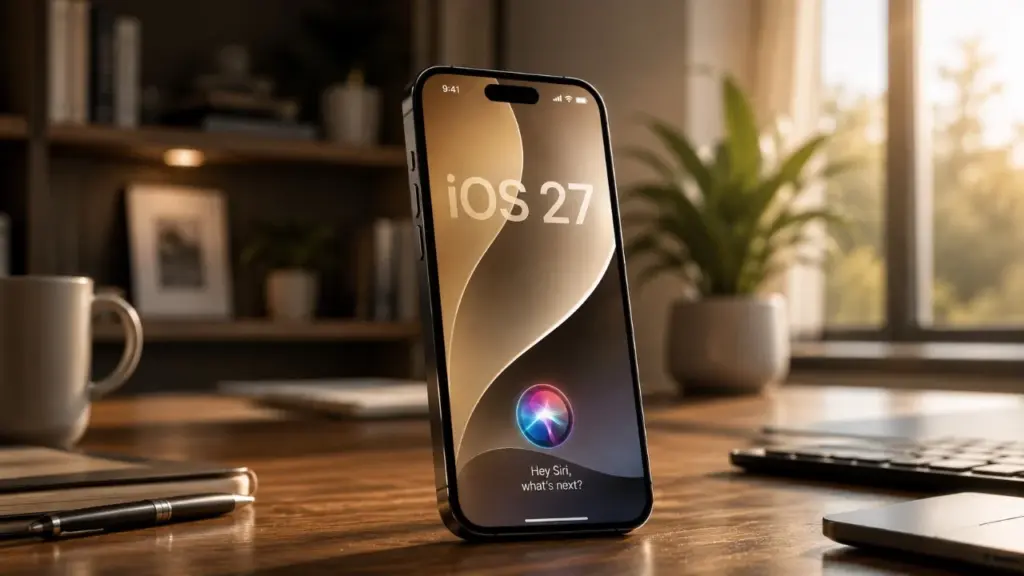
Apple is pushing Siri into a much more central role in iOS 27, turning the assistant into something closer to the core intelligence layer of the iPhone. The shift is not limited to voice commands, because it reaches across apps, automation, photos, browsing, and even phone calls.
The result is a version of iPhone use that feels more connected and less manual. Instead of treating AI as a separate feature, Apple appears to be weaving it into the everyday actions people already perform on the device.
Siri is built to understand personal context
One of the biggest changes in iOS 27 is Siri’s ability to use personal context more effectively. It can draw on data from messages, email, and frequently used apps to offer more relevant suggestions and proactive reminders.
That creates practical benefits in ordinary situations. If a message mentions a dinner reservation, Siri can suggest adding it to the calendar or offer directions to the restaurant without extra steps.
Apple is also expanding Siri’s knowledge base so it can handle more complex requests. The assistant is said to be able to compare products, analyze trends, and provide historical insight with greater precision.
Automation becomes easier to build
iOS 27 also gives Siri Shortcuts a more natural workflow. Users can describe what they want in plain language, and Siri will generate the appropriate shortcut automatically.
That lowers the barrier for automation significantly. Repeated tasks such as sending prepared messages, controlling smart home devices, or building daily routines become easier to create and manage.
A bedtime routine is a clear example. If a user asks for weather updates and relaxing music before sleep, Siri can assemble an automation that runs every night.
Photos, camera, and editing tools gain new power
The Photos and Camera experience also receives a notable AI upgrade. Object recognition can identify items in images, including plants, books, and food, then return detailed information and relevant suggestions.
That makes the feature useful beyond simple curiosity. Scanning a plant can surface care tips, while identifying a dish can bring up nutritional information.
Apple is also adding three new editing tools in Photos. Cleanup removes unwanted objects, Extend expands photo boundaries, and Reframe adjusts the image perspective.
These tools show how Apple wants iOS 27 to support both convenience and creativity. The company is also extending Image Playground with support for high-quality image generation through customizable prompts.
Safari, calls, Maps, Home, and FaceTime all get smarter
Safari is getting practical AI features as well. The browser can now group tabs automatically by topic, such as work, travel, or shopping, to keep the interface more organized.
For people who follow products closely, Safari also adds price-drop alerts and back-in-stock notifications. That makes online shopping less repetitive, since users do not need to keep checking the same pages.
Siri is also gaining call awareness during phone conversations. It can pull relevant information such as emails or notes in real time to help keep the discussion moving.
Maps and Home are being improved too, with better navigation and smoother smart home integration. FaceTime gains Dual Capture, allowing users to record themselves and their surroundings at the same time for video calls, presentations, or content creation.
Performance, compatibility, and personalization are also part of the package
Outside the AI layer, Apple is claiming major performance improvements in iOS 27. App launches are said to be up to 30% faster, photo loading is 70% quicker, and AirDrop transfers are 80% faster.
The update is not limited to only the newest devices. Compatibility is said to extend as far back as iPhone 11, which keeps the release relevant for a broad user base.
Apple is also giving users more control over the look and feel of the interface. The liquid glass design can be adjusted in intensity, while Siri voice customization now includes pitch, tone, and accent options.
Those changes matter because they make the assistant feel more personal in both function and presentation. In iOS 27, Siri is no longer positioned as a simple voice helper, but as a more deeply embedded part of the iPhone experience.