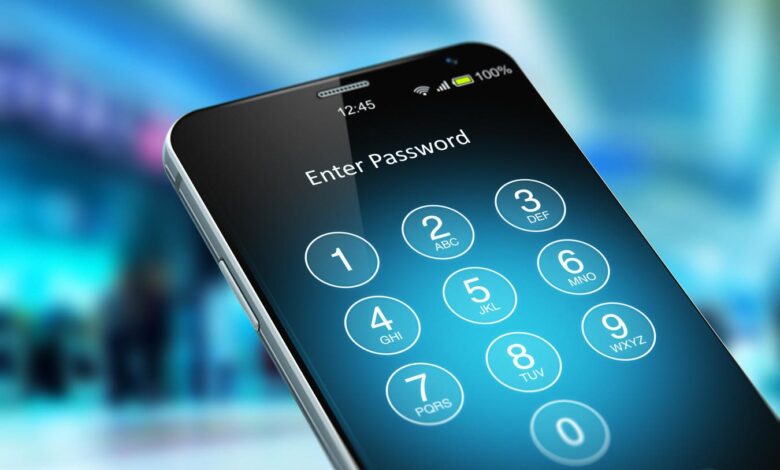
Many smartphone users spend time creating strong, unique passwords for every online account, yet the weakest point in their security is often the device itself. A short four-digit PIN can become the master key to passwords, passkeys, and other sensitive data stored on the phone.
The risk is not limited to people who rarely think about security. Even users who rely on Face ID or a fingerprint sensor still fall back to the device PIN whenever biometrics fail, and that is exactly where a short code can create serious exposure.
Why a short PIN matters
On iOS and Android, built-in password managers use the device PIN as the main credential for unlocking stored passwords. That means the security of an entire digital life can depend on a code that may be only four digits long.
If a PIN is easy to guess, the barrier protecting saved logins becomes weak. Common choices such as simple patterns, birthdays, or birth years are easier for attackers to try than many users realize.
The problem grows when biometric sign-in is unavailable. Wet or dirty hands can prevent a fingerprint sensor from working, and in that moment the PIN becomes the only path back into the phone.
Passkeys are also tied to device security
Passkeys are widely seen as a safer alternative to passwords because they rely on a public key stored by the online service and a private key that never leaves the device. But that protection still depends on whether the phone itself is secure.
When a user signs in with a passkey, the phone typically asks for biometric approval or the device PIN. If someone learns that PIN, they may be able to access not only saved passwords but also the passkeys stored on the handset.
Third-party password managers add another layer
One way to reduce the risk is to use an independent password manager. Unlike Apple Passwords or Google Password Manager, third-party tools usually protect saved credentials with a separate master password.
That creates two barriers instead of one. A thief would need both the phone PIN and the master password for the app before gaining access to the stored data.
How to strengthen a smartphone PIN
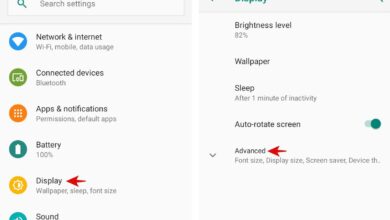
Users can replace short default codes with stronger options. Android users can open Settings, find Security and Privacy, tap Device Lock, and then choose Screen Lock to change the lock method.
iPhone users can go to Settings, tap Face ID & Passcode, then select Change Passcode and use Passcode Options to set a longer numeric or alphanumeric code.
KompasTekno, citing MakeUseOf, recommends using a long PIN or an alphanumeric password so the data stored on the device remains better protected. In practice, the safest approach is to treat the phone lock as the first line of defense for every password and passkey it contains.