


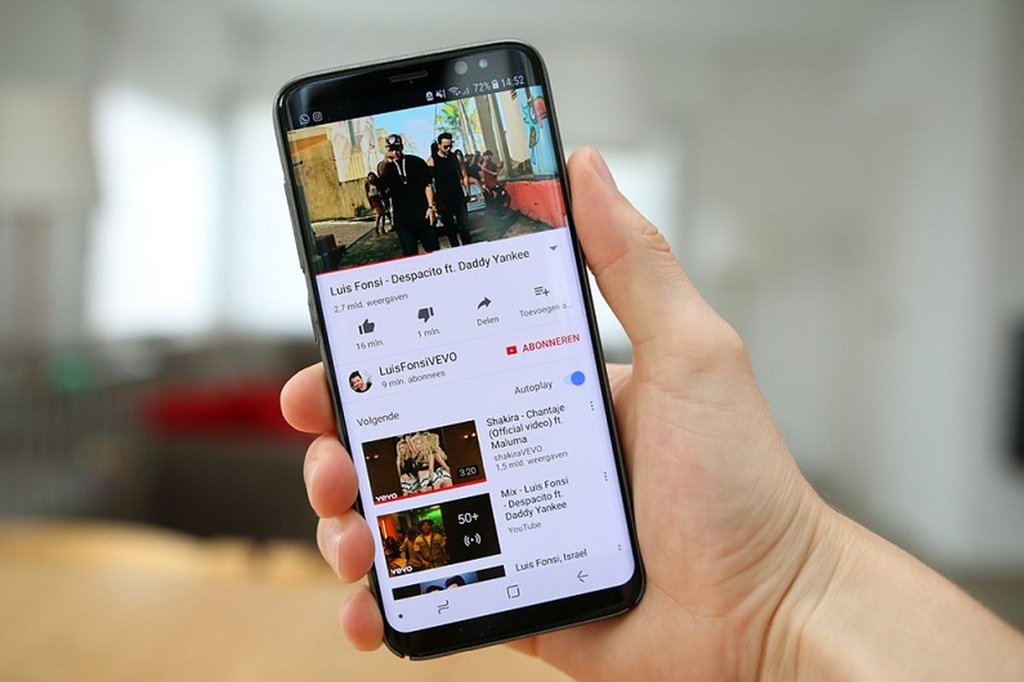
Many users want to save YouTube videos to their phone gallery so they can watch them again while offline. The challenge is that not every method circulating online is safe, and some come with aggressive ads, suspicious pop-ups, and malware risks.
That is why the safest option should be understood before choosing any download method. YouTube offers an official offline download feature through Premium, while several third-party alternatives still carry security and service-compliance concerns.
The most secure option comes from YouTube itself
YouTube provides offline downloads through its Premium service. Videos downloaded through this route can be watched without an internet connection directly inside the YouTube app.
This method is the safest choice because it comes from the official platform. It also stays within YouTube’s terms of service.
Why third-party video downloader sites can be risky
Third-party video downloader sites remain easy to find online. However, many of these services display excessive ads and fake download buttons that can mislead users.
In some cases, users may be directed to harmful files. That raises the risk of malware and data theft when access is made carelessly.
Telegram bots are a common alternative
Some users choose Telegram bots to download YouTube videos. The approach is seen as practical because it usually has fewer ads and does not require installing extra applications.
Even so, it remains a third-party service. That means the method is still outside the official features provided by YouTube.
How to save a video to the gallery through a Telegram bot
If a Telegram bot is still the chosen method, the basic process is straightforward. Users only need to copy the YouTube video link and send it to an active bot.
Here are the steps:
- Open YouTube and find the video you want to save.
- Tap Share, then choose Copy Link.
- Open Telegram and use search to find an active video downloader bot.
- Select the bot, then press Start.
- Paste the video link into the bot chat box.
- Send the message and wait for the processing to finish.
- Once the file is available, open the video sent by the bot.
- Tap the menu on the video, then choose Save to Gallery.
Bot names and addresses can change at any time. If a particular bot is no longer active, users can search Telegram for other alternatives using relevant keywords.
Security should still remain the priority
Whatever method is chosen, device security still needs attention. Users should avoid opening links from unclear sources and avoid downloading files from suspicious sites.
Phones should also have adequate security protection so the risk of malware, phishing, and personal data theft can be reduced. If security and platform compliance matter most, YouTube Premium remains the safest option for offline video saving.