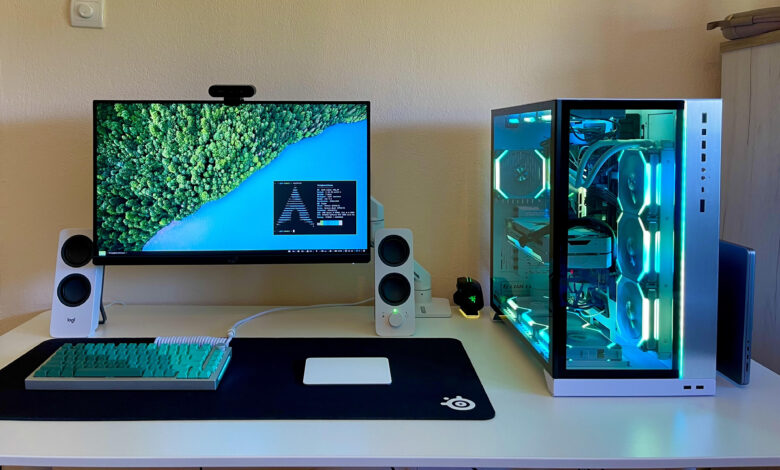
Linux is no longer limited to workstations, coding setups, or server environments. It has also become a more realistic option for gaming as app support and game platforms on the system have improved.
Even so, the experience is not identical to playing on Windows. Linux can run many games well, but the comfort level still depends on the device, the game, and how much setup a user is willing to do.
The trade-off behind Linux gaming
One of the main reasons Linux can run Windows games is Wine, a compatibility layer that translates Windows instructions so they can be read by Linux. It opens the door to many titles that would otherwise not launch at all.
The convenience comes with extra steps. Installing and configuring games on Linux is often more complex than simply clicking install on Windows, and users may need commands, settings changes, and additional tools before a game runs properly.
Steam makes the process much easier
For most users, Steam is the easiest entry point. Through Steam Play and Proton, Linux can open and play many Windows games with a setup process that is relatively simple.
After installing Steam on Linux, users can open Account Settings, go to Compatibility, and enable Enable Steam Play for all other titles. If needed, the Proton version can also be changed directly inside Steam before restarting the app to save the settings.
Performance still varies widely
Running a game does not always mean running it at the same quality as Windows. Many Steam forum users report lower FPS on Linux, with results that vary from one title to another.
That gap can come from system incompatibility, the Linux distribution in use, or a GPU that is not fully optimized. For that reason, gaming results on Linux should not be treated as universal.
At the same time, Linux still has room to compete. With the right customization, a gaming-friendly distribution, and suitable game choices, performance can approach Windows on some setups.
Forbes testing found that many games could run natively or through Proton on Linux, with FPS readings in the 30-60 range on an entry-level CPU.
What helps Linux gaming feel smoother
Linux becomes much easier for gaming once users understand its workflow. Beginners often feel the learning curve first, especially when they are used to the simplicity of Windows installs.
Tools such as Lutris and Heroic can simplify game installation and help improve practical performance. Updated GPU drivers are also important, because graphics support needs to be as current as possible for the system to work at its best.
It also helps to look for solutions in Linux forums when technical issues appear. Users can often find advice there, especially when a game refuses to launch or requires a specific adjustment.
There are also habits to avoid. Games are not recommended to be run through Windows drives or NTFS, and a Linux distribution known to work well for gaming is usually the safer choice.
The library is broader than many expect
Steam support on Linux covers a wide range of popular titles. Games mentioned as playable include No Man’s Sky, Dead by Daylight, Clair Obscur: Expedition 33, The Witcher, Cities Skyland, Bayonetta, Tekken 7, Sekiro, Rise of the Tomb Raider, Wolfenstein II, Cyberpunk 2077, and Dying Light.
That list shows Linux gaming is not nearly as limited as many people assume. For some users, it is already possible to keep Linux as the main operating system and still enjoy a strong game library.
Because Linux is open source, it also offers a high level of flexibility for users who want to adjust the system further. That flexibility is one of the reasons Linux continues to gain relevance as both a work platform and an entertainment option.