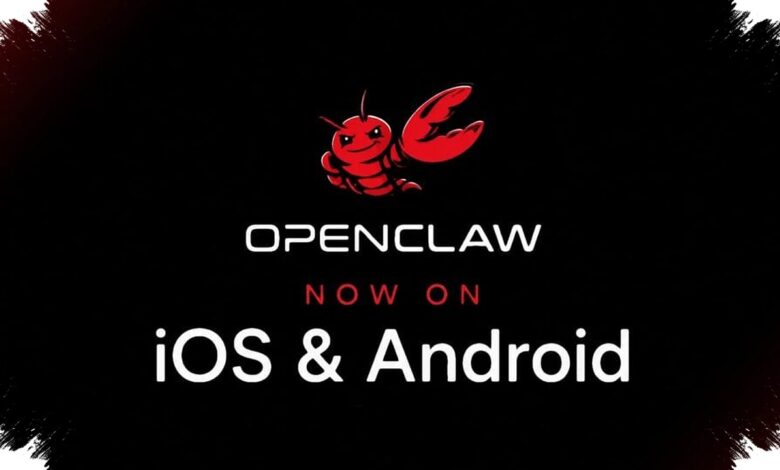
OpenClaw is making a notable shift by moving its AI agent experience onto Android and iOS through a dedicated mobile app. For users who already deploy agents on a PC or cloud server, the phone is now becoming a direct control surface rather than just another connected service.
The change matters because it reduces reliance on third-party channels such as Telegram or Slack. Instead of routing every interaction through outside platforms, users can now open a mobile gateway and speak to an OpenClaw agent more directly.
How the mobile connection works
OpenClaw has simplified the setup process for mobile access. Users can connect the gateway app to an existing agent by scanning a QR code or entering a setup code.
| Mobile App Function | What It Does | User Benefit |
|---|---|---|
| QR code or setup code | Links the phone app to an existing agent | Faster and simpler onboarding |
| Talk mode | Allows voice instructions instead of typing | Useful for quick tasks on the move |
| Push notifications | Alerts the user when an action is triggered or a task is complete | Gives immediate status updates |
Once connected, the app lets users talk to the agent directly from the phone. OpenClaw also adds a Talk mode, which means commands do not always need to be typed.
That voice option is one of the most practical additions for daily use. In fast-moving work situations, or when a laptop is not nearby, speaking to the agent is a more convenient way to issue instructions.
Control still stays with the user
The mobile app is not only for sending commands. It also lets users approve or reject actions before the agent carries them out, adding an extra layer of oversight.
That matters for agents already given permission to handle routine work. Even away from the main machine, users can still monitor decisions and intervene when needed.
OpenClaw also includes push notifications in the app. Alerts appear when an agent triggers an action or when a task is finished, helping users track activity without repeatedly checking another dashboard.
More access to phone hardware, but only with permission
With user approval, the app can access the camera, microphone, location, photos, calendar, and other phone features. This extends what an AI agent can do in a mobile setting while keeping permissions under user control.
The concept is clear: the app is not replacing the main agent deployment. Instead, it serves as a companion layer that brings the user closer to the agent already running on a PC or in the cloud.
Early reactions are mixed
OpenClaw’s Android debut has not escaped criticism. Early Play Store screenshots were seen by some as not fully representative of the app’s actual quality, while posts on X raised complaints about a raw-looking interface and a few features that were said to be problematic.
Even so, the app reportedly looks and performs better on devices such as the Pixel 8 Pro and Vivo X300 Ultra than the promotional images suggest. That gap between early presentation and real-world use may matter as the app matures.
OpenClaw has faced a similar reception before. When the open-source platform first launched and began drawing media attention, the response was also described as harsh.
Over time, the platform is said to have moved far beyond that early stage. Its mobile app may follow the same path, evolving from a rough first impression into a more polished everyday tool for users who depend on AI agents.
For now, the biggest change is simple but meaningful: OpenClaw is shifting the center of interaction from chat platforms and desktop workflows to the phone itself. For users who rely on agents throughout the day, that makes control, communication, and monitoring much easier to keep within reach.