


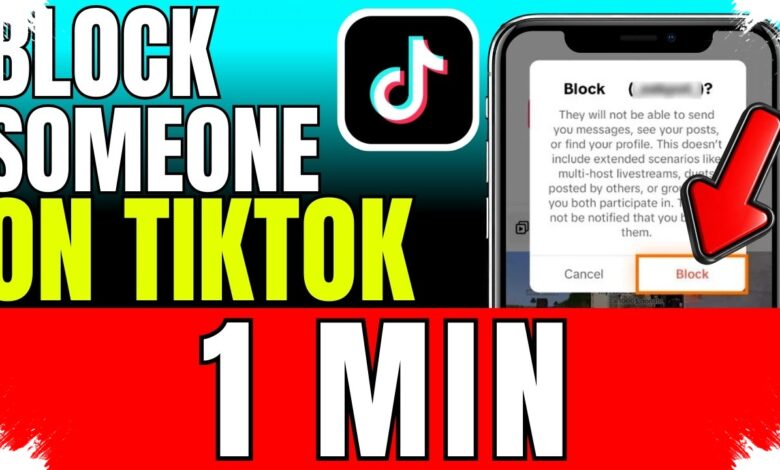
Blocking an unwanted TikTok account can immediately stop that account from viewing a user’s profile or interacting with it. The blocked account can no longer send direct messages, post comments, or use other interaction features with the person who blocked it.
The feature is intended to help users maintain comfort and privacy while using the platform. It does not remove another person’s account from TikTok, but only restricts the connection between the two accounts.
A block can be applied without opening a chat or waiting for a new message to arrive. Users can take action through the target account’s profile or directly from a comment on one of their own videos.
What Changes After an Account Is Blocked
The most immediate consequence is the loss of access to the blocker’s profile and interaction options. This gives users a way to decide which accounts may continue contacting or engaging with them.
The restriction applies specifically to the relationship between the account that blocks and the account that is blocked. It does not affect the continued existence of the blocked account on the platform.
| Method | Menu Location | Final Action |
|---|---|---|
| Through a profile | Target account profile | Select Block and confirm |
| From a comment | Comments on the user’s own video | Manage comments, select the account, and confirm |
| Unblocking | Settings and privacy | Select Blocked accounts and tap Unblock |
Block an Account Through Its Profile
Users who have already identified the account they want to restrict can start from its profile page. Open TikTok on an Android device or iPhone, then find and open the relevant account.
On the profile page, tap the Share icon or the three-dot menu at the top of the screen. Select Block, then tap Block again to confirm the action.
Once confirmation is completed, the selected account cannot interact with the user’s TikTok account. This route is useful when a user wants to limit access directly from a specific profile.
Take Action from the Comments Section
Users can also block an account after seeing an unwanted comment on their own video. Open one of the user’s TikTok videos and enter the Comments section.
Press and hold the comment posted by the account in question. Then choose the option to manage comments and select the account that should be blocked.
The block takes effect after the selected account is confirmed. This method allows users to respond within the comments area without searching separately for the account’s profile.
The Block Can Be Reversed
Blocking is not permanent if the user later decides to restore access. TikTok provides a Blocked accounts list that shows which accounts have been restricted.
To unblock someone, open the Profile page and tap the three-line menu. Go to Settings and privacy, select Privacy, and then open Blocked accounts.
Tap Unblock next to the account that should be allowed to interact again. Guidance summarized by Media Indonesia notes that users can adjust these access limits when circumstances change.
Knowing where to find TikTok blocking controls and the unblock option can help users manage unwanted interactions without leaving the app. These settings are part of TikTok privacy controls available to users who want a more comfortable interaction space.