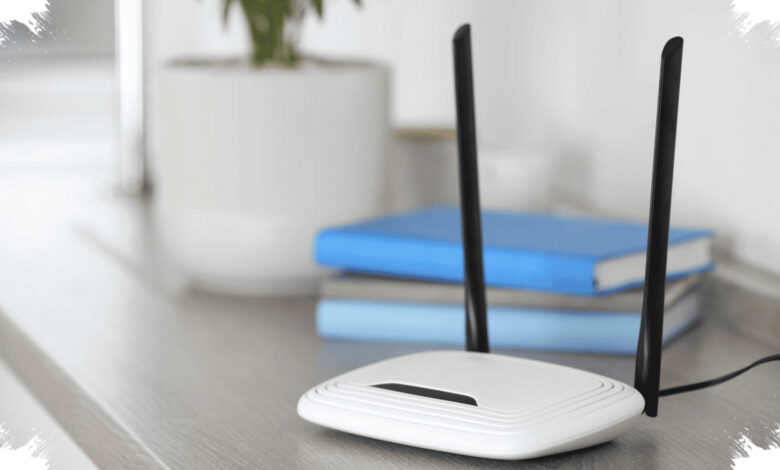
A weak WiFi connection in one part of a home may be caused by more than the internet provider. Large mirrors, televisions, aquariums, microwave ovens, and severe weather can affect how radio signals travel.
The effects can include buffering video, dead zones, and devices that struggle to connect from certain rooms. Checking the physical path between a router and a device can be a practical first step before assuming the service itself has failed.
WiFi radio waves lose strength over distance and can also be absorbed, blocked, or reflected by nearby objects. Alex Hills, a WiFi technology pioneer, described such interference factors as bad boys in his book WiFi and the Bad Boys of Radio.
Liputan6 reported that Hills led the construction of one of the world’s first large-scale WiFi networks while he was a professor at Carnegie Mellon University in 1993. His explanation highlights why a home’s layout can affect connection quality even when the router remains operational.
| Possible Interference | Effect on WiFi | Possible Response |
|---|---|---|
| Microwave oven | Can interfere with the 2.4 GHz band | Use a 5 GHz network when available |
| Aquarium | Water absorbs radio-wave energy | Move the device closer to the router |
| Mirror or large TV | Reflects radio waves | Reposition the object or use an extender |
| Severe weather | Can affect infrastructure and satellites | Check outdoor equipment covered by snow |
1. Microwave Oven
Microwave ovens are frequently associated with slow WiFi because they use the 2.4 GHz frequency to heat food. That frequency band is also commonly used by WiFi and Bluetooth devices.
Modern microwave ovens are designed to keep microwave energy inside the appliance. Older units, or a door opened before heating has finished, may have leakage that interferes with a connection.
Hills identified microwave interference as one of the most commonly discussed issues. Fluorescent lights and vehicle ignition systems may also cause similar frequency leakage.
The risk is considered lower with improved shielding in newer microwave ovens. A 5 GHz WiFi network can also reduce exposure to interference because it does not use the 2.4 GHz band.
2. Aquarium
An aquarium can create a weak-signal area when it sits between a WiFi router and a connected device. Water molecules absorb radio-wave energy, making it harder for the signal to pass through.
Hills referred to this weakening from physical obstacles as shadowing. Radio signals naturally decline over distance, while barriers along the route can worsen the effect.
Brick and concrete walls are also harder for signals to penetrate than wood or gypsum board. Multiple obstacles between the router and a device increase the likelihood of weak coverage or a dead zone.
Placing the router in a central and elevated area can help spread coverage more evenly. A WiFi extender or mesh system can add signal points to rooms that remain difficult to reach.
3. Mirrors
Large mirrors, televisions, and shiny flat surfaces can redirect WiFi signals through reflection. Radio waves are a form of light and can reflect when they meet reflective surfaces.
Walls containing metal sheets in their construction may create a similar issue. In rooms with poor reception, it can be useful to inspect the direct line between the router and the device for mirrors or large televisions.
Moving a reflective object may help when the room layout allows it. If relocation is not possible, an extender can help bring coverage into the affected area.
4. Severe Weather
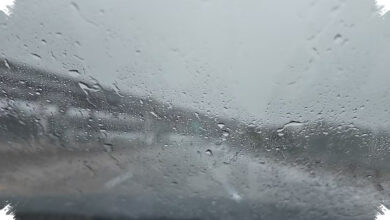
Rain generally does not disrupt WiFi inside a home unless the connection must cross open space to another building. Extremely bad weather can still affect the wider infrastructure serving homes, neighborhoods, or larger areas.
Snow can damage metal components inside cables during extreme temperatures or block satellite signals. A satellite dish covered by accumulated snow may need to be cleared before the connection can work again.
High temperatures can also contribute to network disruption. Connection speeds may feel slower when everyone in a household is using the internet at the same time, such as for video streaming.
Router placement, nearby materials, and surrounding devices are therefore relevant parts of a basic WiFi check. A simple rearrangement can sometimes improve signal distribution across the home.