


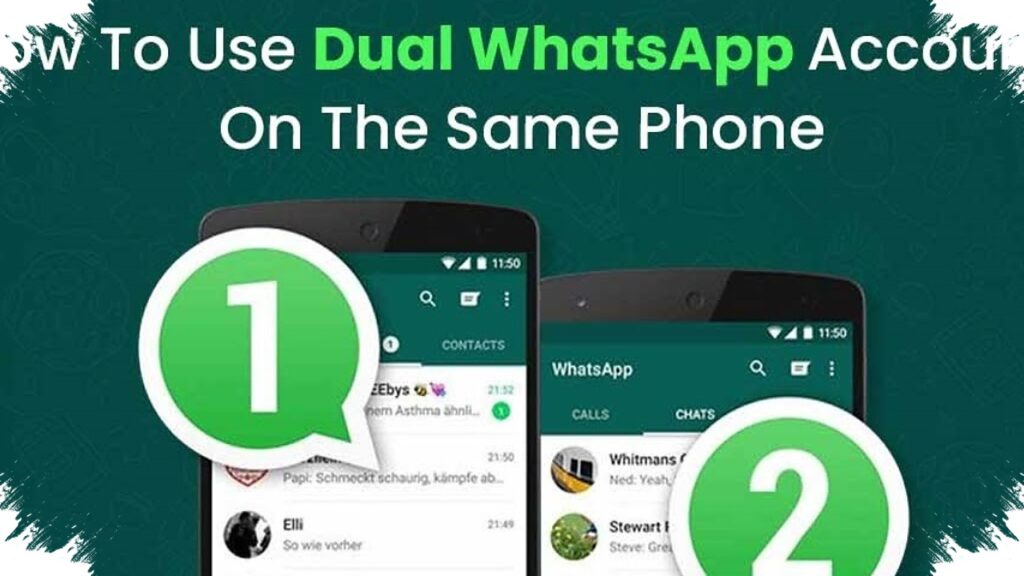
Two WhatsApp accounts on one phone are now easier to manage without installing extra apps, and that matters for users who want to separate work and personal chats on a single device. In 2026, the most practical official methods are WhatsApp’s built-in Add Account feature, the phone maker’s app-cloning tool on supported Android devices, and WhatsApp Business for users who need a second official account.
The appeal is simple: both numbers stay active, notifications still arrive in real time, and the setup avoids the security risks tied to unofficial WhatsApp mods. For mobile users who want speed and simplicity, the official route also saves storage, reduces clutter, and keeps account management inside trusted software.
Why two WhatsApp accounts are in high demand
The need for two accounts has grown as more people juggle remote work, side businesses, family coordination, and personal communication. Many users now prefer one number for private messages and another for clients, colleagues, or online selling.
Meta’s official ecosystem supports that behavior through verified account management tools, while Android manufacturers add their own duplication features on selected devices. This means users can choose a method that fits the phone they already own, instead of carrying two handsets.
The most practical official option: Add Account
WhatsApp’s Add Account feature is the cleanest solution for people who want both numbers inside one app. It works much like switching profiles in an email app, so there is no need to log out and log back in every time another number is used.
The setup is straightforward and usually takes only a few minutes. Users open WhatsApp, tap the profile photo in the top-right corner, select the small arrow next to the name, and choose the option to add another account.
Quick steps to activate a second account
- Open the main WhatsApp app.
- Tap the profile photo in the upper-right corner.
- Select the menu beside the account name.
- Tap Add Account.
- Enter the second phone number.
- Confirm the OTP sent by SMS or phone call.
- Start using both accounts from the same app.
After verification, both accounts can stay active at the same time. Messages and notifications continue to arrive separately, which helps users keep conversations organized without switching apps.
When Android app cloning is the better fit
Many Android brands now offer built-in cloning tools under names such as Dual Messenger, Parallel Apps, or App Clone. These tools create a second WhatsApp shortcut on the home screen or in the app drawer, making each account feel visually separate.
This option is useful for users who prefer clear separation between two accounts. It can also make daily communication easier because each icon can represent a different number, and some devices even allow separate notification tones.
That flexibility is one reason Android cloning remains popular in 2026. It gives users a simple setup without relying on third-party software, while still keeping both accounts within the phone’s official system tools.
WhatsApp Business as a secure alternative
For iPhone users, or for anyone who wants a second account with business tools, WhatsApp Business remains an official option. It is available from the App Store and Google Play, and it works with a different phone number from the main WhatsApp account.
The app includes features that help with customer communication, including automated replies and chat labels. That makes it especially relevant for small sellers, service providers, and people who need faster response handling during busy hours.
Important checks before activating two accounts
Each WhatsApp account still needs a separate active phone number for verification. Users must make sure the second SIM can receive SMS or voice-call OTP codes before starting the setup.
Meta has repeatedly emphasized that official apps are the safer choice because they keep end-to-end encryption intact. Unofficial WhatsApp mods and third-party clones can expose accounts to data leakage, device instability, or even permanent suspension.
| Choosing the right method for each device | User need | Best official method |
|---|---|---|
| Both accounts in one app | Add Account | |
| Two separate WhatsApp icons | Built-in app cloning | |
| iPhone or business use | WhatsApp Business |
In 2026, the most practical way to run two WhatsApp accounts on one phone still depends on the device and the user’s daily habits. The key point is that official methods now make it possible to keep both numbers active, secure, and easy to manage without extra applications.