


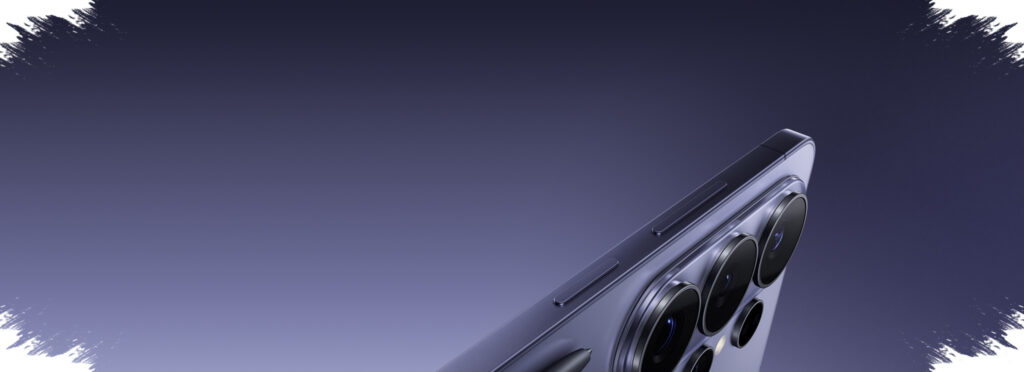
Samsung Galaxy S26 and Galaxy S26+ appear to be aiming for more than raw hardware improvements. The most notable changes are the hidden tools designed to make sharing, editing, and everyday navigation feel faster and more practical.
That approach gives the lineup a different kind of appeal. Instead of relying only on headline specifications, Samsung seems to be building a phone experience that saves time in small but meaningful ways.
Fast file sharing across more devices
One of the most useful additions is Quick Share, which is described in the source as being compatible with Apple devices. That means file transfers between Galaxy phones and iPhones are no longer tied to third-party apps.
For daily use, that matters far beyond convenience. High-resolution photos, large videos, and work documents can move more easily when users need to collaborate across different ecosystems.
Camera tools that do more than capture images
The camera system also includes features aimed at practical use rather than only better-looking photos. Horizontal Lock helps keep video framing level even when the phone tilts slightly during recording.
Samsung also adds Night Mode support that is said to reduce noise and produce cleaner images in low light. For video, the phone includes cinematic filters such as “Blockbuster,” giving clips a more dramatic look without extra editing software.
Document scanning gets attention as well. The built-in scanning feature can detect documents automatically and tidy up the result, which makes it useful for office tasks, digital records, and sending files that need a more polished appearance.
AI support extends into editing and gallery management
Samsung also leans on AI to simplify photo editing on Galaxy S26. Users can adjust backgrounds, improve lighting, and refine images in only a few steps, making the process less dependent on external apps.
The gallery itself gains smarter organization too. According to the reference, it can classify screenshots more intelligently, including items such as QR codes and boarding passes, so important files are easier to find when needed.
Customization goes deeper with Good Lock
For users who like to shape the interface around personal preferences, Good Lock remains one of the strongest additions. The app opens access to modules that can change the look and feel of the phone in several ways.
Home Up allows changes to the home screen layout, including folder size and arrangement. Keys Cafe offers keyboard layout and gesture customization, while LockStar adds more distinctive unlock animations and edge lighting effects.
Creative Studio also expands personalization by turning photos into custom stickers. That option can be useful for messages or social media posts without needing extra editing tools.
More efficient access to core controls
Samsung also simplifies everyday navigation through the quick control panel. With a single swipe, users can adjust brightness, volume, and other key settings without digging through multiple menus.
A Finder button sits on the home screen and works as a universal search tool. It helps locate apps, files, or settings faster from one place, which supports users who regularly move between work and personal tasks.
More than one smart assistant can be used
Another flexible detail is the ability to choose between multiple AI assistants. The reference notes that ChatGPT, Claude, and Perplexity can be accessed through the side button, giving users options based on their specific needs.
That is important because usage patterns vary widely. Some people focus on productivity, others on research, and some simply want an assistant for light tasks or entertainment support.
Sound and screenshots also get practical upgrades
Audio Erase is another feature built for real-world use. It removes background noise from recordings so video clips, tutorials, podcasts, or important moments sound cleaner.
Samsung also adds more control over screenshots. Users can hide the status bar and navigation bar to make captures look cleaner, which can help with presentations, social posts, or professional sharing.
The status bar itself even allows battery icon personalization. Users can pick from several visual styles, adding one more layer of control over how the interface looks and feels.
Taken together, these features show that Galaxy S26 and Galaxy S26+ are being positioned as more than conventional flagship phones, with Samsung focusing on tools that improve file sharing, camera use, photo editing, assistant access, and daily efficiency.