


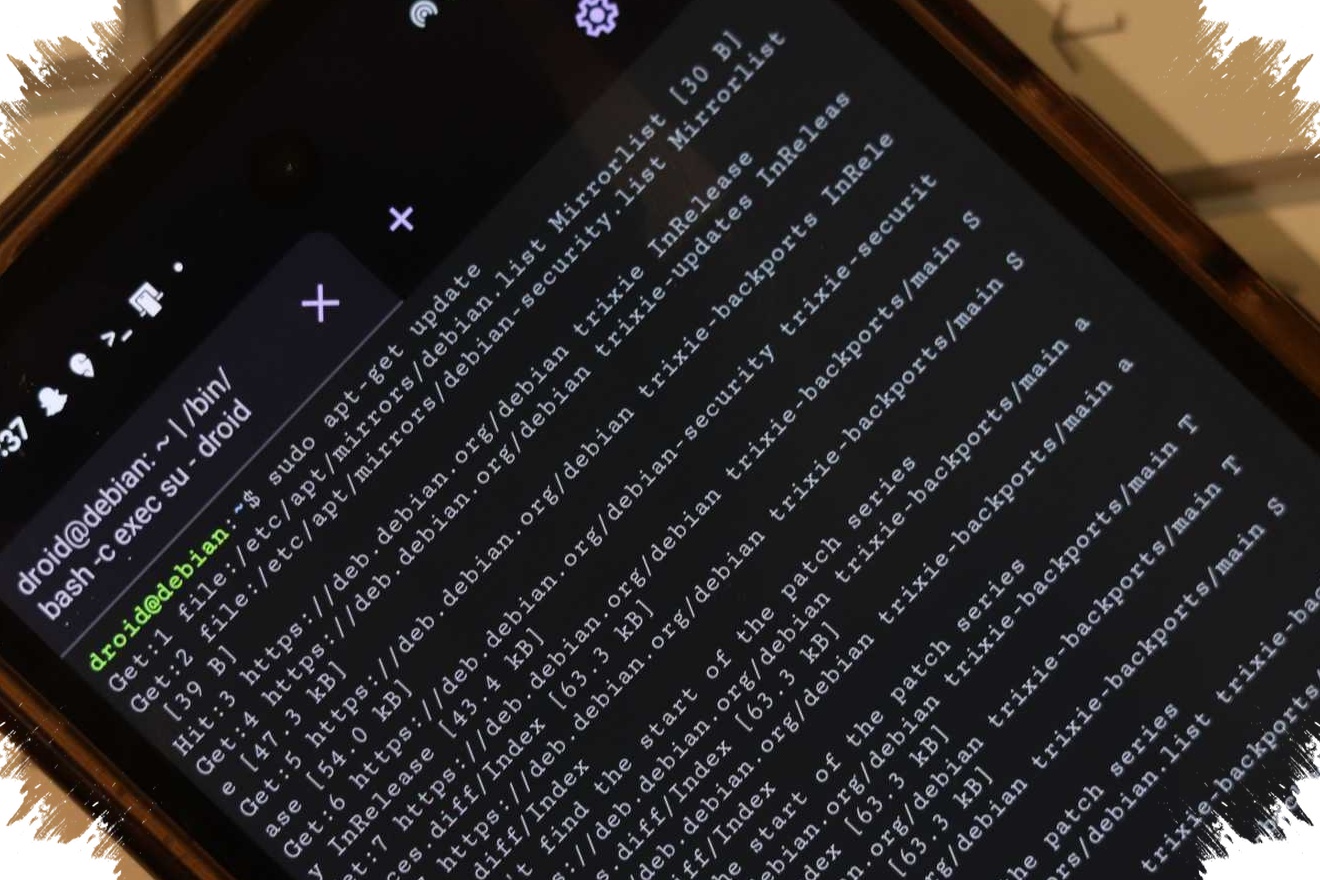
Google’s Linux Terminal on Android is gaining a new display control that could make graphical apps run more smoothly, but the trade-off is immediate: lower resolution can improve speed, while sharper visuals may reduce performance. The change appears in tests spotted by Android Authority in Android 17 QPR1 beta 1.
The update matters because Linux Terminal is no longer being used only for text commands. It is also being shaped for graphical use, including lightweight Linux apps and even simple games running inside Android.
A new resolution menu changes the balance
Google has added a “Display resolution” menu under Settings > Advanced for the Linux Terminal’s graphical interface. This setting affects the display used when the terminal loads apps and games, allowing users to adjust how much visual workload the system has to handle.
Three resolution options are available, and each one comes with a different compromise. “Full” keeps image quality at the highest level, but it can place more pressure on the device. “Quarter” is aimed at maximizing smoothness by reducing visual detail as far as possible.
Between those two sits “Half,” which is described as the balanced option and the recommended choice for better overall performance. That middle setting suggests Google is giving users a clearer way to choose between visual quality and responsiveness depending on the task.
Performance is becoming the main priority
The arrival of this menu shows that Android’s Linux Terminal is being pushed toward more serious use. Rather than staying a niche tool for technical experiments, it appears to be moving closer to a desktop-like environment that can handle more practical workloads.
Android Authority noted that the graphical environment can already run lightweight Linux applications, including games such as DOOM. In scenarios like that, graphics demands can quickly affect how responsive the system feels, which makes resolution control especially important.
For users who care most about crisp output, “Full” remains the best fit. But on devices with limited resources, that mode may make the experience feel heavier than the lower-resolution alternatives.
Full-screen mode gets a cleaner layout
Resolution is not the only part of the Linux Terminal that is changing. Google has also added a dedicated full-screen button, which hides the status bar and navigation bar to give the graphical area more space.
That adjustment is useful for apps that benefit from a larger working area, especially when the goal is to make Linux on Android feel less confined. It also makes the terminal appear more like a proper desktop workspace than a small floating window.
The interface has been updated as well, with the toolbar now shown as a floating pill-shaped bar at the bottom of the screen. That design keeps the controls easy to reach while preserving a cleaner visual layout for the app content.
Part of a broader Android Linux push
The display controls are only one piece of a wider set of improvements around Linux Terminal. Google has also been testing a modern interface for the terminal and a memory-limiting option through Android Canary.
According to the same report, both the modern interface and the memory restriction feature are already available in Android 17 beta. That strengthens the expectation that Google is preparing Linux Terminal for a more complete release in a stable Android 17 build.
Taken together, the new resolution options, full-screen support, and refreshed interface point in the same direction. Linux on Android is being positioned as a more flexible environment for work and graphical use, where users can decide whether to prioritize sharpness or smoother performance.