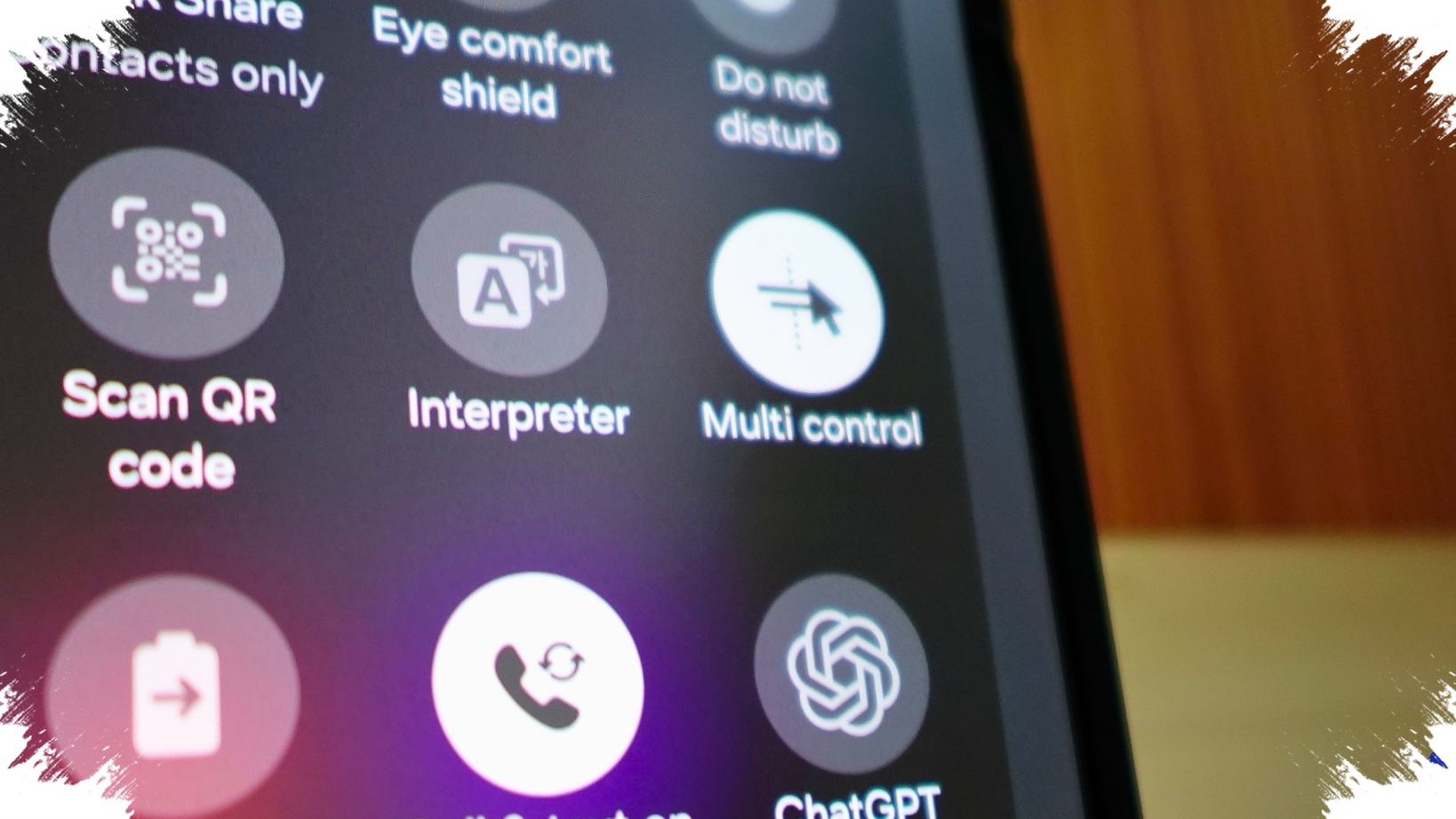
A small Android feature combination may soon make ChatGPT feel far less intrusive on a phone screen. Instead of relying on a full-screen sharing flow, OpenAI is testing a lighter approach that lets the app read what is visible on an Android display with fewer interruptions.
The experiment was spotted by Android Authority in version 1.2026.118 of the ChatGPT app for Android. The approach appears to combine Android Accessibility features with Bubbles, which would allow the chatbot to understand on-screen content without depending on the screen-casting method used today.
A lighter path than full screen sharing
At present, ChatGPT on Android uses the MediaProjection API to view a user’s screen. That same API is commonly used for screen recording or for sending display output to an external screen.
The problem is that this method is not especially convenient for everyday use. It requires several permission dialogs and warning prompts, and it also works by keeping screen capture active in the background.
What OpenAI is testing instead
The newer flow under test changes that experience by asking users to enable a few settings first. One of those is “ChatGPT screen help” in Android’s Accessibility menu.
Users also need to turn on notifications and conversation bubbles for the app. According to Android Authority, that added setup helps prevent the app from being closed by the system while the feature is running.
Once everything is enabled, a floating conversation bubble appears on the phone. It stays available on the home screen and can also remain on top of other apps.
How the bubble-based interaction works
Instead of switching into a separate sharing session, users interact with ChatGPT through the bubble itself. They can tap it and ask a specific question about the content currently visible on the screen.
The mode is also described as ignoring earlier conversation context. Its answers focus only on what is shown at that moment, which makes the interaction more direct and tied to the current display.
Why the test matters
Bubbles are not a new Android feature, but they are rarely used this way. That is what makes OpenAI’s test notable: it takes a familiar Android tool and applies it to a task that usually depends on a heavier screen-sharing process.
The result could be a faster workflow for people who want quick help without leaving the app they are already using. The floating bubble also supports multitasking more naturally, since it sits above the interface instead of forcing a full transition.
Privacy remains part of the discussion
There is still a sensitive side to the idea. Granting Accessibility access to an AI chatbot can feel more intrusive than standard screen sharing for some users.
That permission lets an app read visible elements on the screen, including text and buttons. For that reason, some users may consider it a more delicate permission than the screen-sharing flow it is meant to replace.
There is no confirmed release date for the feature, and it is also unclear whether the experiment will reach the public version at all. The discovery came from an APK teardown, which means it was found by analyzing still-developing app code rather than a finished release.
Source: www.androidauthority.com-

-

-
-