


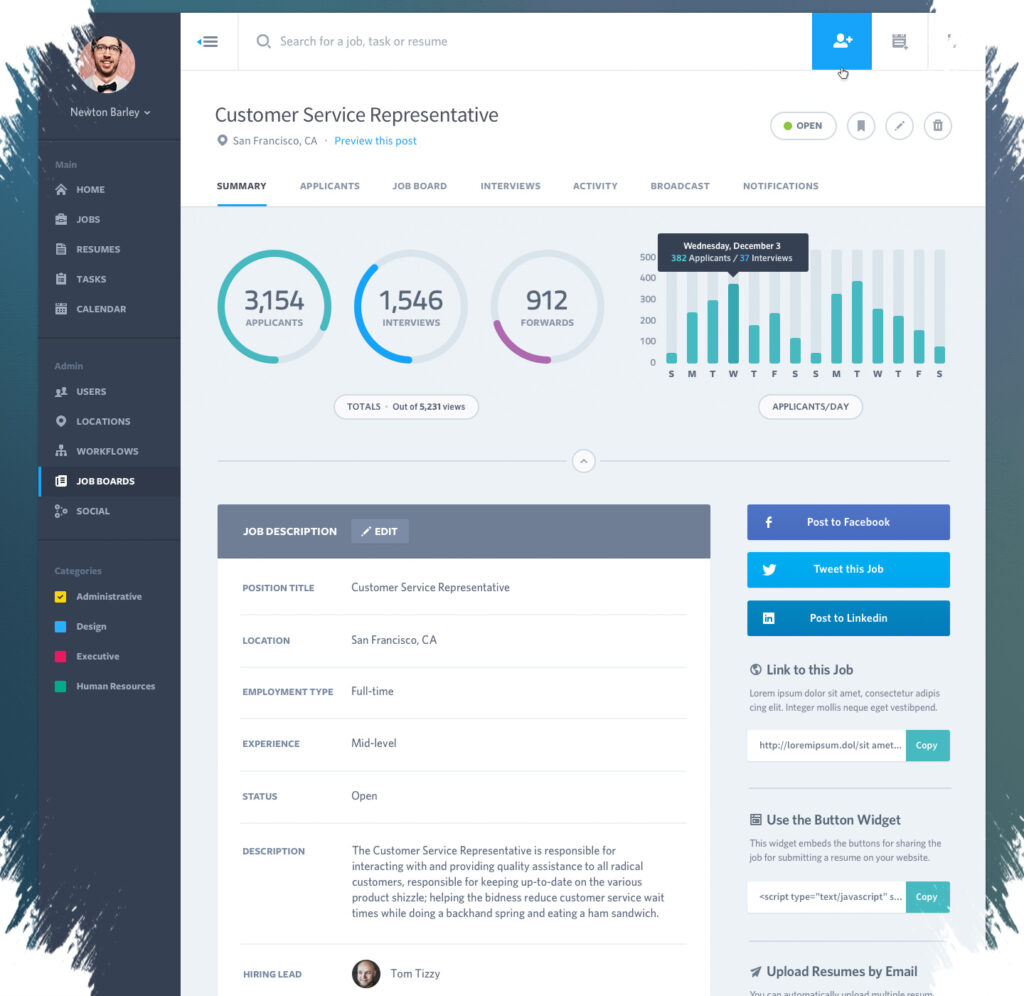
A dashboard can contain accurate numbers and still fail to influence a decision. When that happens, the problem is often not the data itself, but the way it is presented on the screen.
Executives and other stakeholders usually want answers fast. If a dashboard feels crowded, visually noisy, or slow to point them toward the most important metrics, attention can disappear within seconds.
A clean layout often makes a stronger case than a busy one. Gridlines, formula bars, and unnecessary headings can add visual clutter and pull the eye away from the figures that actually matter.
Minimal design helps reduce that problem. A subtle background can separate key sections without making the display feel heavy, while white space gives each element room to breathe and makes the overall view easier to scan.
The order of information matters just as much as the visual style. Decision-makers usually want an executive summary first, especially the KPIs or critical metrics placed at the top of the dashboard, because that is where the most relevant information can be understood immediately.
Typography and positioning help reinforce that hierarchy. Bold fonts, clear labels, and strategic placement keep the main figures from getting lost among supporting details.
In a sales performance dashboard, for example, total revenue, growth rate, and customer acquisition rate need to stand out quickly. The goal is simple: the reader should understand the business situation without having to search for the key numbers.
Visual cues can make trends easier to read at a glance. Arrows, percentages, and color codes help show whether data is moving up or down, while green arrows can signal growth and red arrows can mark decline.
Conditional formatting also has a role, but it works best when used carefully. A light gradient, a data bar, or a simple icon is often enough to show performance levels without taking attention away from the data itself.
Overusing emphasis can undo the clarity that a dashboard is meant to create. Too many contrasting colors, icons, or highlight effects can make the screen feel crowded again and weaken the main message.
Context is another part of usability that is often overlooked. Short text boxes or annotations can explain sudden spikes, drops, or patterns, which helps the numbers tell a more complete story during a quick review.
Titles contribute to that clarity as well. Clear, bold dashboard titles and chart titles placed outside the chart area can keep the layout open while making the content easier to understand.
More advanced dashboards can also use dynamic titles. When titles change based on selected periods, regions, or product categories, the display feels more relevant once filters are applied.
Interactivity can increase the chance that the dashboard will actually be used. Slicers let users filter data with a single click, which makes exploration faster and more intuitive for different needs.
Navigation matters when a dashboard includes multiple sections or sheets. Navigation bars, hyperlinks, or labeled buttons help users move to summaries, reports, or alternate views without losing their place.
Shapes or icons can make those buttons easier to recognize. In a complex dashboard, simple navigation tools reduce friction and help the user stay focused on the information.
The core principle is straightforward. A dashboard works best when it is clean, direct, contextual, and easy to move through, because that makes data easier to turn into action.
When a manager keeps ignoring a dashboard, the cause is often not the numbers. More often, the presentation has not yet made it easy enough for fast decision-making.
Source: www.geeky-gadgets.com