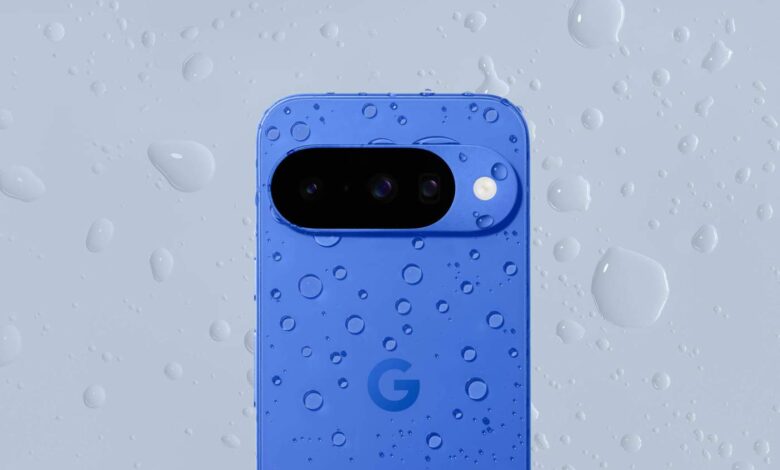
The shift toward eSIM on Android is becoming harder to ignore, and Pixel 10 offers one of the clearest signs of where the platform is heading. In the United States, Google is relying entirely on dual eSIM connectivity for the device, which makes the process of activating a line or moving a number more relevant for everyday users.
That change matters because eSIM works like a regular SIM, but the mobile account is stored digitally on a chip built into the phone. For people who switch operators, add a second line, or carry separate work and personal numbers, the experience is no longer tied to a small plastic card that needs to be removed and inserted again.
Why eSIM is gaining ground
Pixel 10 can store more than eight eSIM profiles, although only two can be active at the same time. That setup is especially useful for users who want multiple numbers available on one device without carrying extra SIM cards.
The broader industry trend is also pushing in the same direction. Most of the best Android phones still include a physical SIM slot, but Google’s move follows Apple’s earlier decision to remove it from iPhone models sold in the United States starting with iPhone 14.
What makes eSIM practical
One of the biggest advantages is convenience during activation. A stable Wi‑Fi connection is usually enough, so users do not always need to visit a store or wait for a card to arrive by mail.
The format is also helpful for travelers. A second number can be activated more easily, including an international plan before leaving the country or a prepaid connection when visiting the United States.
eSIM also reduces dependence on physical cards that can be lost or awkward to handle. That can make it easier for people who struggle with tiny SIM cards or who frequently move between phones. It also cuts down on physical waste.
How activation works on Android
The process is usually simplest when a phone is bought directly from an operator. In many cases, the configuration is already prepared, so users only need to turn off the old phone, power on the new one, and follow the setup prompts.
Unlocked devices or phones being moved to a different carrier require a few extra steps. Users need to confirm that the phone is compatible, choose a carrier that supports eSIM, and sign up for the appropriate plan.
On Google Pixel devices, activation is handled through Settings, then Network & internet, and then SIMs. From there, users may see options such as Add SIM, Set up an eSIM, or Transfer a SIM from another device, then follow the on-screen instructions until the line is active.
This path is broadly similar on Android phones that use interfaces close to stock Android, including some Motorola devices. The menus may look different, but the general idea remains the same: find the SIM settings, choose eSIM, and complete the setup on screen.
Samsung’s path and device-to-device transfer
Samsung Galaxy phones use One UI, so the menu path is different. Users need to open Settings, go to Connections, and then select SIM manager before tapping Add eSIM.
Samsung then offers several choices, including moving a SIM from another phone, scanning a QR code, or searching for available eSIMs. If users choose Search for eSIMs, they can select the carrier they use and continue through the prompts until the number is activated.
Moving an eSIM from one Android phone to another has also become easier. Google introduced the eSIM Transfer Tool after its debut at MWC 2023, while Samsung added an eSIM transfer tool through One UI 5.1.
On Pixel phones, the transfer option appears on the Connect to mobile network screen. On Samsung devices, a similar option is available on the Choose how to add your eSIM screen. In both cases, the user can select the transfer option and follow the instructions shown by the system.
Even so, activation is not always fully automatic. In some cases, users still need to contact the carrier before the eSIM can be completed and used on the new device.
Source: www.androidcentral.com