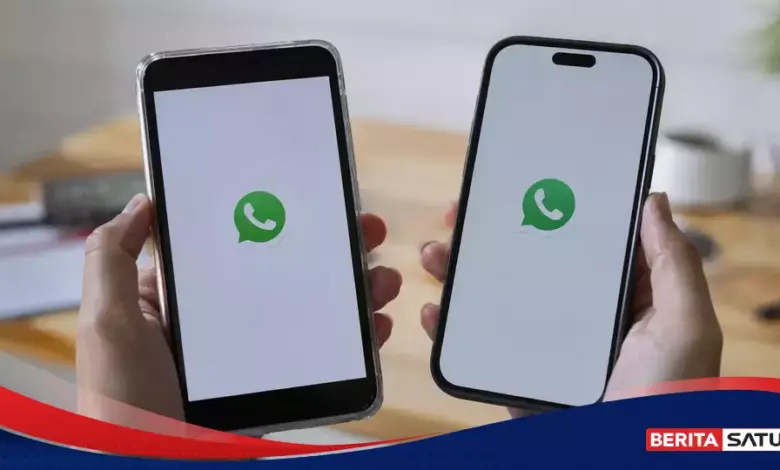
WhatsApp now lets one account run on two phones at the same time through its linked devices feature. For users who split work and personal communication across devices, the change removes the need to keep logging in and out.
The system works through companion mode and supports synchronized chat history across devices. That means messages can still arrive and stay updated even when the main phone is not active.
How the feature works
WhatsApp’s multi-device setup is designed so the same account no longer depends entirely on one primary phone. A second phone, tablet, laptop, or desktop computer can stay connected at the same time.
Each linked device works independently and continues receiving incoming messages. WhatsApp also says synchronization can run across operating systems, including Android and iPhone.
How to link a second phone
The process starts from the WhatsApp app on the second phone while it is still on the opening screen. The user then chooses the option to link it as a companion device or connect to an existing account.
On the main phone, WhatsApp must be opened and the linked devices menu selected. On Android, this menu sits under the three-dot icon in the top right, while on iPhone it appears in Settings.
After selecting the link option, the user must confirm identity with a fingerprint, Face Unlock, or PIN, depending on the phone’s security setup.
If verification succeeds, a QR code appears on the main phone. The second phone scans it, and the chat history syncs for a few moments before the latest messages appear.
How many devices are allowed
One WhatsApp account can be linked to as many as four additional devices. Those devices may be a second phone, tablet, laptop, or desktop computer.
That gives users more flexibility to access the same account across several screens without switching logins manually. It also makes the feature useful for people who move between devices during the day.
Security remains intact
WhatsApp says all messages, media, and calls on linked devices remain protected with end-to-end encryption. Under this system, only the sender and intended recipient can read the conversation.
The multi-device rollout also keeps the same privacy standard used on a single primary device. Using the account on two phones does not reduce that protection.
Important limits to note
The main phone still remains the primary device even when the account is active on several devices. If that main phone stays inactive for more than 14 days, WhatsApp automatically removes the account from all linked devices.
There are also feature limits on linked devices. Status updates still can only be posted from the main phone.
To keep the feature working smoothly, both phones should run the latest version of WhatsApp. That helps the link process and synchronization continue without issues.
Why users may find it useful
The feature helps users stay connected without repeatedly transferring an account from one phone to another. Incoming messages also sync automatically on both devices, making it easier to follow conversations from either screen.
When one device is unavailable, the other linked phone can still send and receive messages. Support for both Android and iPhone makes the setup practical for everyday communication needs.