Many iPhone owners still assume a device that has gone completely dead disappears for good. Apple, however, has built a tracking system that can still help locate a missing iPhone through the Find My Network, even when the battery is empty or the phone is no longer fully powered on.
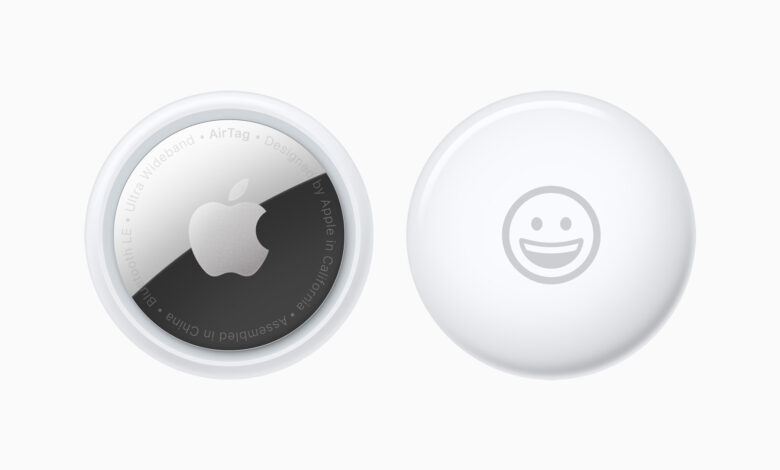
The system relies on low-energy Bluetooth signals that continue to broadcast securely in the background. Nearby Apple devices can detect those signals and relay the last known location back to the owner’s iCloud account.
For this tracking method to work, the iPhone must run iOS 15 or later. It also needs Ultra Wideband support, which applies to iPhone 11 and newer models, with exceptions for the SE 2020, SE 2022, 16E, and 17E.
How to turn on Find My Network
The feature has to be enabled in advance so it can work when a phone is lost. Users can open Settings, tap their Apple ID name at the top of the screen, then choose Find My and enter the Find My iPhone menu.
Inside that section, three options should be switched on together: Find My iPhone, Find My Network, and Send Last Location. The last option is important because it sends the phone’s final coordinates to Apple’s servers just before the battery is fully drained.
How to check whether it is active
Once the settings are on, there is a simple way to confirm the feature is ready in the background. Open Control Center by swiping down from the top-right corner, then press and hold the power button or the power and volume buttons until the shutdown menu appears.
Look closely at the small text below “slide to power off.” If “iPhone Findable After Power Off” appears, the device can still be tracked after it is switched off.
What to do when an iPhone goes missing
When an iPhone is truly lost, users still have two main ways to search for it. The first is through another Apple device, such as an iPad, Mac, or a borrowed iPhone.
Open the Find My app, then select the Devices tab at the bottom. After that, tap the missing iPhone name and use Directions to see the map route to the last recorded location.
If theft is suspected, Mark As Lost should be activated immediately. This locks the device remotely and helps protect personal data.
If no other Apple device is available
Tracking can also be done through a browser on a laptop or an Android phone. Go to icloud.com/find and sign in with the Apple ID and password used on the missing iPhone.
After logging in, choose the phone from the list that appears. From there, users can view the last known location, play a sound with Play Sound, lock the device, or erase all data if recovery appears unlikely.
Extra precautions that improve the odds
Apple also recommends disabling Control Center access on the lock screen. The goal is to prevent someone else from turning on Airplane Mode or cutting cellular access while the iPhone is still on.
By closing that gap, the chances of tracking a dead iPhone or one that has changed hands become much better. The system still depends on signals, nearby Apple devices, and security settings that were activated from the start.