


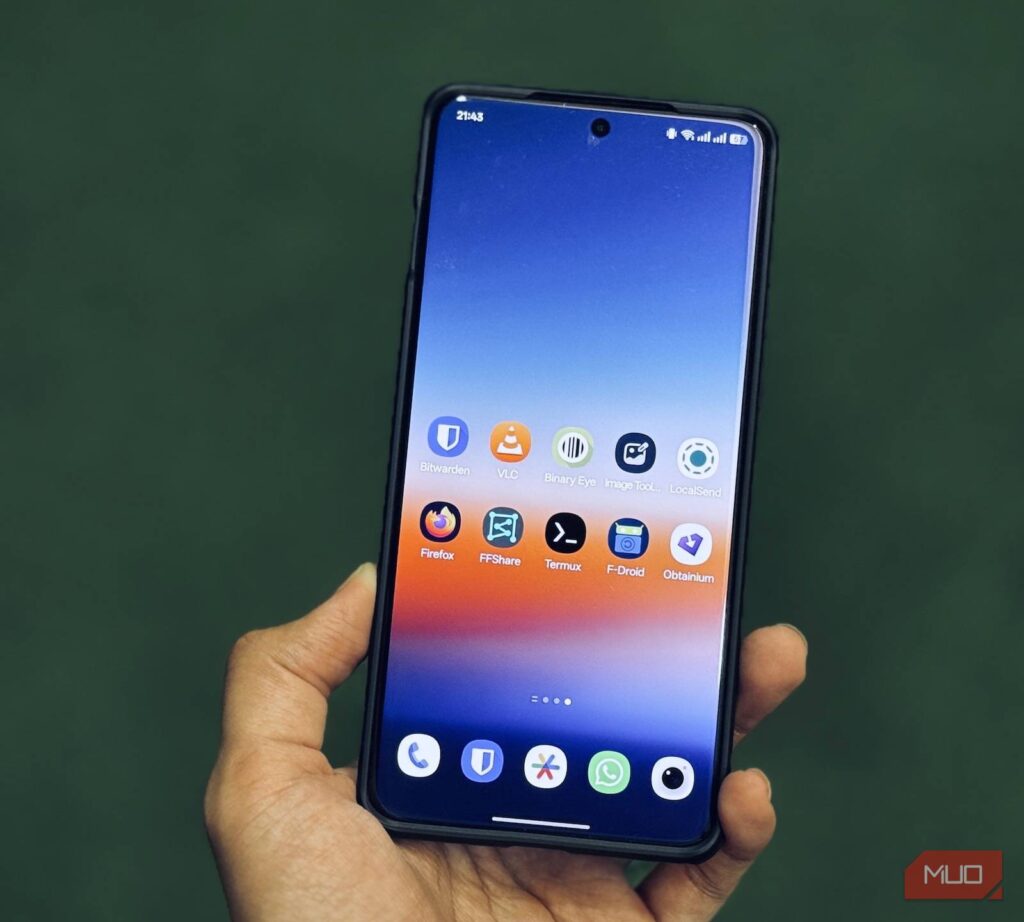
Not every useful Android app lives in the Google Play Store. A number of open-source tools remain outside the storefront, yet they offer focused features that can be sideloaded for free and used without upgrades, subscriptions, or one-time payments for premium functions.
That is what makes this group of apps stand out. Each one tackles a different daily task, from note-taking and food inventory to privacy controls, productivity, and offline music playback.
1. WriteOn brings structure to notes
WriteOn is designed for people who want a cleaner, more minimal note-taking app. It supports checklists, numbered lists, bulleted lists, and image insertion.
Its most unusual additions are a built-in calendar and calculator that can be opened directly from a note. That makes it easier to check dates or do quick calculations without leaving the app.
The app also includes a Scratchpad for temporary notes. Anything written there is erased when the app restarts, which makes it useful for short-lived items such as restaurant orders or parking slot numbers.
If a temporary note still needs to be kept, it can be exported as a TXT file. WriteOn also has Flashcards for study sessions, showing a question first and the answer afterward.
2. Fridgey keeps food inventory under control
Food tracking is often harder than it seems, especially when items are spread across a fridge and pantry. Fridgey simplifies that task by building a food inventory and sorting items by freshness.
Expired or soon-to-expire items are placed at the top, helping users identify what needs attention first. The app asks for a product name, quantity, production or expiry date, shelf life for products based on production date, food type, and an image when creating the first database.
By default, Fridgey includes seven categories: produce, seafood, canned food, meat, milk, cereal, and condiment. Users can also add new food types and create custom shelf-life options beyond the built-in choices such as three days and 14 days.
Once the data is entered, the full inventory appears on the main screen. From there, quantities can be reduced through “Eat up” or increased through “Supplement.”
3. PrivacyFlip adds more control when the phone is locked
Many Android users do not realize that Bluetooth, Wi-Fi, camera, and microphone access do not automatically stop when a phone is locked. Bluetooth and Wi-Fi can still stay connected and remain available to apps.
PrivacyFlip addresses that gap by letting users disable Wi-Fi, Bluetooth, mobile data, location, NFC, camera, and microphone while the device is locked. The app uses a simple Disable on Lock option for that purpose.
If the user wants those features restored after unlocking, an Enable on Unlock option is also available. PrivacyFlip can also switch on battery saver during lock, which limits background activity and can help reduce battery use.
4. Timety combines tasks, habits, and focus sessions
Timety brings together a to-do list, habit tracker, and focus timer in one app. Its task manager is especially detailed, with custom categories, task priority, task size from low and small to very high and very large, and subtasks.
That structure helps break larger jobs into smaller steps. A task such as cleaning the kitchen can be split into clearing dishes and wiping the table.
The habit tracker supports custom icons, daily or multiple-times-per-week schedules, and reminders. It also includes habit stacking, which lets a new habit be attached to an existing routine.
Its focus timer can work as a stopwatch, countdown timer, or Pomodoro timer. In Pomodoro mode, the app alternates between 25 minutes of focus and five minutes of rest.
5. Lune plays local music without internet
For users who still prefer files stored on their own device, Lune offers a fully offline music experience. It only plays songs already saved on the phone, making it a straightforward choice for local libraries.
The app supports Hi-Fi audio and presents browsing tools similar to modern music players. Users can view recently added tracks, browse the full library, sort by title, artist, duration, or date added, and use shuffle for random playback.
Lune also includes Playlist, Favorites, and Artist tabs to keep music organized. From the player screen, users can adjust the equalizer, enable crossfade and automix, set a sleep timer, and speed up or slow down playback.
If notification permission is granted, playback controls remain available from the notification panel and lock screen. That keeps the app practical even though its main focus is offline listening.
These five apps show how open-source Android software can cover narrow but useful needs that many mainstream apps overlook. For users willing to sideload, they offer practical functions without payment barriers.