


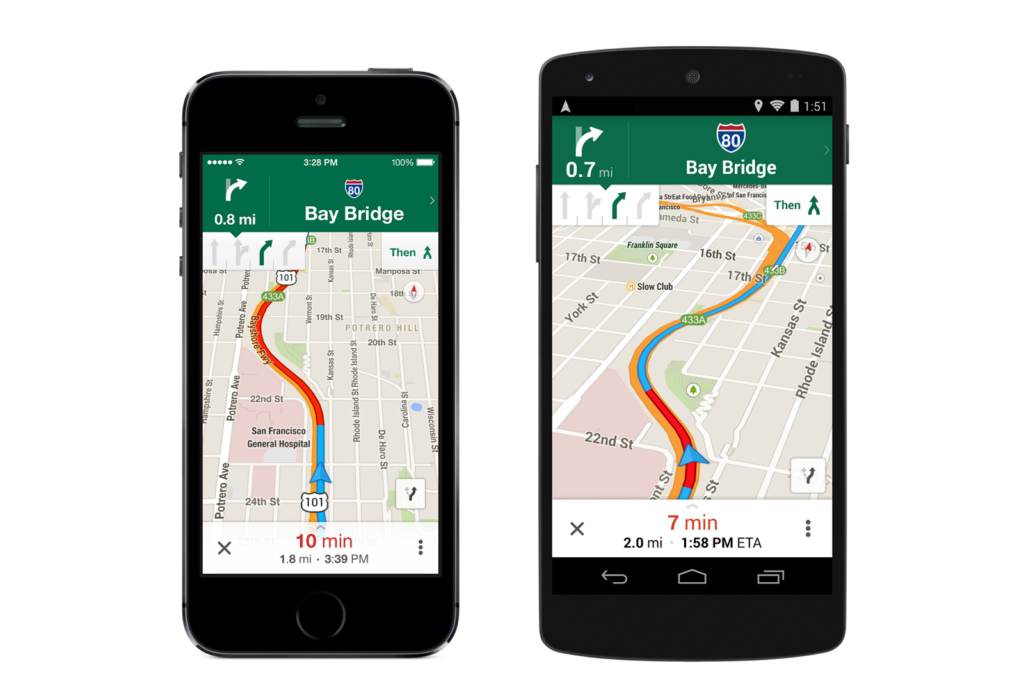
Google Maps is designed to help drivers find the best route, but its default route logic does not always prioritize the shortest travel time. In some cases, the app may choose a road that takes longer because it is trying to balance speed with fuel efficiency.
That behavior comes from a feature Google introduced for fuel-efficient routes. The option can favor flatter roads, steadier speeds, and fewer stops, even when a faster path is available.
Why the app may pick a slower road
Google Maps calculates several possible routes after a destination is entered, then selects the option it considers best. For many users, that “best” route is not necessarily the one that gets them there first.
The app now tends to choose fuel-efficient roads when the arrival time is similar. As a result, some drivers have seen route differences of several minutes, especially when terrain or road conditions make one path more efficient for fuel use.
That trade-off is often tied to geography. A route with steady speed limits and little stopping can save fuel, while a more direct road over hills may be quicker but require more engine effort.
How to turn off fuel-efficient routing
Users who want Google Maps to prioritize speed can change the setting directly in the app. On Android or iPhone, open Google Maps, go to Settings, and select Navigation.
From there, turn off Prefer fuel-efficient routes. Once disabled, Maps stops giving priority to fuel-saving paths when it calculates navigation options.
There is also a per-trip option before starting navigation. After searching for a destination, tap Directions and review the available routes before pressing Start.
On that screen, fuel-efficient routes are marked with a leaf icon. That makes it easier to compare travel times and choose the route that best matches the driver’s priority for that trip.
The impact is not the same everywhere. Drivers in flat areas may notice little difference, while those in hilly or mountainous regions can see Maps favor a slower but more efficient path.
In some cases, the fastest route and the most fuel-efficient route are the same. Even so, checking the Navigation setting can help users avoid being guided toward a longer trip when speed matters most.