


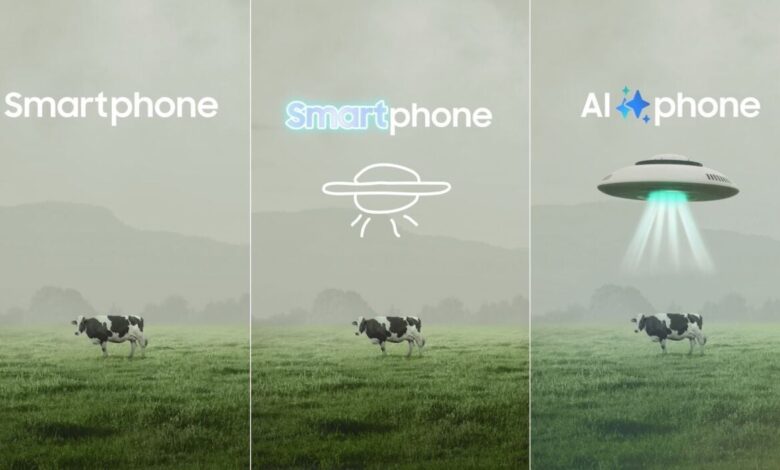
Samsung is positioning Galaxy AI on the Galaxy S26 series as a set of tools that can reduce small but frequent tasks throughout the day. The focus is not on novelty alone, but on practical help for reading, writing, searching, editing, and communicating.
That approach makes the feature set relevant to both new users and people already familiar with AI tools. The functions are designed to work in a straightforward way, so they can fit into everyday use without adding extra complexity.
Reading and note-taking get the biggest boost
One of the most useful functions is AI Summary, which can condense long articles, documents, or notes into a short overview within seconds. For students, office workers, and content creators, that means the main points can be captured faster.
AI also highlights key information while users read news stories, journals, or work documents. This helps reduce the time spent scanning long pages and makes it easier to stay focused on the parts that matter most.
Another practical tool is AI Note Assist, which can turn voice recordings into text and organize them into important points. It is aimed at meetings, lectures, and client discussions, where taking notes manually can be difficult while the conversation is moving quickly.
Audio, visuals, and search become easier to handle
Galaxy AI also includes AI Audio Eraser, which is meant to reduce unwanted background noise in videos. It can identify sounds such as traffic, wind, or crowd noise while keeping the main voice clearer.
For creators and vloggers, that can make recordings cleaner without needing extra editing apps. It is equally useful for family videos shot outdoors, where ambient noise often makes playback harder to hear.
Circle to Search adds another layer of convenience by letting users circle an object on the screen to look up related information. That makes it easier to identify items in photos, social media posts, or product images without typing a search term manually.
Communication and productivity stay central
Live Translate is built to translate conversations, messages, and text in real time. It is intended to ease communication across languages, whether for travel abroad or for chatting with people from another country.
Writing Assist helps draft and refine messages so emails and chats sound more polished and professional. It is especially useful for users who want cleaner wording without spending time editing every line by hand.
Generative Edit brings AI-based photo editing into the same package, allowing images to be improved more quickly before sharing them on social media. Samsung also includes AI Productivity Tools, which are meant to help organize schedules and tasks so daily routines stay more structured.
| Galaxy AI Feature | Main Use | Best For |
|---|---|---|
| AI Summary | Condenses long text into short points | Students, office work, content review |
| AI Note Assist | Turns voice recordings into text and notes | Meetings, lectures, client discussions |
| AI Audio Eraser | Reduces background noise in video | Creators, vloggers, family recordings |
| Circle to Search | Searches for objects by circling them on screen | Visual discovery, product lookup |
| Live Translate | Translates speech, messages, and text in real time | Travel, cross-language communication |
| Writing Assist | Improves message tone and wording | Email, chat, professional communication |
| Generative Edit | Edits photos with AI | Social sharing, quick image improvement |
| AI Productivity Tools | Helps organize schedules and tasks | Daily planning and routine management |
Seen together, the Galaxy AI package on the Samsung Galaxy S26 is framed as a toolset that works in small, repeated moments rather than one dramatic showcase feature. That is also why its appeal is likely to come from everyday convenience, not just from the fact that it uses AI.