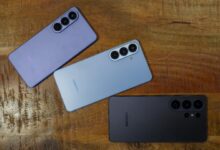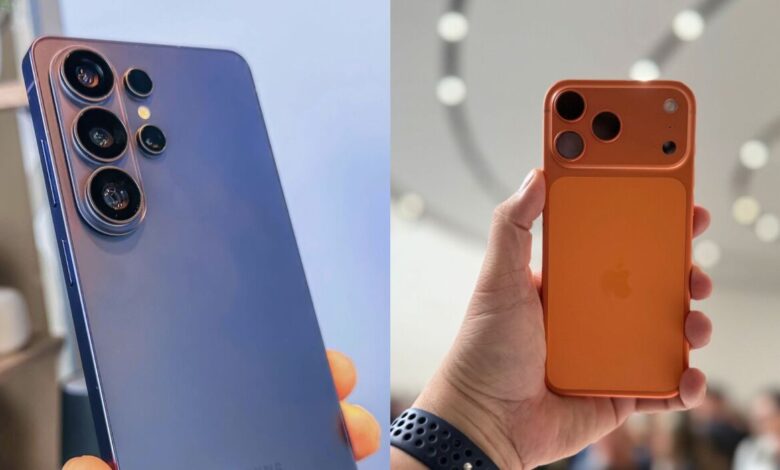
Samsung’s Galaxy S26 Ultra is taking a notable step toward making file sharing across smartphone ecosystems feel far less cumbersome. With the latest Quick Share support, the device can now send photos, videos, and documents directly to Apple devices without requiring extra apps.
That change matters most in everyday situations where speed and file quality are both important. A concert fancam, for example, can now be moved to an iPhone, iPad, or Mac more directly, avoiding the detours that often come with cloud services or messaging apps.
How the new sharing flow works
To use the feature, the Galaxy S26 Ultra must run the latest version of Quick Share. On the receiving side, the Apple device needs AirDrop enabled so it can be discovered nearby.
The sending process starts in Gallery or File Manager. Users select the photo, video, or document they want to share, tap Share, and then choose Quick Share.
The Galaxy phone will then look for nearby Apple devices with AirDrop active. If the Apple device does not appear immediately, users can enable the “Share with Apple devices” option in the Quick Share settings.
Once the iPhone or other Apple device is found, the recipient only needs to tap Accept. Photos and videos are saved to Photos, while documents are stored in Files.
Why this matters for concert videos and other large files
The feature is especially useful for concert videos and fancams, which are often large and sensitive to compression. Messaging apps can be fast, but they do not always preserve the original quality that users want to keep.
For Galaxy owners who regularly exchange media with friends, family, or coworkers on iPhone, the new Quick Share support removes several extra steps. It also makes it easier to move high-resolution photos, short clips, and work documents between devices without changing apps.
Limited availability for now
At the moment, this cross-device sharing support is available only on the Samsung Galaxy S26 Series. Samsung has not said that older Galaxy models will receive the same capability right away.
Even so, the move points to a broader push toward easier file transfer in premium smartphones. For users who care about getting content out of their phone quickly and intact, the Galaxy S26 Ultra’s new sharing path is one of the most practical updates in the lineup.
| Requirement | Sender | Receiver |
|---|---|---|
| Compatible device | Samsung Galaxy S26 Ultra with the latest Quick Share | iPhone, iPad, or Mac with AirDrop enabled |
| Action needed | Select file, tap Share, choose Quick Share | Tap Accept |
| Where files go | Sent from Gallery or File Manager | Photos in Photos, documents in Files |
For users who often record moments that need to be shared immediately, the combination of Quick Share and AirDrop support closes one of the biggest gaps between Android and Apple devices. In practice, that means a concert fancam can move from a Galaxy S26 Ultra to an iPhone nearby with far less friction than before.