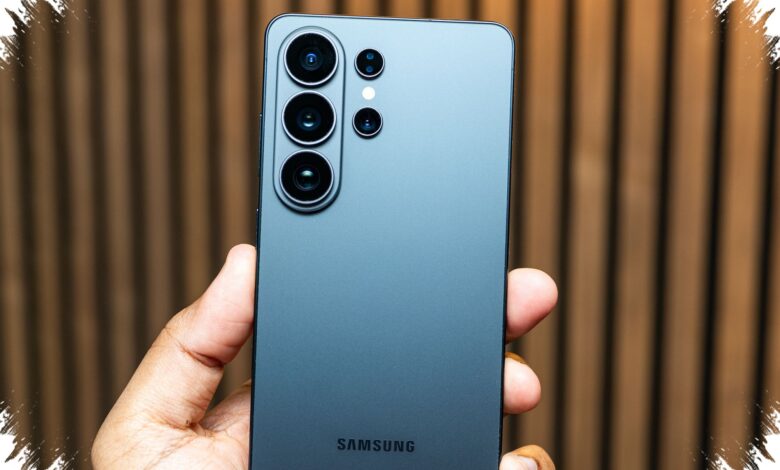
Concert photos often fail for reasons that are difficult to control: a passing hand, a crowded foreground, a tilted frame, or stage gear cutting into the shot. Samsung Galaxy S26 Ultra is built to make those misses easier to fix after the moment has passed.
The phone’s Generative Edit tools give users more room to repair concert images without starting over. In practical use, AI Eraser, Create, and Keep Editing work together to clean up distractions, reshape the composition, and continue editing in one flow.
AI Eraser handles the fastest fixes
AI Eraser remains the quickest way to remove visual clutter from a photo. It can erase a spectator’s hand, a photobomb, or litter on the floor in just a few seconds through the gallery app.
After the object is removed, Galaxy AI automatically fills the empty area so it blends into the background. The result is especially useful for concert scenes, where lighting, movement, and detailed stage elements can make manual cleanup difficult.
Create brings text-based photo changes
The most notable upgrade is Create, which allows text-driven edits without manual masking. That means users can describe the change they want instead of isolating every object by hand.
In testing, the clothing color of a Cortis performer was changed to red and green to match the “REDRED” concept. The edit still looked natural and remained consistent with the feel of a concert photo rather than turning into an obviously altered image.
Keep Editing makes the workflow smoother
Keep Editing is the most practical addition for users who want to stack several edits in one session. It lets them remove objects, move subjects, change outfits, and add visual adjustments without saving and reopening the file each time.
That layered workflow matters when a concert photo needs multiple corrections at once. Instead of jumping between separate steps, the editing process stays continuous and more efficient.
Still dependent on the original shot
Even with stronger AI tools, concert photography still depends on how well the image was captured in the first place. Rapid lighting changes and dense crowds mean the original frame still needs to be as solid as possible before editing begins.
For that reason, Galaxy S26 Ultra’s AI features work best as a rescue tool, not a replacement for good shooting. At the same time, they give users a better chance to save photos that would otherwise be left unused.
Generative Edit is also said to be free and available on other Samsung phones. On Galaxy S26 Ultra, however, the combination of AI Eraser, Create, and Keep Editing feels more polished for the fast-changing demands of concert photography.
| Feature | Main Use | Key Benefit |
|---|---|---|
| AI Eraser | Removes unwanted objects | Fast cleanup for hands, photobombs, and debris |
| Create | Text-based photo editing | Changes elements without manual masking |
| Keep Editing | Continues edits in one session | Makes multi-step editing smoother and faster |