


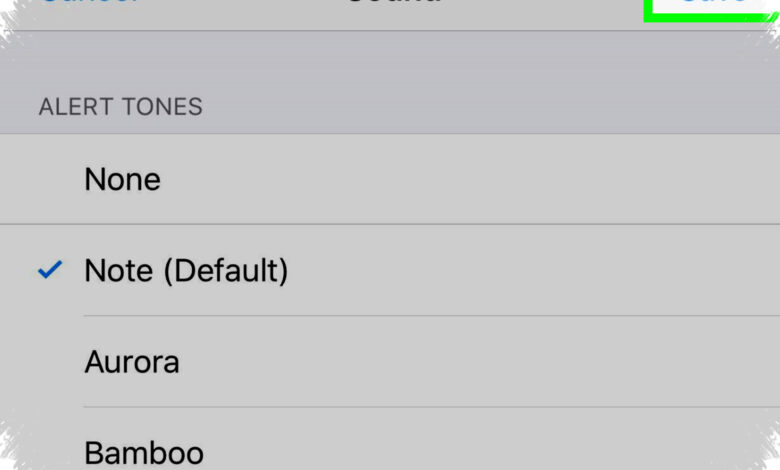
A personalized WhatsApp notification that says a name out loud can be created in just a few minutes. The setup is simple enough to make incoming messages feel more distinct without changing the app itself.
The method relies on a text-to-speech service such as Sound of Text, which turns short text into an audio file. That audio can then be assigned as a notification tone on a phone.
Why This Approach Draws Attention
In a phone full of alerts from multiple apps, a unique sound can help important messages stand out. A notification that mentions a name also adds a more personal touch to routine chats.
According to gadget.viva.co.id, the process does not violate WhatsApp rules because only the system notification tone is changed. Users are still working through the phone’s built-in sound settings rather than altering WhatsApp itself.
How The Audio Is Created
Sound of Text is described as a free text-to-speech service that supports several languages, including Indonesian. Users open the site in a phone browser, type the phrase they want spoken, and generate an MP3 file.
Short phrases work best for this purpose. The article suggests keeping the line to about 5–8 words so the result does not feel cut off when used as a notification tone.
Examples include “Ada pesan WhatsApp untuk Andi!”, “Notifikasi masuk, Siska!”, and “Pesan baru dari grup keluarga!”. The tone can be customized for a specific person or for a group chat.
| Phone Brand | Main Menu Path | Final Step |
|---|---|---|
| Xiaomi / Redmi / POCO | Settings → Notifications & Control Center → App Notifications → WhatsApp | Choose Local Ringtone, open File Manager, then apply the audio file |
| Samsung | Settings → Apps → WhatsApp → Notifications → Incoming Messages | Select Notification Sound, then add the file from the Downloads folder |
| OPPO / Realme / Vivo | Settings → Apps → Manage Apps → WhatsApp → Notifications | Choose Local File, point to the downloads folder, then save |
Where The File Is Usually Stored
After the MP3 is downloaded, it needs to be placed where the phone can access it for notification settings. The article notes that Internal Storage/Notifications is one location that may work, depending on the device.
If the Local File option does not appear, the file format should be checked first. The audio should be saved as MP3 and kept in a folder that the system can recognize.
Alternative Text-To-Speech Services
Sound of Text is not the only available option. Other services mentioned include Google Text-to-Speech, NaturalReader Online, and TTSMaker.
TTSMaker is noted for supporting Indonesian with realistic-sounding voices, while NaturalReader Online is also presented as a usable alternative. Even so, Sound of Text is highlighted as the most practical choice because it is simple and does not require registration to download the audio.
Details Worth Keeping In Mind
A few practical points matter before using the custom tone on a regular basis. Notification volume should be loud enough, the phrase should remain short, and some older phones may not support external sound files.
Privacy is another factor to consider. If the phone is often used by other people, using a full name may make the notification too easy to identify.
With the right phrase and a few quick settings changes, WhatsApp notifications can become more personal and easier to recognize. The result is a tone that feels different from the default sounds many users hear every day.