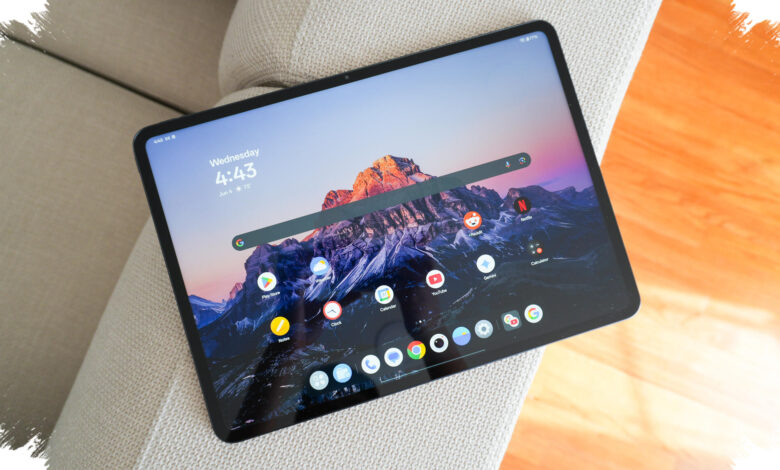
Cheap tablets can look like an easy win, but the biggest losses often appear only after daily use begins. In July 2026, the real risk is not the sticker price itself, but the hidden compromises behind numbers that look strong on paper.
For first-time buyers, the problem is especially common. Large RAM claims, familiar Android branding, and seemingly generous storage can create confidence too quickly, even when the device is not built for smooth everyday use.
1. Falling for inflated RAM figures
Many budget tablets in 2026 advertise up to 12 GB of RAM, but the actual installed memory is often only 4 GB. The rest comes from Virtual RAM, which borrows from internal storage and is far slower than physical memory.
That difference matters in daily use, because multitasking can still feel sluggish even when the spec sheet looks impressive. This is one of the easiest traps for beginners to miss.
2. Ignoring an old chipset
Budget tablets often use generic chipset names, which makes performance harder to judge at a glance. In 2026, devices built on processes above 12 nanometers are more likely to waste power and run hotter.
Independent reviews are worth checking before buying, rather than relying only on the printed specifications. A weak chipset can make a tablet feel dated from the start.
3. Choosing a cheap display without eye protection
To cut costs, many tablets use panels below Full HD or 1080p. The result can be a less sharp image that feels uncomfortable during long viewing sessions.
The issue is not only visual quality, because screens without low blue light protection may also be harder on the eyes. That becomes more important when the tablet is intended for children or students.
4. Overlooking the type of internal storage
One common mistake is buying a budget tablet without checking the storage standard. In modern app use, eMMC is considered outdated because loading and data access are slower.
If there is a better option, UFS 2.1 or above is the more practical choice. The difference is noticeable when opening apps, moving files, or running the system alongside multiple tasks.
5. Ending up with an old Android version and no update guarantee
Many cheap tablets still launch with older, modified versions of Android. The downside is that these devices often do not receive basic security updates.
Within months, some popular banking or entertainment apps may even stop installing because of system compatibility problems. Checking the operating system version and update support from the start helps avoid a tablet that falls behind too quickly.
Cheap tablets are not always a bad choice, but the weakest models usually reveal their limits in the same five areas. Buyers who verify RAM, chipset, display quality, storage type, and update support have a far better chance of avoiding regret.