


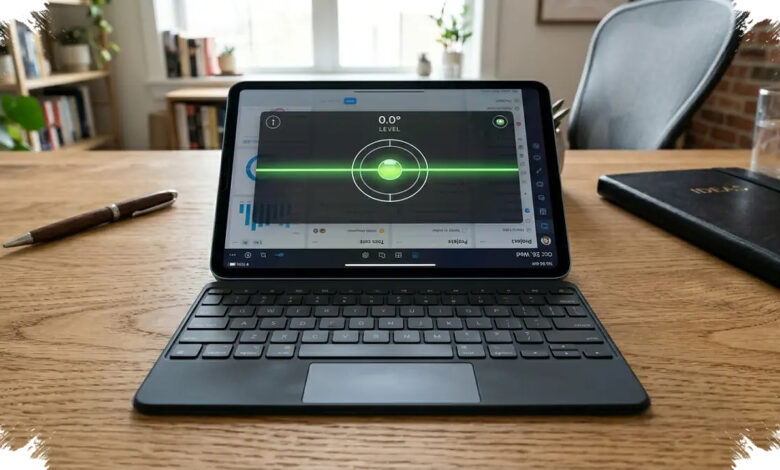
A tablet can now serve as a more capable work device when it supports a desktop-style interface, a physical keyboard, and an external display. That combination is central to five models positioned for people who need to work while travelling.
The shift is not only about thinner hardware and touchscreens. Multi-window controls, permanent taskbars, cursor support, and keyboard shortcuts are bringing tablet use closer to a conventional PC workflow.
What Makes a Work Tablet More Useful
DisplayPort support through USB-C is an important consideration for users who plan to connect a tablet to an external monitor. A keyboard with a precise trackpad can also make navigation feel more like using a laptop.
For office documents, Windows 11 tablets or Android models with DeX and Desktop Mode offer broader flexibility. Users focused on graphic design or video editing may benefit more from a high-resolution OLED panel and a stylus with thousands of pressure-sensitivity levels.
| Tablet | Primary Work System | Highlighted Capability |
|---|---|---|
| Samsung Galaxy Tab S11 Ultra | Samsung DeX | 14.6-inch AMOLED display and external monitor support |
| Microsoft Surface Pro 12-inch | Windows 11 | Tablet portability with x86/x64 app flexibility |
| Lenovo Idea Tab Pro | Workstation Mode | Low-latency stylus and magnetic keyboard |
| Xiaomi Pad 7 Ultra | HyperOS Workstation Mode | Cross-device file transfers and desktop-style interface |
| Google Pixel Tablet Pro | Android 16 Desktop Mode | Automatic desktop mode through a USB-C monitor |
1. Samsung Galaxy Tab S11 Ultra
Samsung Galaxy Tab S11 Ultra uses a 14.6-inch AMOLED display, providing more room for documents, applications, and several windows at once. It is positioned for users seeking a large-screen tablet for intensive work activity.
Its Samsung DeX feature allows demanding applications to run in overlapping windows. The tablet can also connect to an external monitor for a wider work area.
2. Microsoft Surface Pro 12-inch
The 12-inch Microsoft Surface Pro takes a hybrid approach by combining a tablet form factor with Windows 11. This makes it relevant for users who want tablet mobility while remaining in a Windows environment.
Its ARM-based chip is described as capable of running x86 and x64 applications smoothly while maintaining power efficiency. That combination supports document work and desktop applications.
3. Lenovo Idea Tab Pro
Lenovo Idea Tab Pro focuses on productivity with a low-latency stylus and a magnetic keyboard. The pairing can support note-taking, document work, and data-related tasks on a touchscreen.
Its Workstation Mode optimises the display layout for complex documents and data processing. The device therefore emphasises work functions without setting aside portability.
4. Xiaomi Pad 7 Ultra
Xiaomi Pad 7 Ultra is designed around a large display and productivity across connected devices. Its HyperOS Workstation Mode supports rapid file transfers and opens mobile applications in a desktop-style interface.
The feature is intended for people who move work between a tablet and a companion PC. It keeps workflows connected across more than one device.
5. Google Pixel Tablet Pro
Google Pixel Tablet Pro can become a portable workstation when connected to a monitor through USB-C. Android 16 Desktop Mode adapts the display into a desktop interface with a taskbar and cursor controls.
Android Police has also covered the development of the newer Android interface behind that desktop experience. The external-display option makes the tablet more suitable for tasks that require additional screen space.
Choosing the Right Screen Size
For highly mobile users, an 11- to 12-inch display can offer a balance between typing comfort and easy carrying in a daily bag. The final choice should reflect work patterns, required accessories, and monitor connectivity needs.
According to Techno Viva, advances in operating systems and ARM architecture are helping Android and Windows tablets become productivity alternatives. Their practical value, however, still depends on the supporting accessories used with them.