


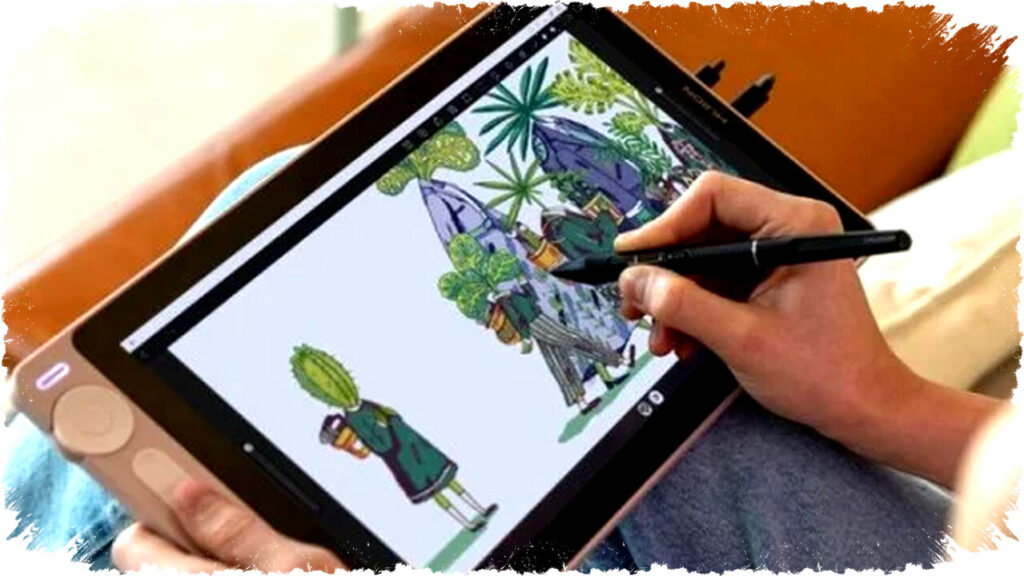
For those passionate about manual drawing and ready to step into digital art, affordable tablets are now within reach. Many assume drawing tablets come with a hefty price tag, but several quality options are available under $200. This price point suits beginners eager to create digital illustrations without breaking the bank.
When selecting a budget-friendly tablet for digital art, ensure it supports a stylus pen with good pressure sensitivity. An essential feature to check is palm rejection, which prevents the screen from registering accidental touches during drawing. Without this, your artwork may suffer from unexpected strokes and interruptions.
Key Criteria for Choosing a Drawing Tablet
-
Stylus Pen Support
A responsive stylus with multiple pressure levels is crucial. It helps replicate the natural feel of drawing on paper. Some tablets include the stylus in the package, while others require separate purchases. Verify the pen’s quality before buying. -
Palm Rejection Technology
This feature allows you to rest your hand on the screen while drawing without registering it as input. Its absence can disrupt your workflow with unwanted marks, making it harder to create clean artwork. - Budget Considerations
Focusing on tablets priced around $200 offers a realistic starting point for beginners. At this level, tablets typically provide satisfactory specifications for digital illustration without the need to invest thousands of dollars upfront.
Top Drawing Tablets Under $200
-
Redmi Pad 2
The Redmi Pad 2 features an 11-inch 2.5K display with a 90 Hz refresh rate, providing smooth visuals ideal for sketching. The tablet itself costs around $133, with the stylus bundled at approximately $173. Users praise its stylus pressure sensitivity and responsiveness, which prevents lag during fast strokes. Importantly, it supports palm rejection, enhancing the drawing experience by avoiding unwanted inputs. -
Huawei MatePad SE 11
This tablet is tailored for artists with its built-in GoPaint app, resembling the popular Procreate but available free of charge. The MatePad SE 11 offers an 11-inch Full HD Plus screen, comfortable for prolonged use. The tablet costs about $167 on discount, but the M Pencil Third Gen stylus is sold separately for around $84, making the total investment slightly above $200. The MatePad excels in line tracking and pressure sensitivity, delivering smooth and precise brush strokes. - Itel Vista Tab 30 Pro
A strong option for those seeking a larger drawing workspace, the Itel Vista Tab 30 Pro comes with a 13-inch Full HD Plus IPS display. Its generous screen size offers a roomy canvas for digital painting. The tablet, priced near $195, includes a stylus pen, removing additional costs. Additionally, a 10,000 mAh battery ensures long-lasting usage during extended art sessions, ideal for uninterrupted creative flow.
Comparing Features and Value
| Tablet Model | Display Size | Resolution | Stylus Included | Palm Rejection | Price (with stylus) | Battery Capacity |
|---|---|---|---|---|---|---|
| Redmi Pad 2 | 11 inches | 2.5K | Optional | Yes | ~$173 | Not specified |
| Huawei MatePad SE 11 | 11 inches | Full HD Plus | No | Yes | ~$251 (pen separate) | Not specified |
| Itel Vista Tab 30 Pro | 13 inches | Full HD Plus | Yes | Yes | ~$195 | 10,000 mAh |
Additional Considerations for Digital Artists
Screen quality impacts comfort during long drawing sessions. While all listed tablets have decent displays, IPS panels with eye comfort modes can reduce strain. Battery life should also be considered for portability and convenience.
Artists should check stylus pressure levels—higher values allow more nuanced control. Responsiveness, or latency, is another important factor to avoid delays between pen movement and screen response.
Some tablets offer bundled drawing apps; others depend on third-party software. Free apps like GoPaint on Huawei can lower overall costs, whereas others might require buying specialized drawing software.
Evaluating these aspects helps select a tablet that balances budget and functionality, ensuring an enjoyable entry into digital art.
The market now offers diverse tablets under $200 suited for digital drawing with stylus support and palm rejection. Redmi Pad 2 appeals for its smooth 2.5K display and affordable stylus bundle. Huawei MatePad SE 11 shines with its native drawing app but is pricier when including the stylus. Meanwhile, Itel Vista Tab 30 Pro stands out with a larger screen and pen inclusion suitable for those valuing spacious work areas.
Choosing the right tablet depends on personal preferences such as screen size, pen responsiveness, and budget flexibility. Beginners can confidently start digital drawing with any of these options, as they cover the essential features for a smooth digital art experience at an accessible price range.