


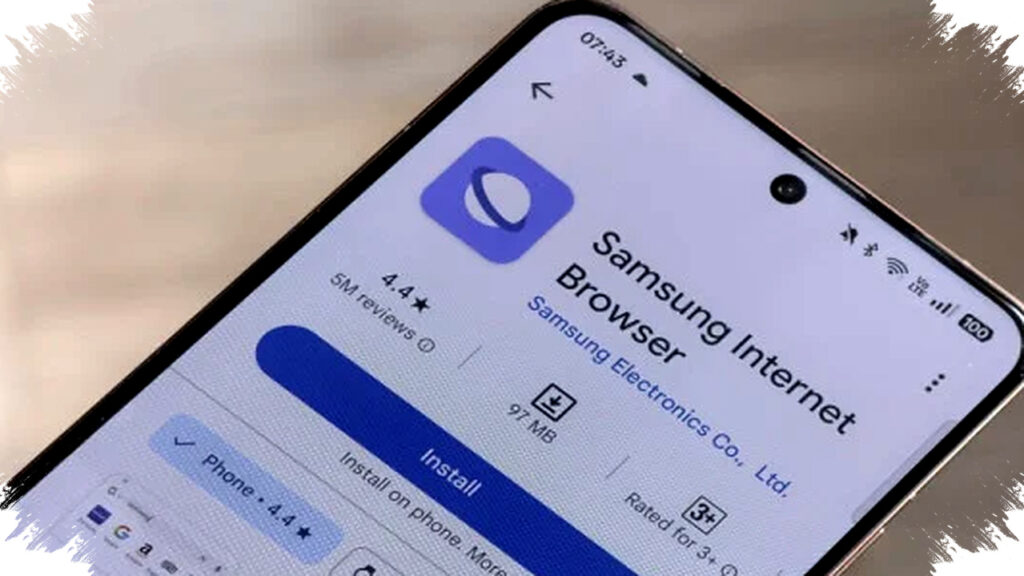
Samsung is preparing a major upgrade for its flagship browser with the launch of Samsung Internet One UI 9. This update focuses on enhancing multitasking capabilities and deepening artificial intelligence (AI) integration. The goal is to strengthen Samsung’s position in challenging Google Chrome’s dominance in the global mobile browser market.
The update introduces full support for multi-window systems, allowing users to open multiple separate browser windows instead of merely switching tabs. This enables more efficient monitoring of different information simultaneously. Devices with foldable screens, such as the Galaxy Z Fold series, will particularly benefit. Samsung allows up to three browser windows to run side-by-side on a single screen, facilitating tasks like comparing data or tracking sports scores while working.
Multitasking Revolution with Multi-Window Support
Multi-window functionality marks a significant improvement in user experience. Rather than toggling between tabs, users can view distinct pages in separate windows at once. This change targets better productivity and convenience on mobile devices. For example, a user can read an article, respond to emails, and perform web searches across those open windows without interruption. The feature makes multitasking seamless, especially on larger or flexible displays.
The ability to manage multiple web pages concurrently is particularly advantageous for professionals and multitaskers. On foldable devices such as the Galaxy Z Fold, users gain increased workspace that simulates desktop-like navigation. This provides efficient workflows for research, communication, and entertainment within a single browsing session.
"Ask AI" Feature with Contextual Understanding
Samsung has introduced the innovative "Ask AI" tool integrated directly into the browser. This AI is context-aware, able to understand the web page’s content and generate relevant answers to user queries. Currently, the feature remains in beta in the United States and South Korea. It leverages natural language processing to provide smarter assistance, elevating the browsing experience beyond standard search functions.
For instance, if a user is reading a news article, Ask AI can summarize key points or clarify obscure terms without leaving the page. This reduces the need to switch apps or open new tabs, streamlining access to information. Samsung’s approach highlights how AI can empower users to interact more intuitively with online content.
Privacy Controls for AI Interaction
Samsung emphasizes user privacy in deploying AI features. The system provides options to control how AI activity data is stored or deleted. Users can choose automatic deletion of their AI usage history after each session or retain it for up to six months. This flexibility caters to varying privacy preferences, addressing concerns about data security and transparency. Offering multiple retention periods ensures users remain in control while benefiting from personalized AI assistance.
Cross Device Resume Enhances Ecosystem Synchronization
Another promising addition is the "Cross Device Resume" function discovered in the browser’s debug settings. This capability will allow seamless syncing of browsing sessions across multiple Samsung Galaxy devices. For example, a user could start browsing on a Galaxy smartphone and instantly continue on a Galaxy tablet or laptop without losing progress. The feature deepens integration within Samsung’s Galaxy ecosystem, promoting a unified user experience.
Cross Device Resume ensures that tabs, history, and form data sync smoothly, reducing friction when switching devices. This solves common productivity issues experienced by mobile users who operate across multiple platforms. Enhanced continuity aligns with Samsung’s broader strategy to deliver connected device experiences resembling desktop environments.
Roadmap and Availability
Samsung plans to launch the One UI 9 beta program in May 2026, coinciding with the Galaxy S26 series release. These flagship phones will be the first to feature the updated Samsung Internet browser. Following the initial rollout, Samsung will gradually extend the update to other Galaxy smartphones and tablets. The staged approach allows for feedback collection and iterative improvements based on real-world user experience.
Summary of Key Features in Samsung Internet One UI 9:
- Full multi-window support enabling up to three browser windows side-by-side on foldable devices.
- "Ask AI" feature offering context-sensitive AI responses within web pages.
- Privacy controls to manage AI data retention with options ranging from instant deletion to six months storage.
- "Cross Device Resume" to continue browsing sessions seamlessly across Samsung Galaxy devices.
- Initial beta release planned for May 2026 on Galaxy S26 series.
Samsung’s focus on multitasking and AI reflects broader industry trends emphasizing productivity and intelligent assistance on mobile platforms. These advancements deliver more powerful, flexible browsing experiences adapted for modern needs. By addressing privacy concerns and ecosystem continuity, Samsung also appeals to users seeking convenience without sacrificing control or security.
As mobile devices become central hubs for work and entertainment, browser developers face heightened pressure to innovate. Samsung Internet One UI 9 demonstrates how combining multi-window capabilities with AI enhancements can redefine user interactions. This update looks set to challenge incumbent browsers and elevate Samsung’s software prowess within its expanding hardware ecosystem.