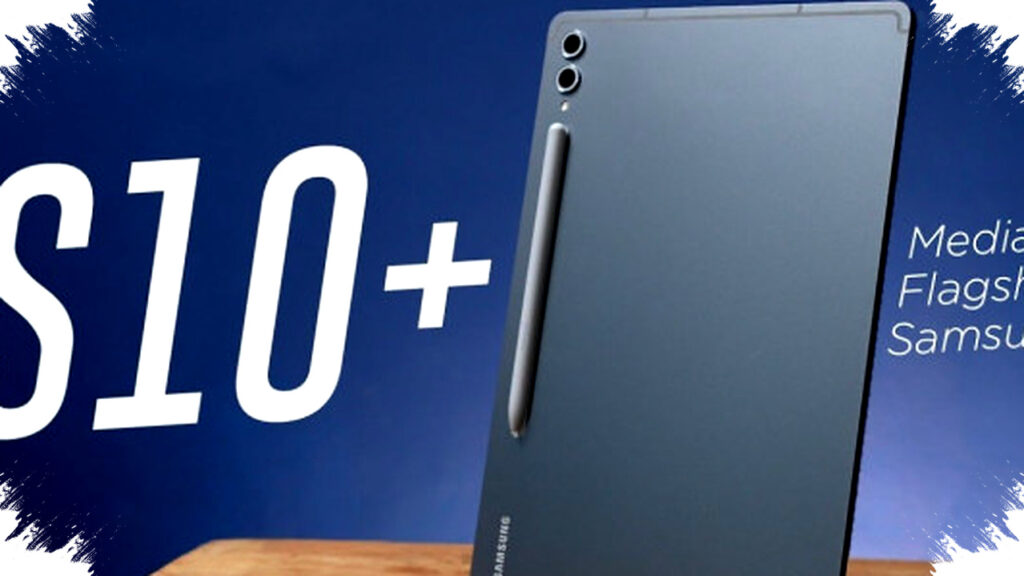
Samsung’s Galaxy Tab S10 series is drawing attention in 2026 because it targets one of the biggest pain points for mobile users: slow devices that interrupt work, study, and entertainment. With stronger performance, tighter AI integration, and better power efficiency, the tablet line is positioned as a serious laptop alternative for people who want speed without carrying a bulky notebook.
This shift matters because more users now expect a single device to handle note-taking, video calls, document editing, photo work, and streaming in one workflow. In that context, the Galaxy Tab S10 Ultra, S10+, and S10 FE series are not just premium tablets, but tools designed to keep productivity moving when a laptop feels less practical.
Why the Galaxy Tab S10 Series Stands Out in 2026
Samsung built the Galaxy Tab S10 family around a clear idea: a tablet should feel fast enough for real work, not only for casual browsing. The series comes with Galaxy AI features, Samsung DeX support, and hardware that aims to reduce delays during multitasking.
That matters in a year when hybrid work and mobile learning remain common. Users now switch between writing, editing, meetings, and entertainment more often, so a device that can stay responsive under pressure has a real advantage.
Spec Sheet That Supports Heavy Use
The Galaxy Tab S10 Ultra leads the line with a 14.6-inch Dynamic AMOLED 2X display and a WQXGA+ resolution of 2960 x 1848. Samsung also lists adaptive refresh rates up to 120Hz–165Hz, which helps scrolling, drawing, and app switching feel smoother.
Here is a simple look at the main Ultra specifications based on Samsung Indonesia’s official data:
| Feature | Galaxy Tab S10 Ultra |
|---|---|
| Display | 14.6-inch Dynamic AMOLED 2X |
| Resolution | 2960 x 1848 |
| Refresh rate | Up to 120Hz–165Hz adaptive |
| Chipset | MediaTek Dimensity 9300+ |
| CPU | Octa-core up to 3.4GHz |
| RAM | Up to 16GB |
| Storage | Up to 1TB |
| Rear camera | 13MP + 8MP |
| Front camera | Dual 12MP |
| Battery | 11,200 mAh |
| Key features | S Pen, IP68, Samsung DeX, Galaxy AI |
These numbers matter because they describe a device built for sustained performance, not short bursts. For users who open many apps at once, the combination of a high-end chip, large RAM capacity, and fast display response can reduce the lag that often frustrates tablet owners.
AI Features Are Now Part of Daily Productivity
Samsung has pushed Galaxy AI deeper into the Tab S10 experience to make the tablet more useful for everyday tasks. The system supports note-taking assistance, summarization, and multitasking optimization, which can save time during study sessions, meetings, or content creation.
For many users, that means a tablet can do more than display content. It can help organize information, turn long material into concise points, and keep the workflow moving without needing constant app switching.
Performance Gains That Users Can Feel
Samsung says the Galaxy Tab S10 series delivers up to 16% better CPU performance and up to 27% better GPU performance compared with the previous generation. Those gains matter most in tasks where speed directly affects output, such as editing, gaming, and working with multiple windows.
In practical terms, smoother graphics and stronger processing can make a difference when a creator is trimming video, a student is annotating documents, or a professional is moving between spreadsheets and communication apps. The result is a device that feels less like a large entertainment screen and more like a compact workstation.
Why It Can Replace a Laptop in Many Scenarios
The strongest appeal of the Galaxy Tab S10 series is flexibility. Samsung DeX gives the tablet a desktop-like interface, which makes typing, file management, and window organization more natural for work tasks.
For users who need portability, this setup can be more convenient than carrying a laptop. The tablet also benefits from S Pen support, which is useful for writing, sketching, and marking up documents, especially in classrooms and creative workflows.
- For students: note-taking, reading, and annotating feel faster and more mobile.
- For professionals: email, documents, video calls, and multitasking can run in a more compact setup.
- For creators: drawing, photo editing, and light video editing become easier on one device.
- For travelers: a lighter device reduces the burden of carrying a full laptop.
Galaxy Tab S10 FE and Lite Expand the Lineup
Samsung did not limit the series to premium buyers. The Galaxy Tab S10 FE starts at about $506, while the Galaxy Tab S10 Lite starts at about $383, based on the pricing shared in the source material.
This wider lineup matters because it gives more users access to Samsung’s productivity ecosystem at different budgets. The FE and Lite models may not match the Ultra on raw specs, but they still extend the idea that a tablet can be the main device for daily digital tasks.
Battery Life and Portability Remain Important
The 11,200 mAh battery in the Galaxy Tab S10 Ultra supports the series’ work-first positioning. A large battery is especially important for users who rely on a tablet throughout the day for meetings, study, and media consumption.
Samsung also gives the tablet IP68 protection, which adds confidence for mobile use in more varied environments. For people who move between home, campus, office, and travel, that combination of durability and battery capacity strengthens the case for using a tablet instead of a laptop.
Who Will Benefit Most from the Galaxy Tab S10 Series
The Galaxy Tab S10 series fits users who want one device to do several jobs well. It is especially relevant for people who value fast response, pen input, cloud-based work, and a cleaner mobile setup.
In 2026, that includes remote workers, students, digital creators, and anyone who finds traditional laptop setups too rigid for everyday mobility. With Galaxy AI, Samsung DeX, and flagship-class hardware, the Tab S10 line aims to reduce the small delays that often make devices feel “slow,” while keeping productivity high across work and personal use.