


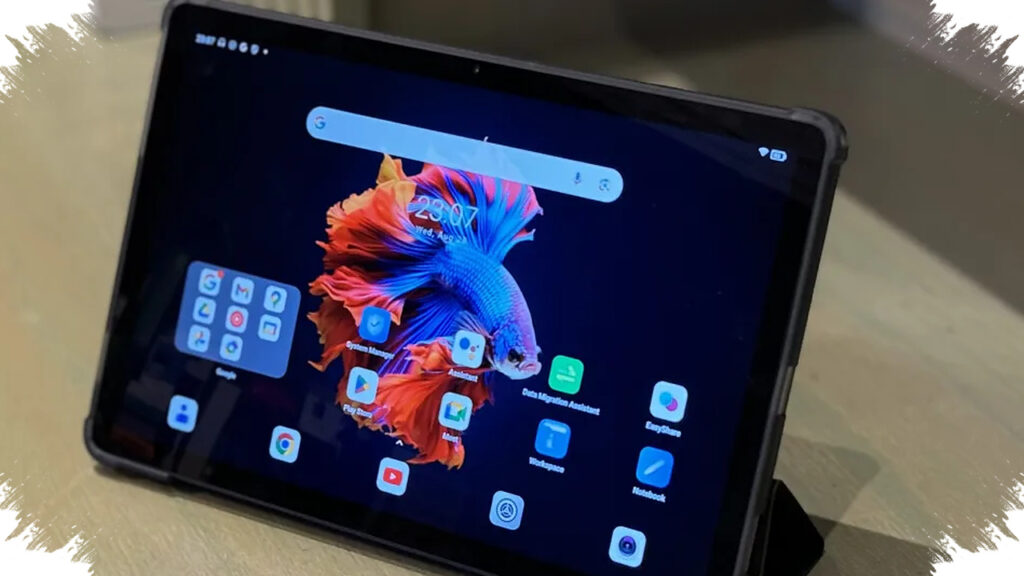
Creators in 2026 are increasingly choosing SIM card tablets as their main portable work devices, not just as backup screens. For designers, editors, and digital illustrators, the appeal is simple: they can work on the move, upload files without hunting for WiFi, and keep a stylus-ready canvas in one device.
This shift matters because creative workflows are heavier now. Apps for photo editing, vector design, short-form video, and UI/UX mockups need fast chipsets, enough RAM, accurate displays, and low-latency stylus support, while mobile connectivity helps creators stay productive outside the studio.
Why SIM Card Support Matters for Creators
SIM-enabled tablets solve a specific problem for mobile work. They let creators sync projects, send final files, and manage cloud content from anywhere, without depending on a hotspot or public network.
That is especially useful for freelancers, social media editors, and field photographers. When a deadline is tight, stable mobile data can be more valuable than raw specs alone.
What Matters Most in a Creative Tablet
The best tablets for creators usually combine four things: responsive stylus input, a sharp display, enough memory, and a processor strong enough for editing. Industry testing in 2026 continues to show that pressure-sensitive pens and high refresh-rate screens remain key for drawing and retouching work.
For serious creative use, many editors now look for at least 8GB RAM, 2K to 3K-class displays, and stylus support with thousands of pressure levels. Those features help reduce lag, improve precision, and make long sessions more comfortable.
5 SIM Card Tablets for Creators in 2026
| Model | Key Specs | Best For | Approx. Price |
|---|---|---|---|
| Samsung Galaxy Tab S9 FE 5G | 10.9-inch 90Hz display, Exynos 1380, S Pen included, 6–8GB RAM | Everyday design and light editing | $390–$450 |
| Samsung Galaxy Tab S9 5G | 11-inch AMOLED 120Hz, Snapdragon 8 Gen 2, ultra-precise S Pen | Professional editing and illustration | $660–$780 |
| Samsung Galaxy Tab S9 FE+ 5G | 12.4-inch screen, up to 12GB RAM, 10,090 mAh battery | Multitasking and long creative sessions | $480–$620 |
| Lenovo Tab P12 | 12.7-inch 3K display, 8GB RAM, stylus support | Large canvas work and note-heavy workflows | $300–$360 |
| Xiaomi Pad Series | 11–12-inch display, high performance in selected global SIM variants | Light editing and mobile content creation | from $250 |
1. Samsung Galaxy Tab S9 FE 5G
This model stays attractive because Samsung includes the S Pen in the box. The 10.9-inch 90Hz screen and Exynos 1380 chip make it practical for design tasks, quick image edits, and note-based workflows.
With a price range around $390 to $450, it sits near the entry point for creators who want SIM card connectivity without moving into premium pricing.
2. Samsung Galaxy Tab S9 5G
The Galaxy Tab S9 5G remains the stronger choice for users who need high-end performance. Its AMOLED 120Hz panel, Snapdragon 8 Gen 2 chipset, and highly accurate S Pen give it a clear advantage for heavier creative work.
That matters for artists who work with multiple layers or editors who want smoother timeline control. At roughly $660 to $780, it is more expensive, but it also targets professional use more directly.
3. Samsung Galaxy Tab S9 FE+ 5G
The larger 12.4-inch model is built for multitasking. Reports from the reference material note up to 12GB RAM and a 10,090 mAh battery, which supports longer sessions and split-screen workflows.
This size is useful for creators who need more room for toolbars, timelines, and reference panels. It is also one of the better options for users who edit on the go but still want a large working area.
4. Lenovo Tab P12
Lenovo’s Tab P12 stands out because of its 12.7-inch 3K display. That larger, sharper panel gives creators more space for sketching, reading detailed layouts, and managing content-heavy work.
Its 8GB RAM configuration places it in a useful middle ground for artists and students. At around $300 to $360 based on global benchmarks, it is one of the more accessible large-screen options.
5. Xiaomi Pad Series
Xiaomi’s Pad lineup is often attractive to budget-conscious buyers who still want capable hardware. In selected global variants with stylus and SIM support, it can handle light editing, note-taking, and social content production at a lower cost.
With prices starting from about $250, it becomes a practical entry option for creators who need mobility first. It is best suited for lighter workloads rather than demanding professional rendering.
Who Should Choose a SIM Card Tablet
SIM card tablets fit several creator profiles well. They work especially well for graphic designers, illustrators, content creators, photographers, and freelance workers who move between locations.
The reference data also highlights a practical pattern from real users: low stylus latency matters for drawing, large screens help with editing timelines, and mobile data helps upload large files faster than relying on shared WiFi.
How to Match the Tablet to the Workload
Creators with lighter daily needs can start with models like the Galaxy Tab S9 FE 5G or Xiaomi Pad variants. These devices can handle basic to mid-level design, social content, and note-heavy workflows without pushing budgets too far.
For heavier work, the Galaxy Tab S9 5G and S9 FE+ 5G offer more room to grow. They are better suited to users who want smoother multitasking, stronger rendering, and a more polished pen experience while staying connected anywhere.