


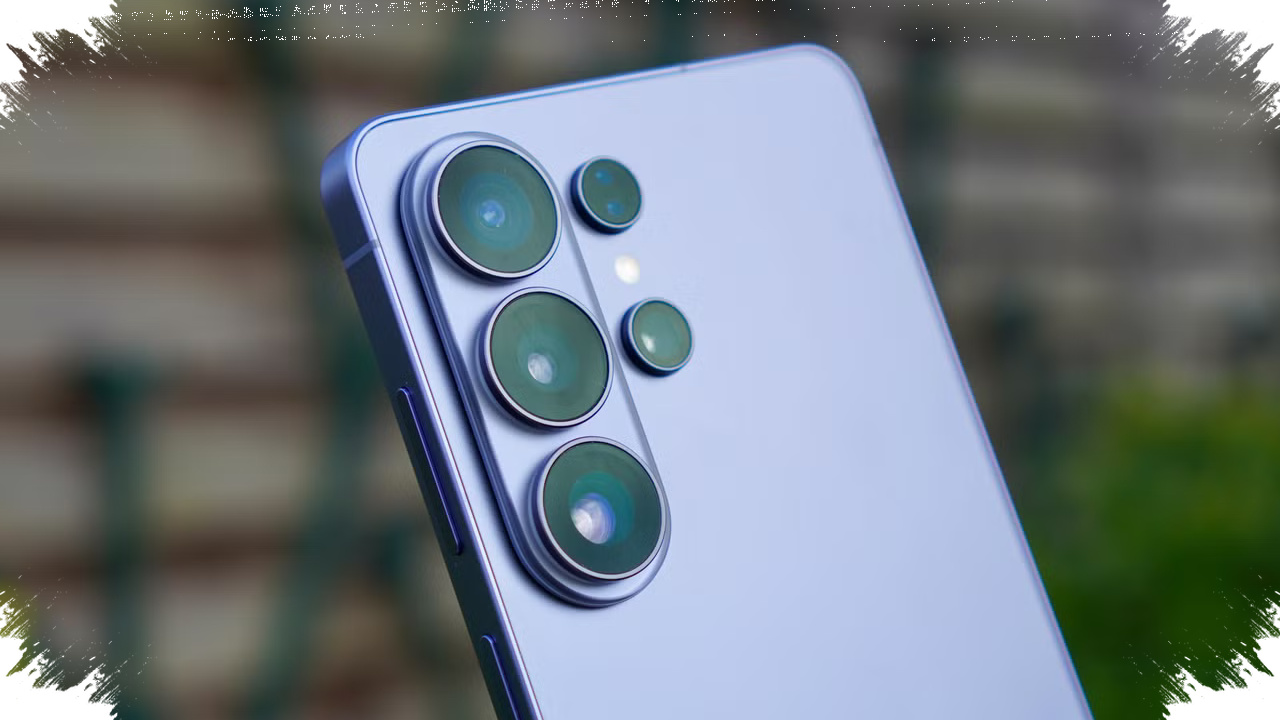
Samsung Galaxy S26 is now gaining one of the most practical camera features long associated with Google Pixel phones: the ability to work as a webcam for a computer. The upgrade gives Galaxy users a simple way to replace a weak laptop camera with a higher-quality phone camera for meetings, video calls, and short content recording.
The feature may not dominate launch headlines, but it solves a problem that many users face every day. Laptop webcams often deliver soft details and poor low-light performance, while smartphone cameras usually produce sharper and cleaner video.
A Pixel feature that Samsung is now repeating
Google introduced webcam support on select Pixel devices in 2023, starting with the Pixel Fold and Pixel 6 series and newer models that supported UVC, or USB Video Class. According to Google’s approach, users connect the phone to a computer with a data-capable USB cable and choose the webcam option from the USB menu.
Samsung is following a similar path with the Galaxy S26, which means the process should feel familiar to Android users who have already seen this workflow on Pixel devices. The move also shows how useful some of Google’s most practical phone features have become across the wider Android ecosystem.
How the Galaxy S26 webcam mode works
The Galaxy S26 can connect to a computer through USB and then switch into webcam mode through the phone’s USB settings. Once enabled, the phone’s rear camera takes over as the camera source for video conferencing software on the computer.
The basic steps are straightforward:
- Connect the Galaxy S26 to a computer using a USB cable that supports data transfer.
- Open the charging notification on the phone.
- Tap “Charging this device through USB.”
- Go to “Use USB for” and select Webcam.
- Open a video calling app on the computer and start the call.
Samsung also includes a High Quality Mode for better webcam output. The feature can improve image quality, but it can also increase heat and battery use, so the phone may show a pop-up warning when the mode is active.
Why the feature matters in daily use
The biggest advantage is image quality. Most modern smartphones have stronger sensors, better processing, and improved low-light performance than the average laptop webcam, which makes a clear difference in work calls and remote interviews.
That also makes the Galaxy S26 more useful for people who sit at a desktop or use an external monitor. A phone camera can be placed at a better angle than many budget USB webcams, which often sit too low or too far from eye level.
Key points users should know
Samsung’s webcam support is convenient, but a few technical details still matter for the best experience.
| Requirement | What to know |
|---|---|
| USB cable | Must support data transfer |
| Battery | Charging is recommended during long use |
| Heat | High Quality Mode may warm the phone |
| Compatibility | Works with many PC systems |
| Connection type | USB is more stable than wireless |
This matters because the feature is designed for simple plug-and-play use, not for adding another complicated setup step. If the cable only supports charging, the webcam option will not appear, which is why the right accessory is important.
How it differs from Samsung’s earlier sharing tools
Samsung already offers a separate feature called Camera sharing, but that system works only between Galaxy devices. It also focuses more on wireless transfer, which makes it useful in some situations but less universal than USB webcam support.
The Galaxy S26 feature is broader because it can work across many computers, as long as the PC properly recognizes the USB connection. Samsung still keeps wireless options in the mix through Link to Windows, which supports Android devices and Windows 11 or newer via Bluetooth.
A small feature with real practical impact
The addition of webcam mode shows how smartphone features are increasingly judged by everyday usefulness rather than flashy specs alone. For many users, a better video call experience is more valuable than another camera mode that is rarely used.
That is why this Galaxy S26 feature stands out: it copies a proven Pixel idea, but applies it in a way that can help Android users across different laptops and desktop setups, especially when the built-in camera is no longer good enough for work or communication.