


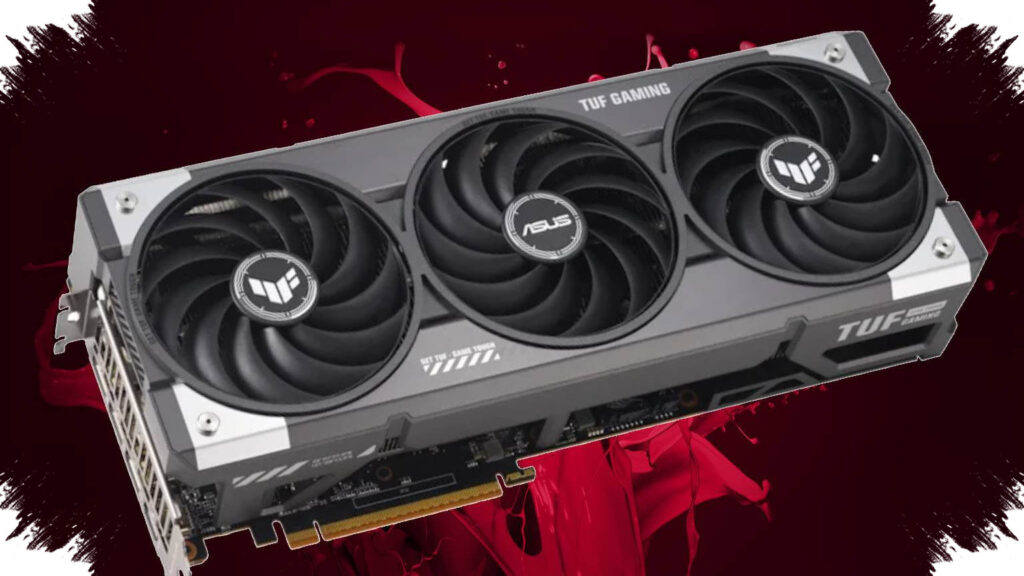
Windrose is shaping up to be a demanding PC game, and the main challenge is not just visual quality, but stability. Built on Unreal Engine 5, the pirate-themed PvE adventure can push GPU, VRAM, and CPU usage high enough that players need to tune settings carefully from the start.
The most important point for PC users is simple: Epic settings are not always the best choice, even if they look impressive. For Windrose, a balanced setup can deliver smoother frame pacing, better input response, and visuals that still look strong during exploration and Souls-like combat.
Why Windrose needs careful optimization
Unreal Engine 5 often brings advanced lighting, detailed environments, and heavy post-processing. Those features look good, but they also raise hardware demand, especially on systems with limited VRAM or weaker GPUs.
The reference article notes that Windrose includes an in-game Auto Set Quality option. That feature can scan the system and apply a baseline configuration, which makes it a practical starting point before manual tuning.
Best Windrose settings for stable performance
For most players, a modified medium preset offers the best balance between image quality and frame rate. It keeps important visual details intact while reducing the heaviest workload on the GPU.
| Graphics Option | Recommended Setting |
|---|---|
| Resolution Upscaling | 75% |
| Global Illumination | Epic |
| Shadows | Medium |
| Anti-Aliasing | High |
| View Distance | Epic |
| Textures | High |
| Effects | Medium |
| Reflections | Epic |
| Post Processing | Medium |
| Grass Draw Distance | Medium |
| Shader Quality | High |
| Vertical Sync | Off |
| Motion Blur | Off |
| Blood Wounds Effect | On |
| Character Dirt Effect | On |
| Lens Dirt Effect | Off |
This setup follows the reference guidance and keeps the most expensive settings under control. Shadows, effects, and post processing usually matter more for performance than many players expect, while textures and view distance can still stay high without always causing the same level of slowdown.
Settings that matter most
Some options affect performance more than others, and Windrose appears to reward careful prioritization. Players who understand these pressure points can solve stutter and unstable frame rates faster.
-
Shadows
Set shadows to Medium or Low if the game stutters in open areas. In many UE5 games, real-time shadows are among the biggest performance costs. -
Effects and Post Processing
These settings control explosions, fog, lighting filters, and other visual layers. Lowering them often improves FPS without severely hurting gameplay readability. -
Resolution Upscaling
A 75% upscaling target gives a practical compromise for many PCs. The reference also suggests 60% for low-end systems that need extra headroom. - V-Sync and Motion Blur
V-Sync should stay Off across presets, according to the reference. Motion Blur is also better disabled because it can reduce clarity during fast camera movement.
Native resolution is not always the smartest choice
Native monitor resolution still gives the cleanest image, but it is not always the best option when stability matters most. If the goal is consistent performance, lowering internal resolution through upscaling can be a better trade-off than forcing the GPU to render every frame at full native load.
The reference also indicates that stable performance at 1440p with Epic settings needs very high-end hardware, including an AMD Radeon RX 9000 or an RTX 50-series high-end GPU. That detail shows Windrose is not a light game, especially when players try to run maximum settings.
Windrose PC requirements show a high baseline
The Steam system requirements cited in the reference confirm that Windrose already asks for strong hardware. Even the minimum spec sits above what many modern games require at launch.
Minimum
- Windows 10 64-bit
- Intel Core i7-8700K or AMD Ryzen 7 2700X
- 16 GB RAM
- NVIDIA GTX 1080 Ti or AMD Radeon RX 6800
- DirectX 12
- 30 GB storage
Recommended
- Windows 11 64-bit or newer
- Intel Core i7-10700 or AMD Ryzen 7 5800X
- 32 GB RAM
- NVIDIA RTX 3080 or AMD Radeon RX 6800 XT
- DirectX 12
- 30 GB storage
The most striking detail is the reported need for at least 12 GB of VRAM to run Windrose in an optimal setup. That places the game firmly in the category of memory-heavy UE5 releases, where 8 GB cards may need more compromise on textures, resolution scaling, and shadow quality.
Quick optimization steps beyond in-game settings
A few outside changes can also help Windrose run more smoothly on PC. These steps are standard for demanding modern games and can reduce bottlenecks outside the graphics menu.
- Update the GPU driver to the latest stable version.
- Install the game on an SSD for better streaming and loading consistency.
- Close background apps that consume RAM or CPU.
- Use a high-performance power mode in Windows while gaming.
- Disable unnecessary overlays if stutter appears during gameplay.
For first-time players, the best approach is to start with Auto Set Quality, then move to the medium-based setup and adjust the most demanding options one by one. That method gives a clearer picture of how Windrose behaves on a specific PC, especially in large exploration zones and during heavier combat scenes where stability matters more than simply pushing every setting to Epic.